
The 6 Best Logic Pro X Samples and Loops in 2026
Stop digging through dusty folders. We found the 6 best Logic Pro X sample and loop kits for 2026 to get your next track finished.

Get Co-Producer and Arcade with unlimited access to premium, royalty-free samples and instruments. Plus, unlock Portal, Thermal, and Movement.
Try it freeLet’s be real: hunting for the right logic pro loops can feel like an endless scroll through mediocrity. You’re here for sounds that spark ideas, not just fill folders.
Apple’s Logic Pro X is a beast of a DAW, packed with its own Sampler and a huge stock library. But its true power is unlocked when you bring in quality samples for Logic Pro, since it plays nice with virtually any third-party Audio Unit (AU) instrument.
The sheer volume of options can be paralyzing. Who has time to audition thousands of kicks when you could be making music?
We cut through the noise. Here are six platforms—including picks from Vengeance Sound, F9 Audio, Goldbaby, and yours truly—that actually earn their keep in your workflow.
1) Output
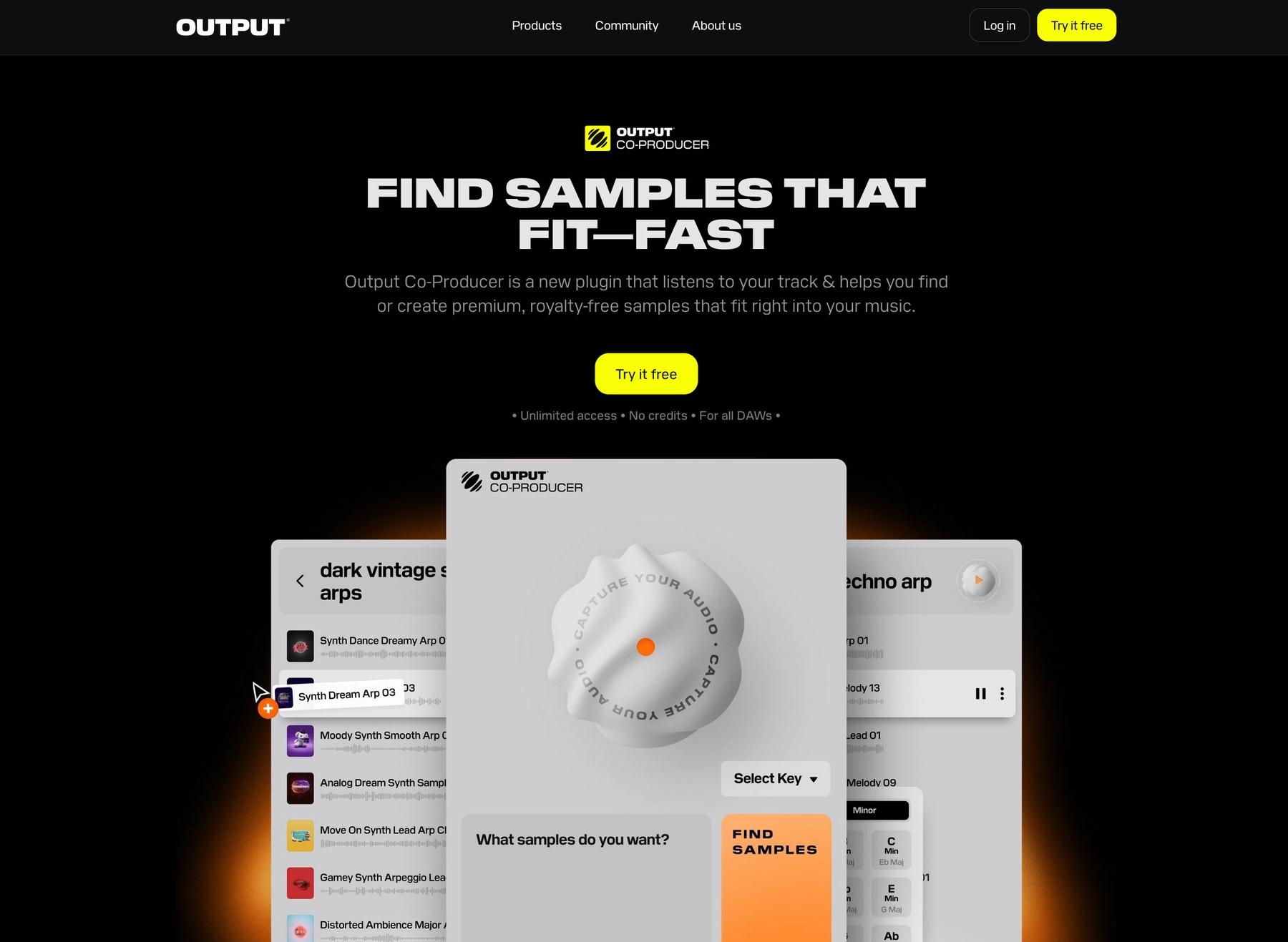
We're Output, and our instruments and effects are built to feel like a native part of your Logic Pro X setup. We help you get from a spark of an idea to a finished track, minus the tedious sound-hunting.
Output Features
Our sample packs and libraries are delivered as WAV files or through our plugins, both of which are fully compatible with Logic Pro’s audio and sampler workflows. Take Arcade, for instance. It’s a sample playback plugin that lives right inside your Logic session, giving you access to a massive, constantly growing library of royalty-free sounds. Everything automatically syncs to your project's tempo and key, so you can audition loops in context without breaking your flow. When you find a sound you like, just drag the audio or MIDI directly onto a track.
- A constantly growing, royalty-free library right in your DAW.
- Loops and samples automatically sync to Logic’s tempo and key.
- Drag-and-drop audio or MIDI directly into your session.
- Load your own samples into the engine for custom manipulation.
To speed things up even more, Co-Producer acts as an AI assistant in your Logic session, listening to your audio and suggesting fitting sounds from our library. It runs as a plugin, letting you use natural language prompts to find what you need and drag it straight into your arrangement. Our entire suite of FX plugins—like the granular synth Portal—and Kontakt instruments also run as AU plugins, integrating directly into your Logic Pro workflow.
- Analyzes your track to find context-aware samples.
- Uses natural language to search for sounds (e.g., “dark synth pad in F minor”).
- Drags suggestions directly into your arrangement.
- Integrates with Arcade for deeper sound editing.
Output Price
We keep our pricing straightforward so you can focus on the music. You can jump into Arcade and its entire sound library for $12.99 per month.
But the best value is our Output One subscription. For just $14.99 a month, you get full access to Arcade, our AI-powered Co-Producer, and all our FX plugins—including Portal, Thermal, and Movement. It’s the whole ecosystem for a couple of bucks more than Arcade alone.
If subscriptions aren't your thing, our Kontakt instruments and individual FX plugins are also available to buy outright. Explore all of our product and pricing options to find the right fit for your workflow.
2) Vengeance Sound
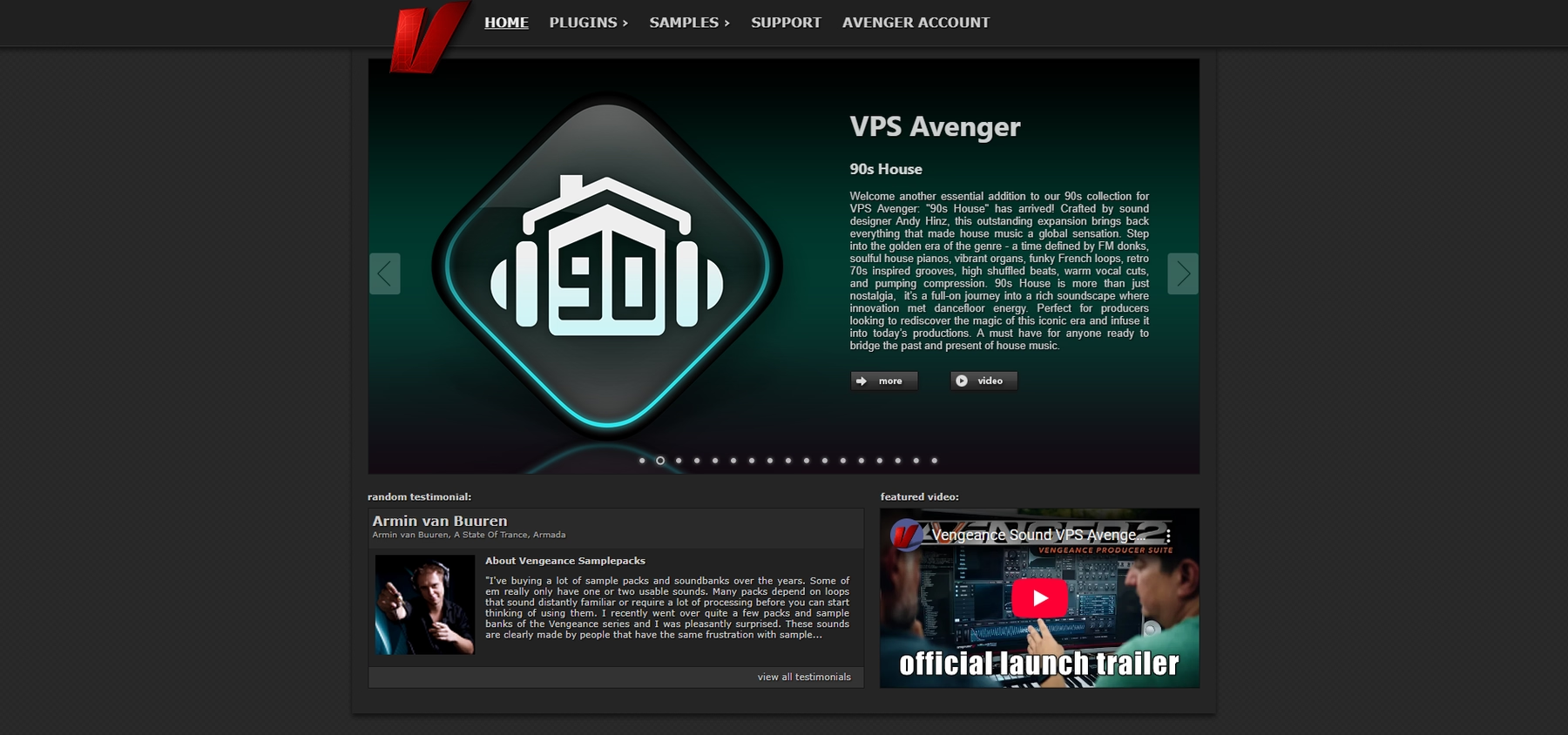
Vengeance Sound is known for its extensive, genre-focused sample packs. Since all their sounds are delivered in WAV format, they integrate directly into Logic Pro without requiring any third-party plugins.
Vengeance Sound Features
The workflow is straightforward: just drag and drop the WAV files from a downloaded pack into your Logic Pro timeline. For more control, you can load them into Logic’s native Sampler. While the samples don't automatically sync to your project's key, Logic Pro’s Smart Tempo feature can adjust the audio to match your project's BPM.
- Download and unzip the sample pack.
- Drag WAV files directly into the Logic Pro timeline or Sampler.
- Use Logic Pro’s Smart Tempo to match the sample’s BPM to your project.
Vengeance Sound Price
Vengeance Sound prices its sample packs individually. As an example, the 'Vengeance Melodic Techno' pack is listed at 65.00 Euro plus VAT. You can find pricing for their full catalog on their website.
3) F9 Audio
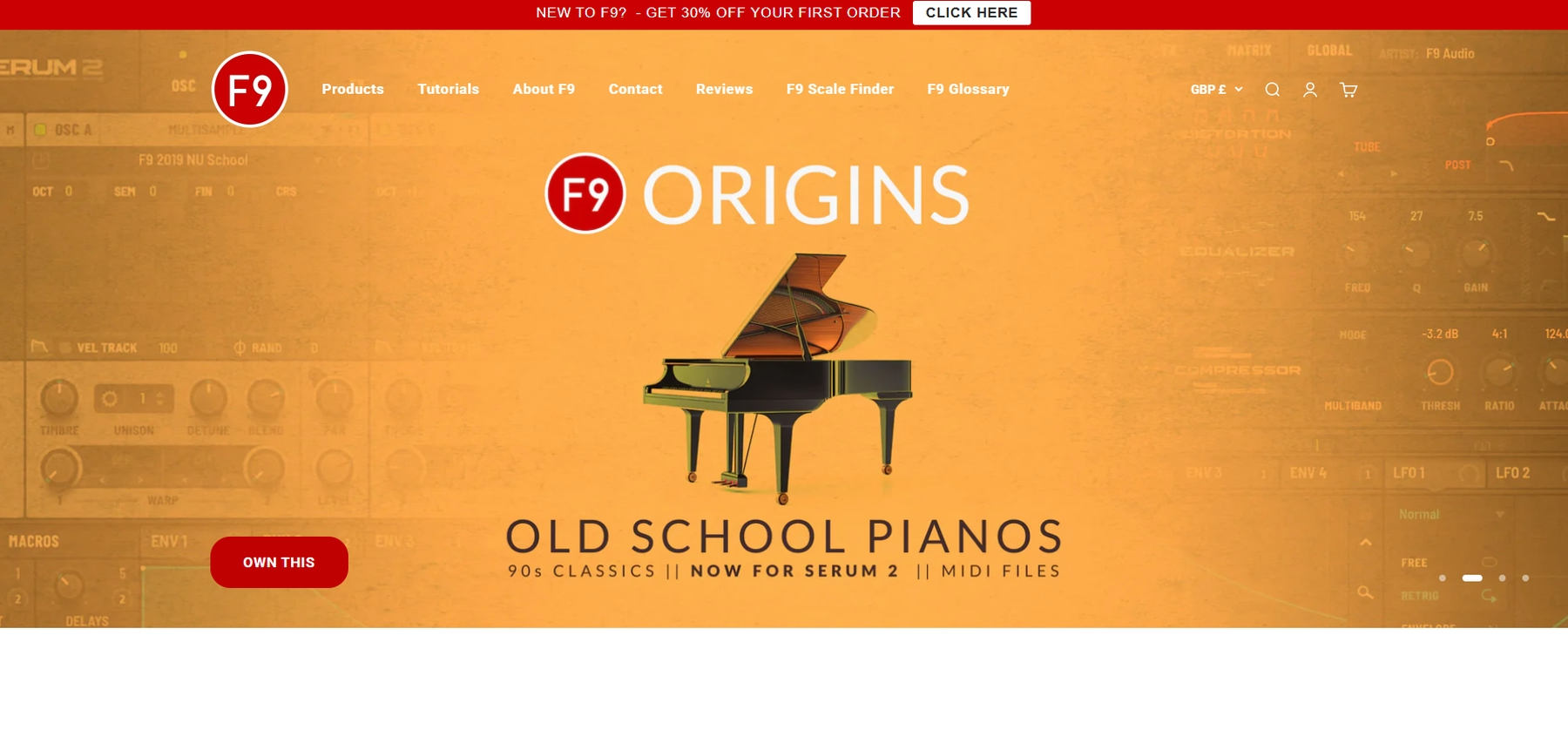
F9 Audio provides sample packs, with some formatted specifically for Logic Pro to ensure direct integration.
F9 Audio Features
F9 Audio delivers its sounds as WAV, AIFF, or Apple Loops, which you can pull straight into Logic Pro’s Sampler or Quick Sampler. Once loaded, Logic’s native tools like Smart Tempo and Flex Time handle any tempo and pitch adjustments.
- Download the Logic Pro-formatted pack.
- Drag and drop samples into Logic’s Sampler or Quick Sampler.
- Use Smart Tempo and Flex Time to fit the samples to your track.
F9 Audio Price
F9 Audio prices its sample packs individually. As an example, the F9 Mercury P5 pack is listed at £29.50. You can find pricing for their full catalog on their website.
4) Goldbaby
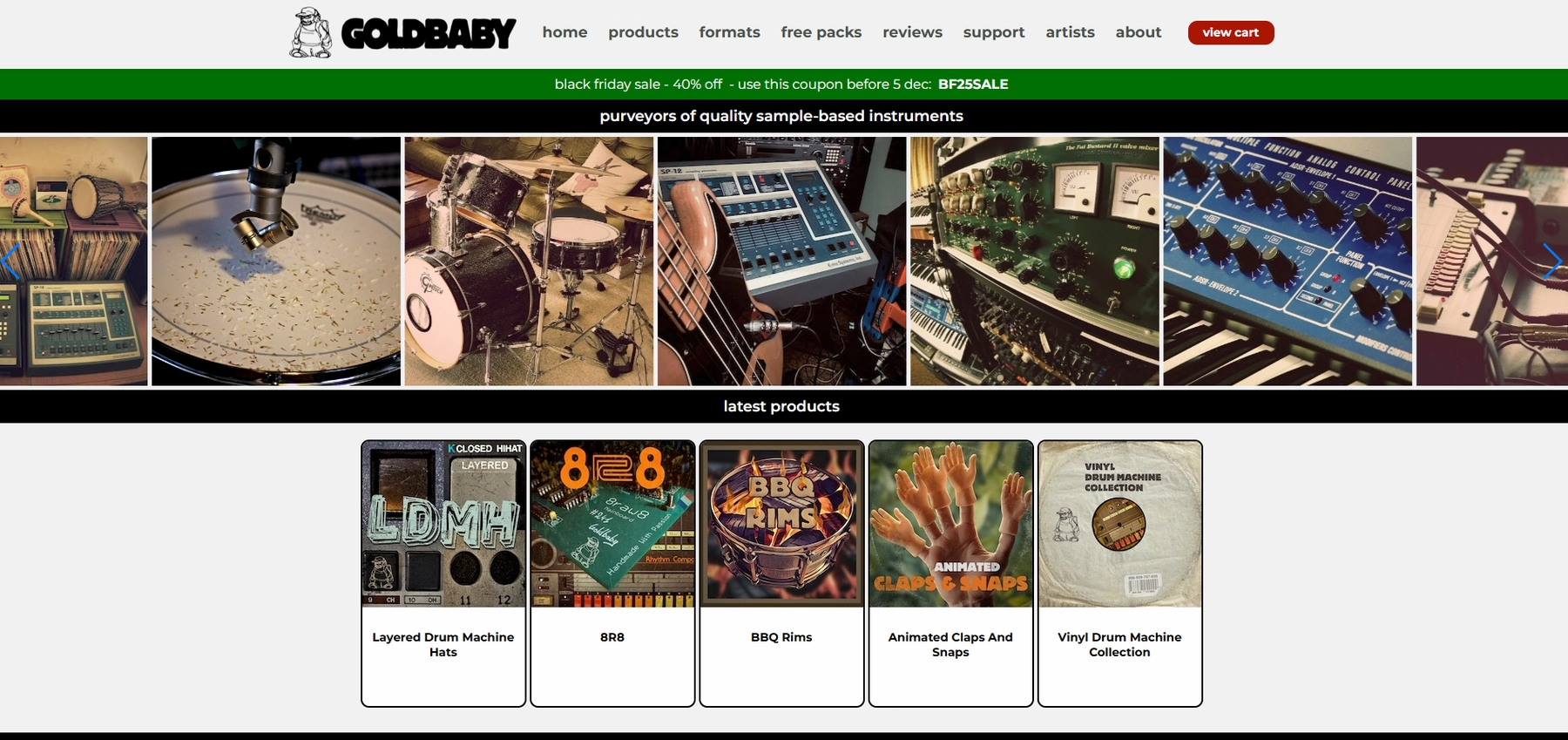
Goldbaby offers sample packs focused on classic drum machines and synths. The packs come in formats compatible with Logic Pro, including WAV files and patches for the native Sampler instrument.
Goldbaby Features
To use Goldbaby packs in Logic Pro, you load the provided EXS24/Sampler patches or import the WAV files directly. Logic Pro’s Sampler can then detect the tempo and key of the audio, allowing for time-stretching and pitch-shifting within your project. Some packs may require the full version of Kontakt for certain features.
- Download and extract the sample pack.
- Open Logic Pro and navigate to the Sampler instrument.
- Load the provided patches or import the WAV files.
Goldbaby Price
Goldbaby sells its sample packs individually. For instance, the '8R8' pack is priced at $29. You can find the cost for each pack on their website.
5) Spitfire
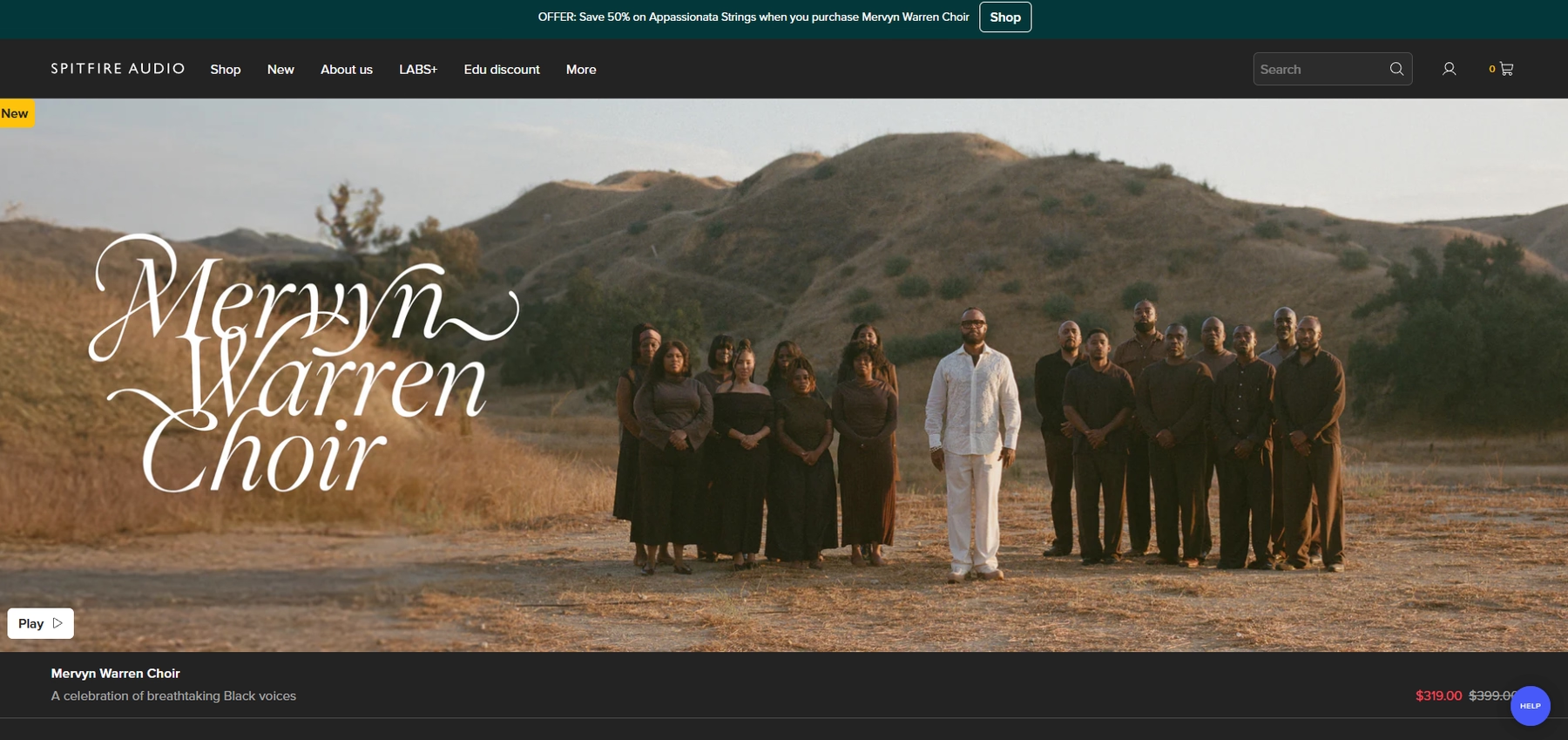
Spitfire Audio offers sample libraries that function within Logic Pro X. Their instruments load as AU plugins, using either a proprietary player or the Kontakt platform.
Spitfire Features
The workflow involves installing the Spitfire Audio App and then loading the library as a plugin on a software instrument track in Logic. Logic Pro X’s Smart Tempo feature can handle tempo synchronization. It's worth noting that some of their libraries require the full version of Kontakt, which is a separate purchase.
- Install the Spitfire Audio App and download your chosen library.
- Open Logic Pro X and create a new software instrument track.
- Load the Spitfire plugin or Kontakt Player as the instrument.
Spitfire Price
Pricing for Spitfire libraries varies. They offer some free instruments alongside their premium products. For specific costs, you'll need to visit their website.
6) Cymatics
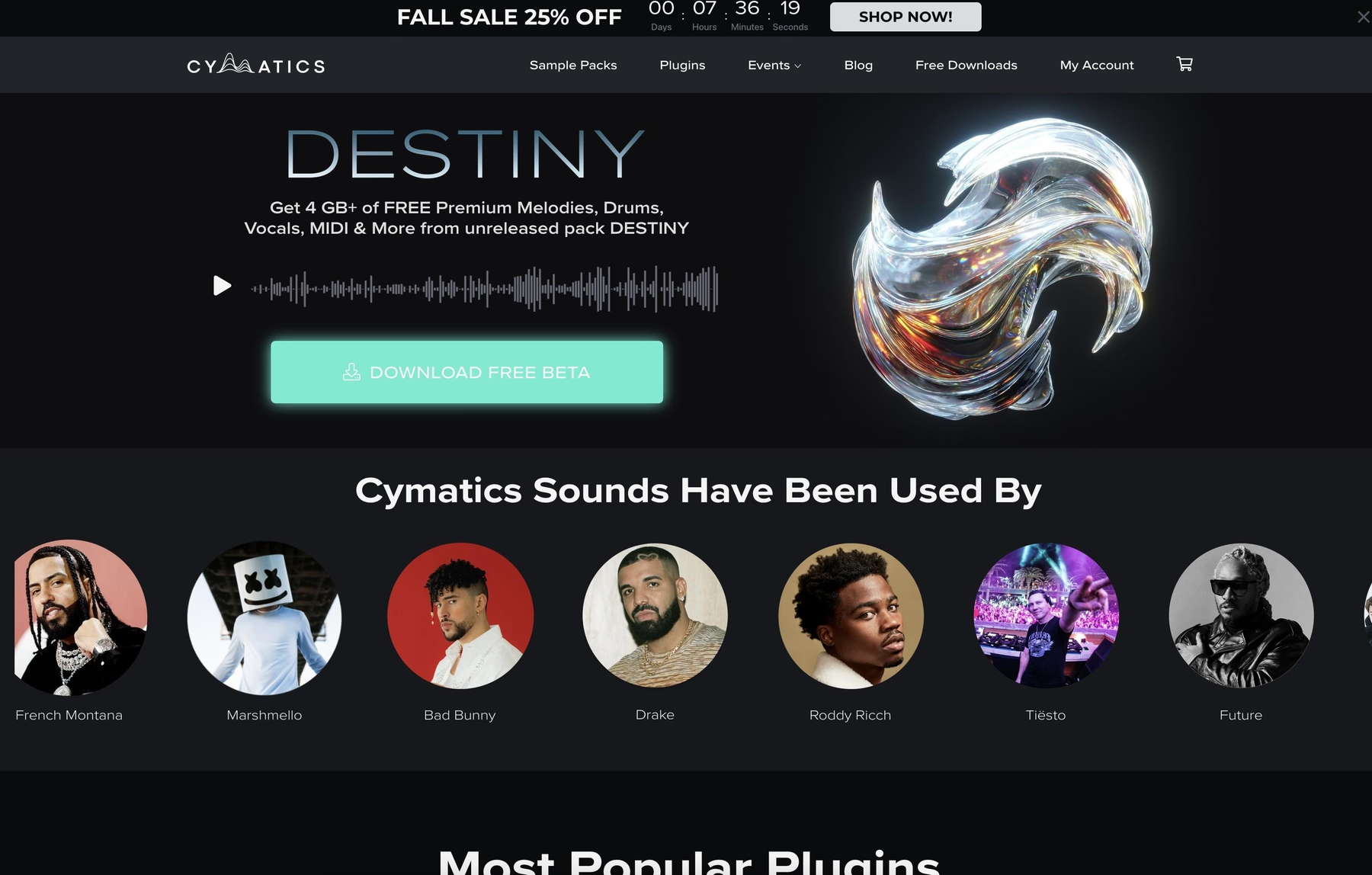
Cymatics provides sample packs containing WAV and MIDI files, which are compatible with Logic Pro. Their sounds are geared toward a variety of electronic music genres.
Cymatics Features
Since the packs consist of standard audio and MIDI files, the process to add loops to Logic Pro X is direct. You can drag the files into your timeline or load them into Logic’s Sampler for more manipulation. Logic’s own Smart Tempo feature handles tempo syncing, and the Sampler can be used for pitch adjustments.
- Download and unzip the sample pack.
- Drag WAV or MIDI files into your Logic Pro project.
- Load samples into the Sampler or Quick Sampler for further editing.
Cymatics Price
Cymatics offers a mix of free and premium sample packs, with paid options typically priced between $30 and $50. All their logic pro samples are 100% royalty-free, so you can use them in commercial projects without extra fees.
How to Pick the Right Samples and Loops for Logic Pro X
Choosing the right sounds is less about the size of the library and more about how it fits into your actual process.
- Workflow Integration: Consider if you're just getting a folder of WAVs or a tool that lives inside your session. Dragging files is standard, but a dedicated plugin that lets you audition sounds in real-time without breaking your flow is a massive advantage. It keeps you in the zone, making music instead of managing files.
- Tempo and Key Syncing: Logic’s Smart Tempo is a solid feature for wrangling audio, but it’s still an extra step. Platforms that automatically lock every loop to your project's key and tempo eliminate the tedious work of time-stretching and pitch-shifting, letting you test ideas instantly.
- Sound Discovery: Are you prepared to click through endless folders named "Kick_247_Final_v3"? A well-organized, searchable library is non-negotiable. Some platforms even offer tools that suggest sounds based on the music you’re already making, cutting search time from minutes to seconds.
- Format and Flexibility: Raw WAV and AIFF files give you total freedom to use them in Logic’s Sampler, but they require setup. In contrast, plugin-based instruments often come pre-mapped with effects, letting you play them instantly. Decide if you prefer total control from scratch or immediate playability.
How to Add Samples to Logic Pro X
Getting new sounds into Logic Pro X is straightforward, whether you're working with raw audio files or a dedicated plugin.
The most direct route is dragging and dropping. Just pull a WAV or AIFF file from your computer's folders right onto an audio track in your Logic session. For more sound-shaping options, you can drop that same file into Logic’s native Sampler or Quick Sampler to build a playable instrument.
If you're using a plugin like our own Arcade, the process is even more integrated. Here’s how it works:
- Load the Plugin: After installing Arcade, create a new Software Instrument track in Logic and select Arcade from your list of AU Instruments.
- Find Your Sound: Browse the library inside the plugin. Everything you play is already locked to your project’s key and tempo, so you can audition loops in context without skipping a beat.
- Drag It In: Once you find a loop or sample you like, just drag the audio or MIDI directly from Arcade’s interface onto a track in your Logic Pro X timeline. Done.
Test-Drive Output in Logic Pro X and Hear the Difference
Look, any of these options will get you solid sounds for your tracks. But if you want a workflow that feels less like file management and more like an extension of Logic Pro X itself, we genuinely believe our tools are the best fit.
Stop the endless hunt for samples and get back to what matters. Try Output today.
With Output One, you get the full suite—Arcade, engines, FX, and Co-Producer—integrated in Logic Pro X. Spend less time searching and more time recording with key- and tempo-aware picks.
Try Output One for free
Get Output announcements, tips, inspiration, and more sent to your inbox.