The 6 Best Digital Performer Samples and Loops in 2026
Find your next sound faster. We've curated the 6 best sample and loop libraries for Digital Performer to supercharge your production in 2026.

Get Co-Producer and Arcade with unlimited access to premium, royalty-free samples and instruments. Plus, unlock Portal, Thermal, and Movement.
Try it freeFinding quality digital performer samples can feel like a full-time job. With a sea of one-shot packs and sprawling libraries out there, it’s tough to know what’s actually worth your hard drive space.
As a powerhouse DAW from MOTU, Digital Performer’s strength is its open-ended architecture. It handles third-party digital performer loops and instruments seamlessly via VST3 and AU plug-in support, letting you build a custom toolkit.
To cut through the noise, we’ve rounded up six sample and loop platforms that actually earn their keep in a DP session. From our own tools here at Output to mainstays like F9 Audio, Goldbaby, and Spitfire, these are the sound sources you’ll turn to again and again.
1) Output
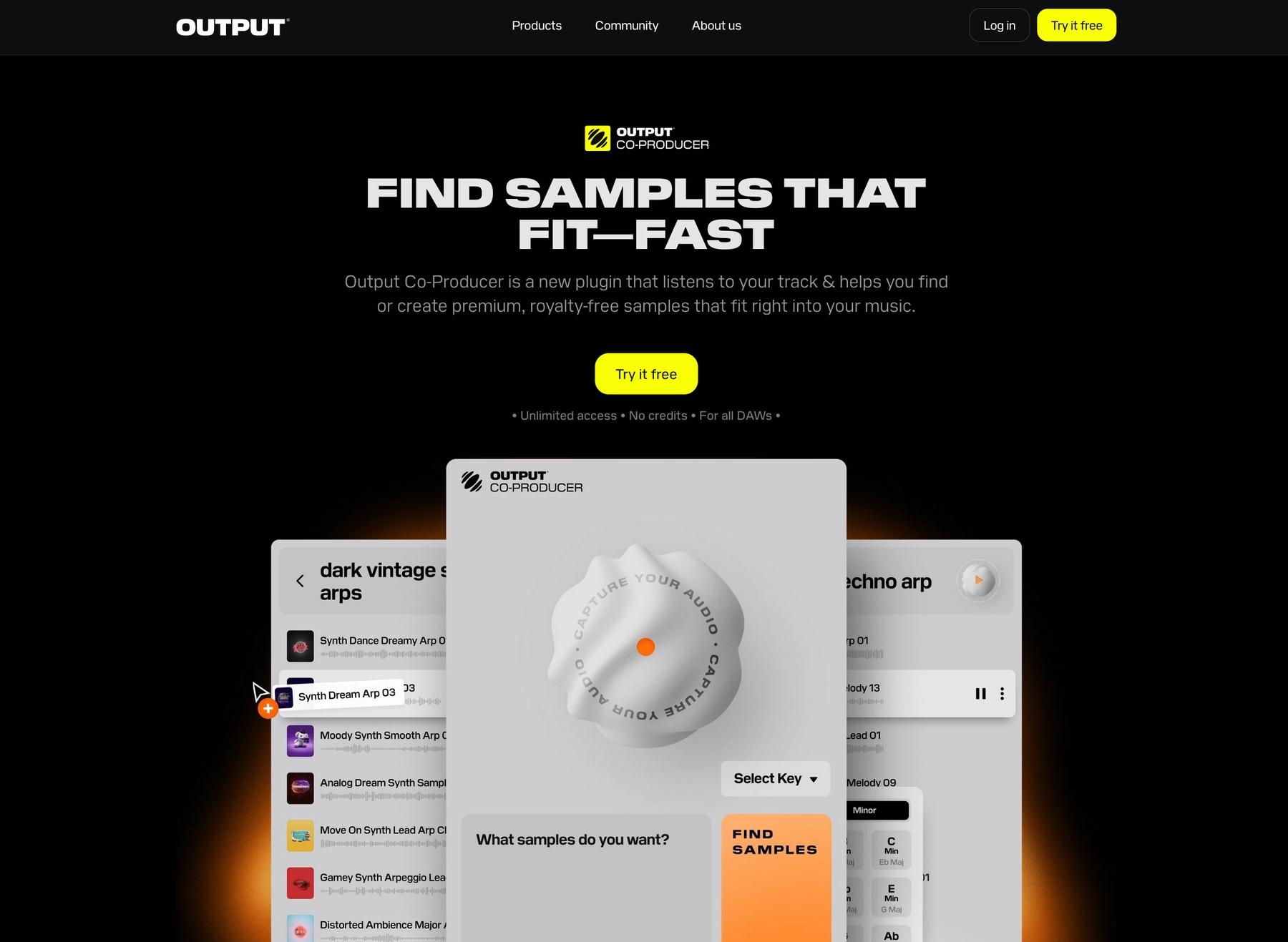
Full disclosure—that's us. At Output, we build instruments and effects that slot directly into any DAW, making our tools a powerful and seamless addition to your Digital Performer workflow.
Output Features
Our entire ecosystem of plugins and samples integrates smoothly with Digital Performer, thanks to its full support for AU and VST3 formats.
Take Arcade, for example. It’s a sample playback instrument that loads directly into a DP track, giving you access to a massive, constantly updated library of royalty-free sounds. Everything syncs to your project’s tempo and key, so you can audition loops and kits in context without ever breaking your flow.
- A constantly growing, royalty-free library of samples.
- Automatic tempo and key-syncing with your DP session.
- Drag and drop your own samples into the engine.
- An intuitive 15-pad interface with macro controls for instant sound shaping.
Beyond our sample library, we also build tools to speed up your sound-finding process. Our AI-powered plugin, Co-Producer, analyzes the audio in your Digital Performer session and suggests complementary sounds from our library, letting you find the right vibe faster.
- Analyzes your track's audio to find matching sounds.
- Serves up sample suggestions from our cloud library.
- Find sounds using natural language prompts.
- Drag suggested samples directly into your Digital Performer timeline.
Output Price
We believe powerful tools should be accessible, so we built our pricing around a simple subscription model. The best value by far is our Output One bundle. For $14.99 per month (or $119.99 annually), you get the entire suite: Arcade, Co-Producer, and all our FX plugins like Portal and Thermal. It’s the whole toolkit in one shot.
If you prefer to start smaller, you can subscribe to Arcade individually for $12.99 a month, or get Co-Producer for $9.99 a month. But for just a couple of dollars more, the Output One subscription bundles everything together and gives you a lot more to work with.
Our Kontakt instruments and individual FX plugins are also available as one-time purchases. Explore all of our products and pricing to find the right setup for your workflow.
2) F9 Audio
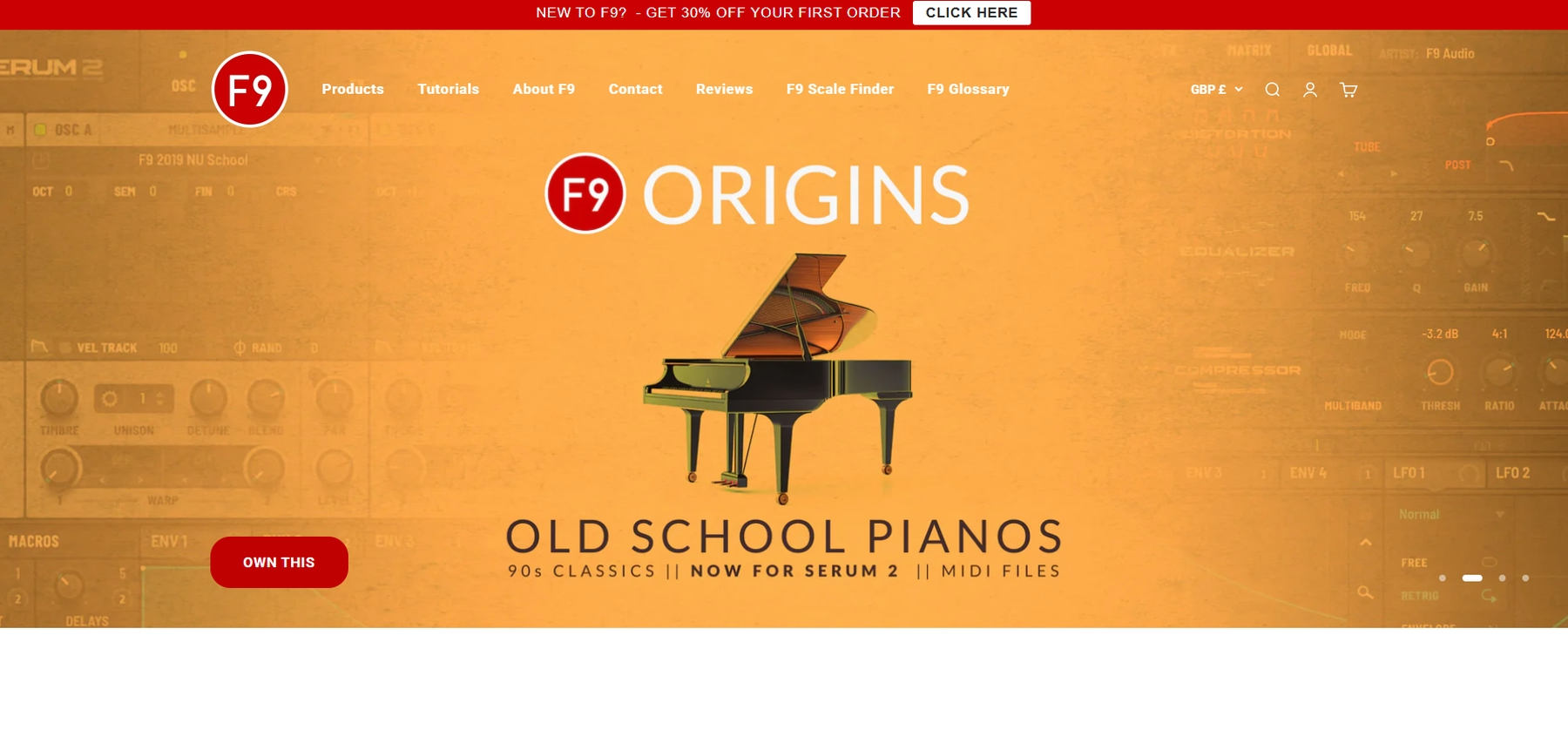
F9 Audio provides sample libraries and packs in standard audio formats. Because Digital Performer supports WAV and REX files, you can use their sounds directly in your projects without a dedicated player plugin.
F9 Audio Features
The workflow for using F9 Audio packs in Digital Performer is straightforward. You can drag and drop the WAV or REX files into DP’s “Soundbites” window or directly onto an audio track. Once imported, you can use Digital Performer’s native audio editing tools for time-stretching and pitch-shifting.
- Drag and drop WAV or REX files into your session.
- Use DP’s built-in tools to adjust tempo and key.
- Note that some packs may include patches for third-party samplers like Kontakt, which would be required for use.
F9 Audio Price
F9 Audio sells its sample packs individually, with prices typically ranging from £26.50 to £29.50. The samples are royalty-free, allowing for use in commercial productions without additional fees.
3) Goldbaby
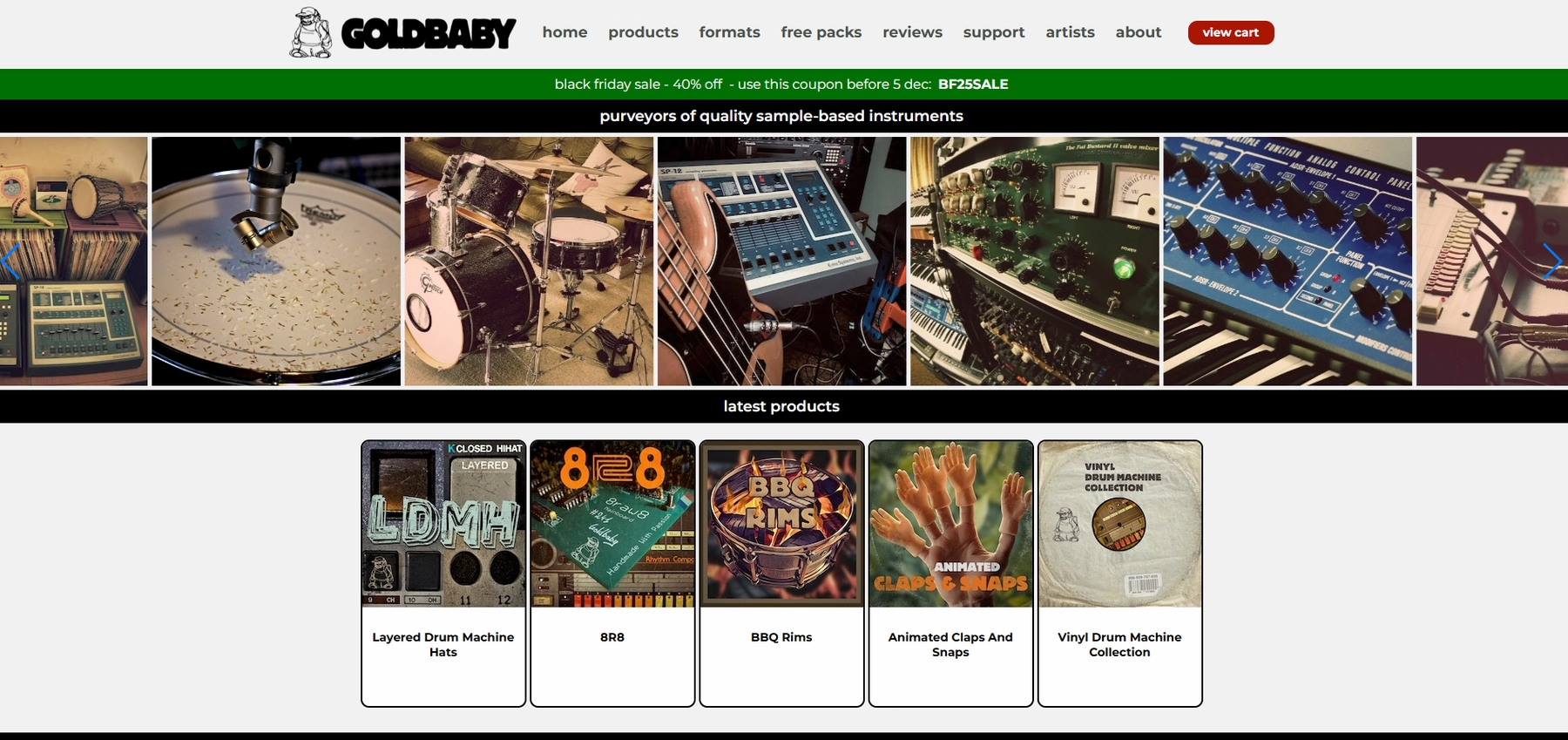
Goldbaby is a well-known source for sample packs, particularly those focused on classic drum machines and synthesizers. Because the samples are provided in standard audio formats like WAV and AIFF, they can be used directly in Digital Performer without a dedicated plugin.
Goldbaby Features
The workflow for using Goldbaby packs in Digital Performer is straightforward. You can drag and drop the WAV, AIFF, or REX files directly onto an audio track or into the Soundbites window. Once imported, Digital Performer’s native audio editing tools can be used for any time-stretching and pitch-shifting.
- Supports standard file formats like WAV, AIFF, and REX.
- Samples can be manipulated with DP’s native audio tools.
- Note that some packs may include formats specific to other samplers, which would not be directly compatible.
Goldbaby Price
Goldbaby sells its sample packs individually, and prices vary depending on the pack. The samples are typically royalty-free for use in musical productions, but it’s always best to review the specific license agreement for any restrictions.
4) Spitfire
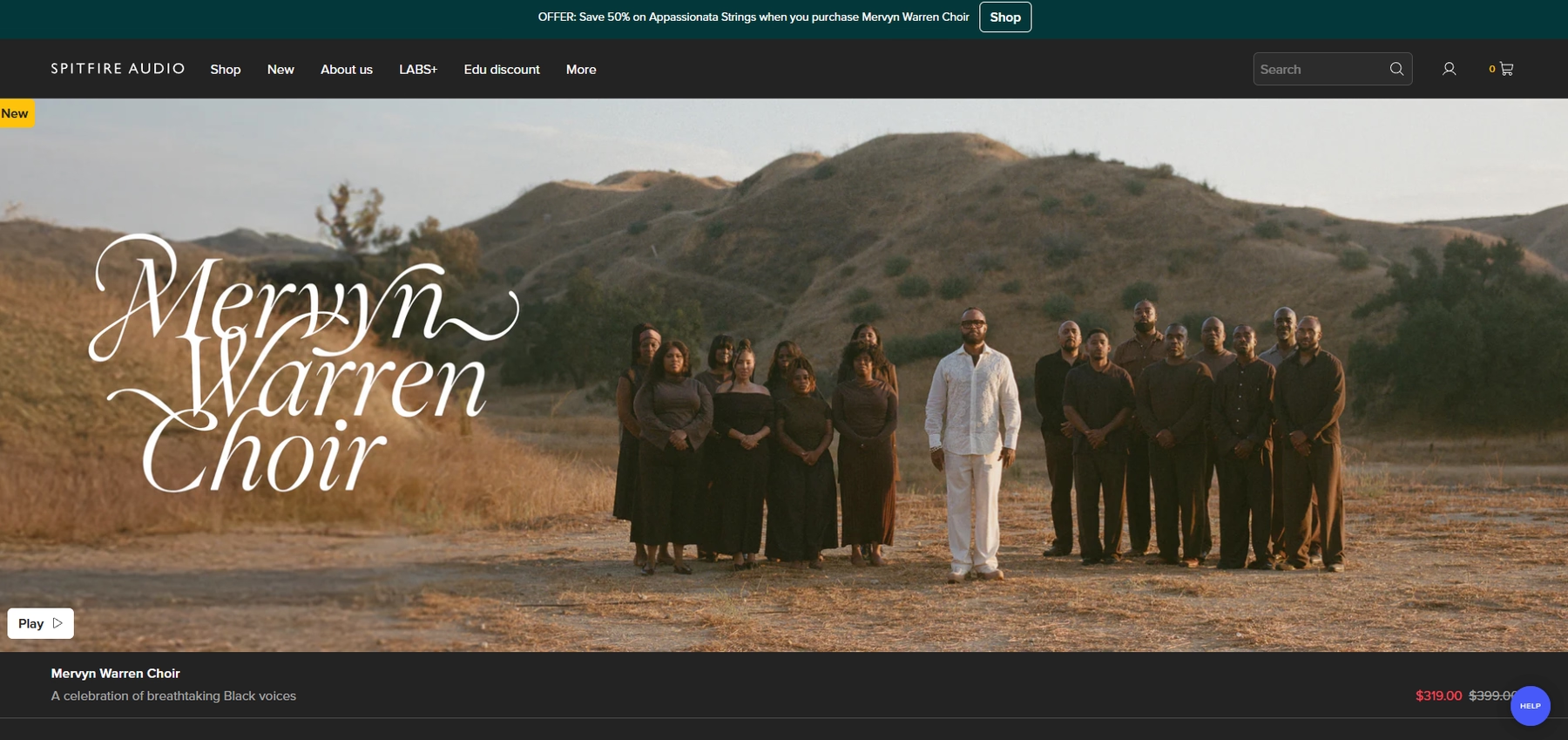
Spitfire Audio is known for its orchestral and cinematic sample libraries, which run inside a dedicated plugin player. Because Digital Performer supports VST3 and AU formats, these libraries can be loaded directly onto an instrument track within your session.
Spitfire Features
Unlike platforms that provide raw audio files, Spitfire’s sounds operate within their own player or the Kontakt environment. This means the workflow is contained within a plugin interface loaded onto an instrument track in Digital Performer.
- Install libraries using the dedicated Spitfire Audio App.
- In Digital Performer, create an instrument track and insert the appropriate Spitfire plugin.
- Load sounds from within the plugin’s interface.
- Ensure both DP and the Spitfire plugins are updated for compatibility.
Spitfire Price
Spitfire Audio offers its libraries as individual purchases and in bundles. They also provide a series of free instruments in their LABS collection. Most libraries are royalty-free for commercial productions, but you should always review the specific license agreement for any restrictions.
5) Cymatics
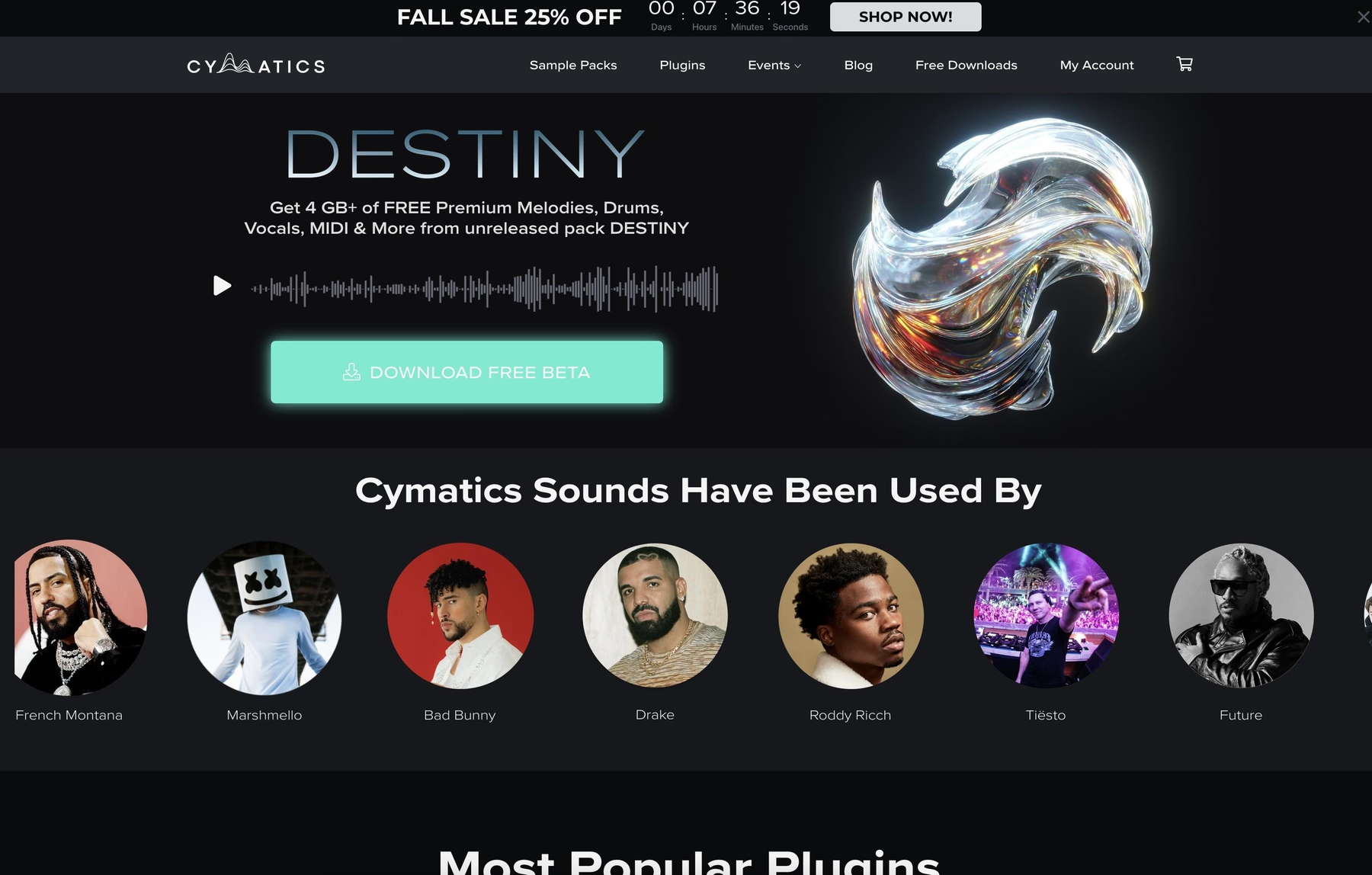
Cymatics provides sample packs in standard formats like WAV and MIDI, which are fully compatible with Digital Performer. This allows you to drag and drop their sounds directly into your project without needing a dedicated plugin.
Cymatics Features
The workflow for using Cymatics packs in Digital Performer is a straightforward drag-and-drop process. Because the packs consist of standard WAV and MIDI files, no special player is required. Once imported, you can use Digital Performer’s built-in tools for time-stretching and pitch-shifting.
- Download and unzip the sample pack.
- Drag the desired WAV or MIDI files into your project's timeline.
- Use DP’s native audio tools to conform samples to your project’s tempo and key.
Cymatics Price
Cymatics offers both free and premium sample packs, with the paid options typically ranging from $30 to $50. The samples are royalty-free for commercial use, but you should always review the specific license agreement for any restrictions.
6) Producer Loops
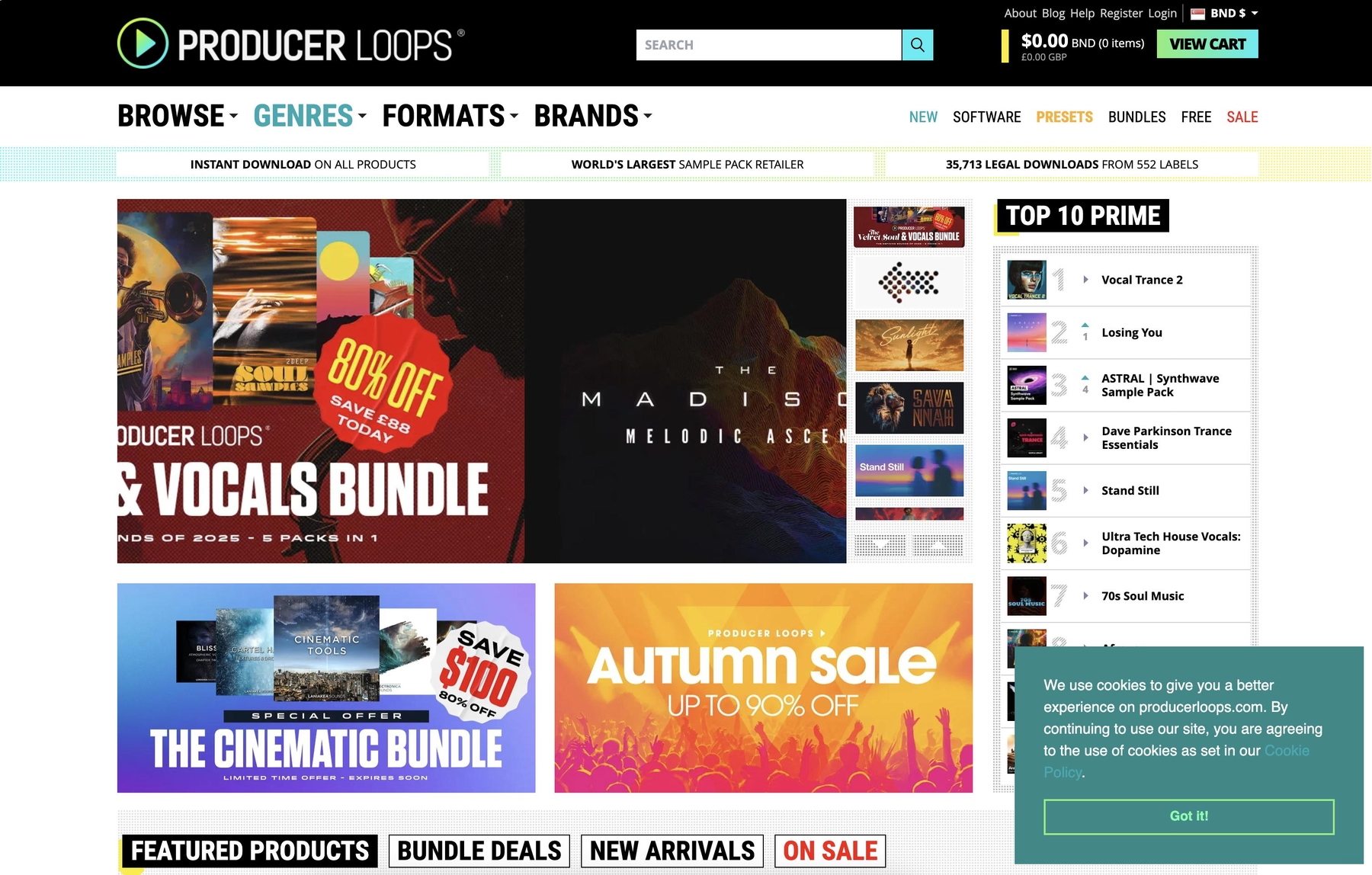
Producer Loops is a marketplace that sells sample packs in standard audio formats like WAV, AIFF, and REX. Because Digital Performer supports these files natively, you can use their sounds directly in your projects.
Producer Loops Features
Using sounds from Producer Loops in Digital Performer is a straightforward drag-and-drop affair, since no dedicated player is required. Once you import the audio files, you can use DP’s native tools to time-stretch and pitch-shift any digital performer loops to fit your track.
- Packs contain standard file formats like WAV, AIFF, REX, and Apple Loops.
- Import files by dragging them into the sequence editor or using the "Import Audio" function.
Producer Loops Price
Producer Loops sells its sample packs individually, with prices varying from pack to pack. The samples are royalty-free, allowing for use in commercial productions without additional fees.
How to Pick the Right Samples and Loops for Digital Performer
Choosing the right sounds for Digital Performer comes down to how you like to work.
- Plugin vs. Raw Files: Decide if you prefer a dedicated plugin or raw audio files. Plugins can streamline your process by keeping everything in one window, while raw files give you the freedom to use DP’s native tools. An instrument like Arcade gives you a massive library inside a single VST3/AU plugin, so you spend less time file-browsing.
- File Format Compatibility: If you’re buying sample packs, make sure they come in standard formats like WAV, AIFF, or REX. Digital Performer handles these without a fuss, but you don't want to be stuck with formats meant for another ecosystem.
- Tempo and Key Syncing: Consider your workflow for tempo and key. While DP’s native time-stretching is powerful, tools that sync automatically save a ton of time. Auditioning loops that are already in key and on beat means you can make decisions faster without leaving your session.
- Licensing: Always check the license. Before you build a track around a loop, confirm it’s royalty-free for commercial use. It’s a simple step that saves major headaches down the road.
How to Add Samples to Digital Performer
Getting new sounds into Digital Performer is a straightforward process, whether you're working with raw audio files or a dedicated plugin.
- For Plugin-Based Libraries: Say you're using a tool like our own Arcade. First, create a new instrument track in your session. From there, insert the Arcade plugin (as a VST3 or AU) into the track’s instrument slot. Once it’s loaded, you can browse, audition, and play the entire library directly from the plugin window, all synced to your project.
- For Raw Audio Files: If you have a pack of WAV, AIFF, or REX files, the process is even simpler. Just drag and drop the files you want from your computer’s file browser directly onto an audio track in Digital Performer’s timeline or into the Soundbites window. DP will import the audio, and you can use its built-in editing tools to chop, stretch, and pitch it to fit your track.
Test-Drive Output in Digital Performer and Hear the Difference
Any of the tools on this list will get the job done in Digital Performer, no question. But if you're after a workflow that feels less like file management and more like an extension of your ideas, we built our ecosystem for exactly that.
Ready to spend less time searching and more time making music? Try Output today and find your next sound.
With Output One, you get the full suite—Arcade, engines, FX, and Co-Producer—integrated in Digital Performer. Spend less time searching and more time recording with key- and tempo-aware picks.
Try Output One for free
Get Output announcements, tips, inspiration, and more sent to your inbox.