The 6 Best Bitwig Samples and Loops in 2026
Tired of endless scrolling? We found the 6 best Bitwig sample & loop packs for 2026 so you can spend less time searching and more time creating.

Get Co-Producer and Arcade with unlimited access to premium, royalty-free samples and instruments. Plus, unlock Portal, Thermal, and Movement.
Try it freeHunting for quality Bitwig samples can feel like a full-time job when all you want to do is make music.
Bitwig Studio is a sound design playground, with a modular engine and an open-ended approach that welcomes third-party tools.
But that same flexibility means sifting through a mountain of options to find sounds that are actually worth your time.
We did the digging for you. Here are six platforms for samples and loops that earn their keep in Bitwig, with our picks from Output, Soundiron, Cymatics, Producer Loops, and more.
1) Output
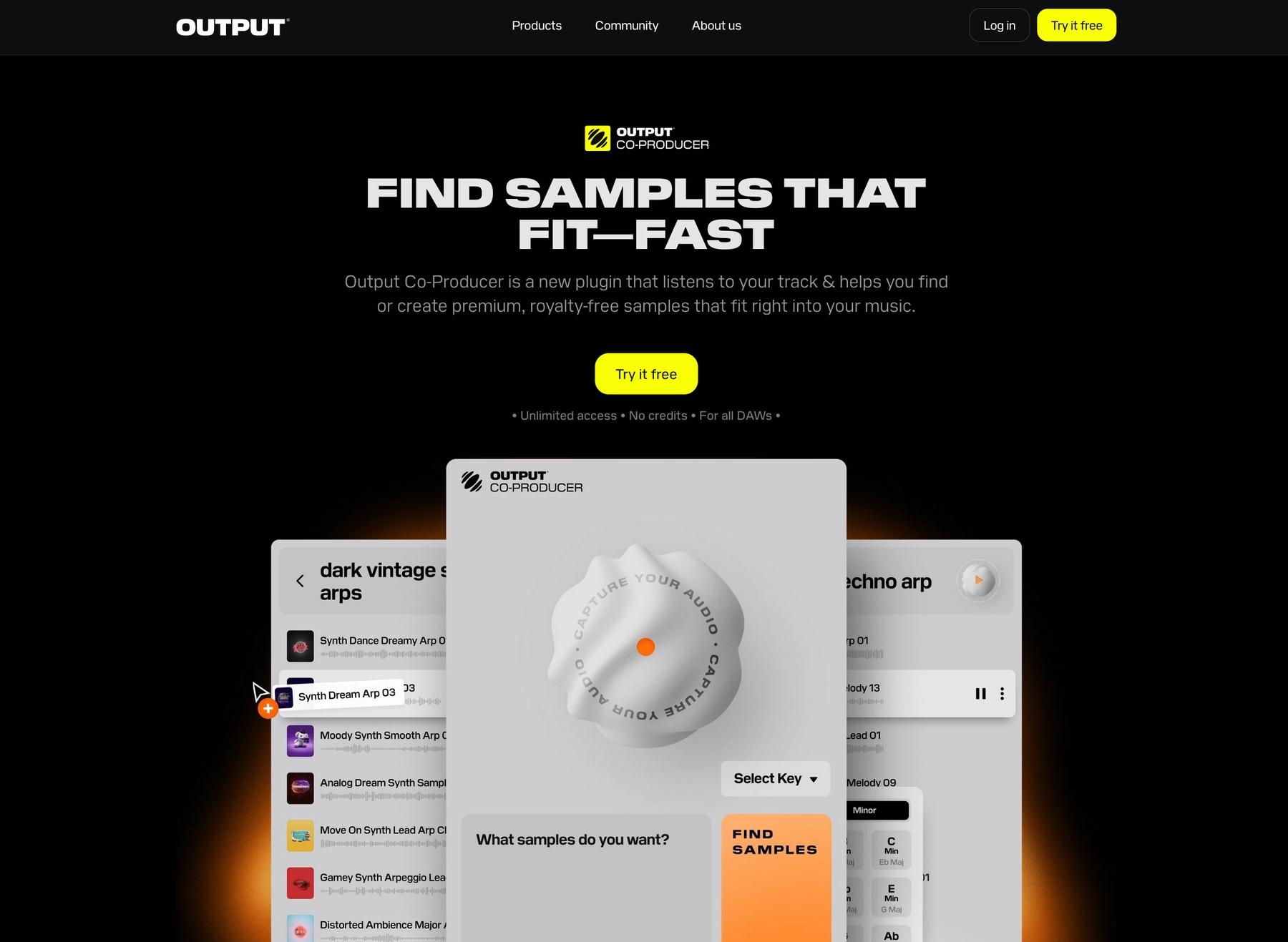
We're Output, and our whole ecosystem is built to slot right into Bitwig’s open-ended workflow. We give you the sounds, so you can focus on sound design inside The Grid instead of hunting for samples.
Output Features
Our entire suite of tools integrates directly into Bitwig Studio, loading as VST3 plugins so you can stay in your session. The core of our sample world is Arcade, a playback engine that puts a massive, constantly growing library of royalty-free sounds at your fingertips. Instead of digging through folders, you get playable instruments and loops that are ready to go, right inside your DAW.
- Loads as a VST3 plugin directly in your Bitwig Studio session.
- Automatically syncs to your project’s tempo and key.
- Features a massive, royalty-free library that gets new sounds daily.
- Lets you drag and drop your own samples into the engine for manipulation.
To speed up your search even further, our AI-powered Co-Producer plugin analyzes the audio in your Bitwig project and suggests fitting sounds from our library. For sound shaping, our FX plugins like Portal, Thermal, and Movement also load up as plugins to mangle, distort, and modulate any track.
- Analyzes your audio to suggest complementary sounds.
- Understands natural language prompts to find what you need.
- Integrates with Arcade for deeper sound shaping.
- Lets you drag and drop suggestions right into your Bitwig Studio timeline.
Output Price
We keep our pricing straightforward so you can get back to making music. You can jump into our entire sample ecosystem with an Arcade subscription for $12.99 per month. That gets you the full library, with new sounds added every single day.
The smartest way to get everything is with our Output One subscription. For just $14.99 a month, you get Arcade, our AI-powered Co-Producer, and our complete suite of FX plugins—Portal, Thermal, and Movement. It’s the whole shebang for just a couple bucks more than Arcade by itself. If subscriptions aren't your thing, our classic Kontakt instruments and individual FX plugins are also available as one-time purchases.
Explore all of Output’s products and pricing to find the right fit for your workflow.
2) Soundiron

Soundiron offers a deep catalog of sample libraries, many of which are compatible with Bitwig Studio. Because they deliver sounds in open formats like WAV and SFZ, you can pull them directly into Bitwig’s native devices without a third-party player.
Soundiron Features
Compatibility with Bitwig Studio comes down to the file format. Soundiron’s WAV and SFZ files can be dragged into Bitwig’s Sampler, which lets you handle time-stretching and pitch-shifting. Just note that some of their libraries require the full version of Kontakt, which is not natively supported by Bitwig Studio.
- Download and extract the sample library to your computer.
- In Bitwig Studio, open the Browser and find your sample folder.
- Drag the WAV or SFZ files into the Sampler or onto the timeline.
Soundiron Price
Soundiron sells libraries and bundles individually, so the cost depends on the product. As an example, the Artist Bundle is priced at $274 during sales. You’ll need to check their website for the current pricing on specific libraries.
3) Cymatics
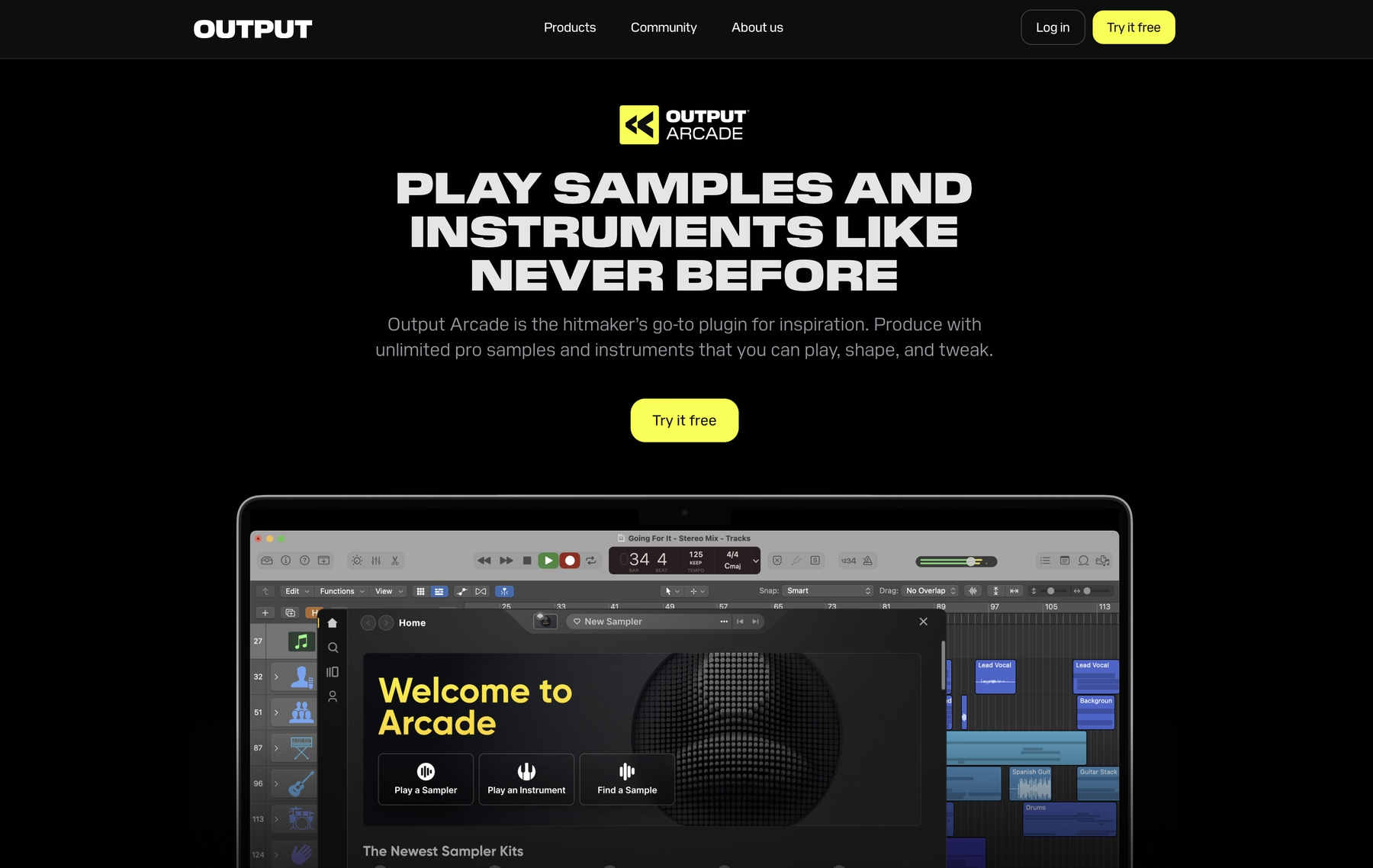
Cymatics is a popular source for sample packs, providing sounds in standard WAV and MIDI formats. Because their files are delivered in these open formats, they work directly within Bitwig Studio without needing a third-party player.
Cymatics Features
Since Cymatics packs are just audio and MIDI files, you can drag them right into your Bitwig Studio project. Bitwig’s native Sampler handles time-stretching and pitch-shifting, allowing you to conform the samples to your project’s tempo and key.
- Download and unzip the sample pack to a folder on your computer.
- In Bitwig Studio, open the Browser Panel and add that folder to your library.
- Drag samples onto the timeline or directly into a Sampler device.
Cymatics Price
Pricing for Cymatics packs varies, as they offer a mix of free and premium products. While most of their samples are royalty-free, it’s wise to check the license agreement for each specific pack to understand any usage restrictions.
4) Producer Loops
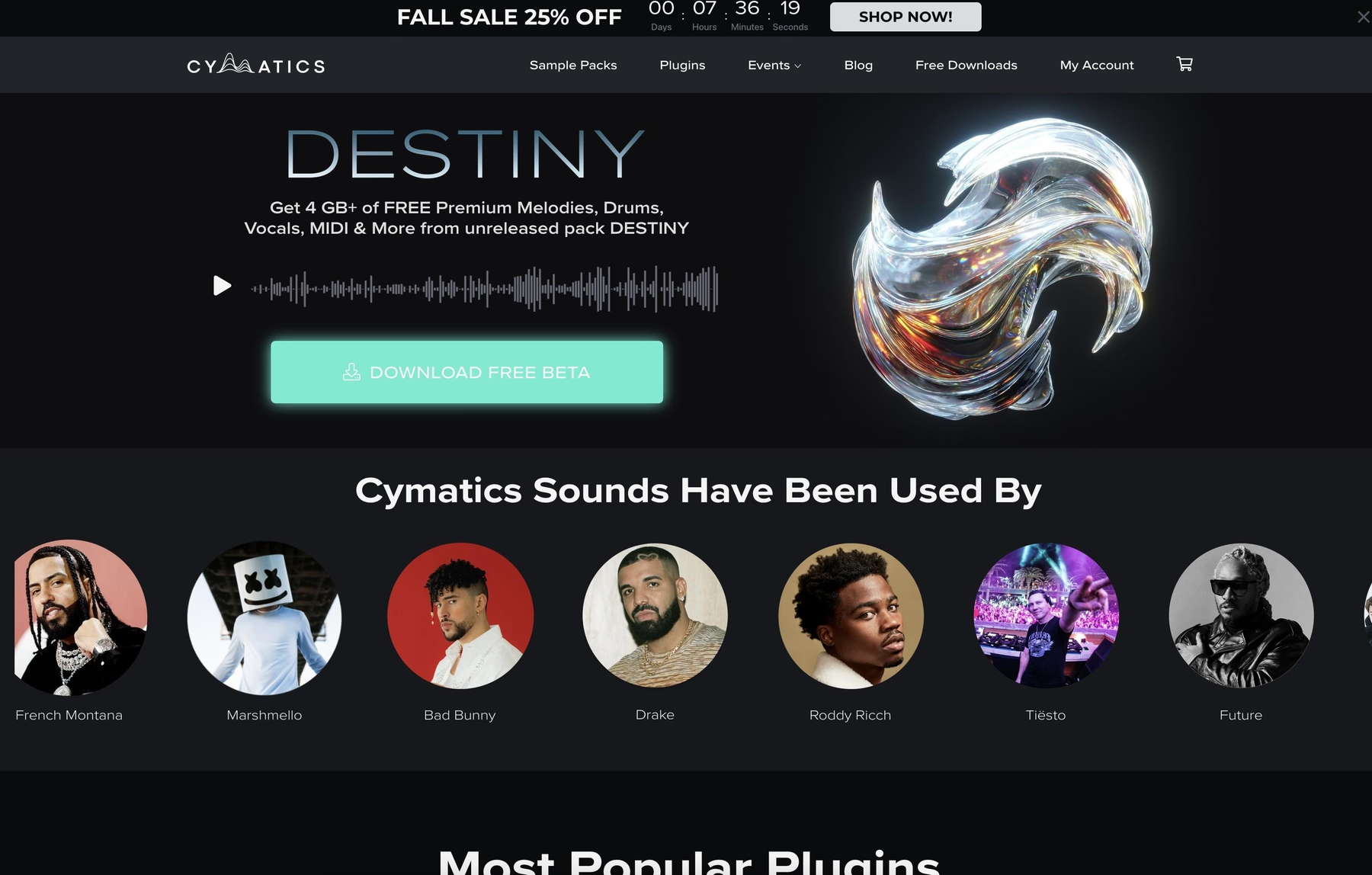
Producer Loops is a marketplace for sample packs that are generally compatible with Bitwig Studio. Since they provide sounds in standard formats like WAV and AIFF, you can load them directly into your projects.
Producer Loops Features
The main draw is a large library of packs in formats like WAV and AIFF, which work with Bitwig's native Sampler. This allows for standard time-stretching and pitch-shifting within your project. Keep in mind that some packs might contain formats that Bitwig doesn't support out of the box, which would require conversion.
- Download and extract the sample pack.
- In Bitwig Studio, find the samples in the Browser Panel.
- Drag them into your project timeline or Sampler device.
Producer Loops Price
Producer Loops sells its sample packs individually, so pricing varies depending on the pack. While most packs are royalty-free, it's a good idea to check the license for each one to understand the specific usage terms.
5) Unison Audio
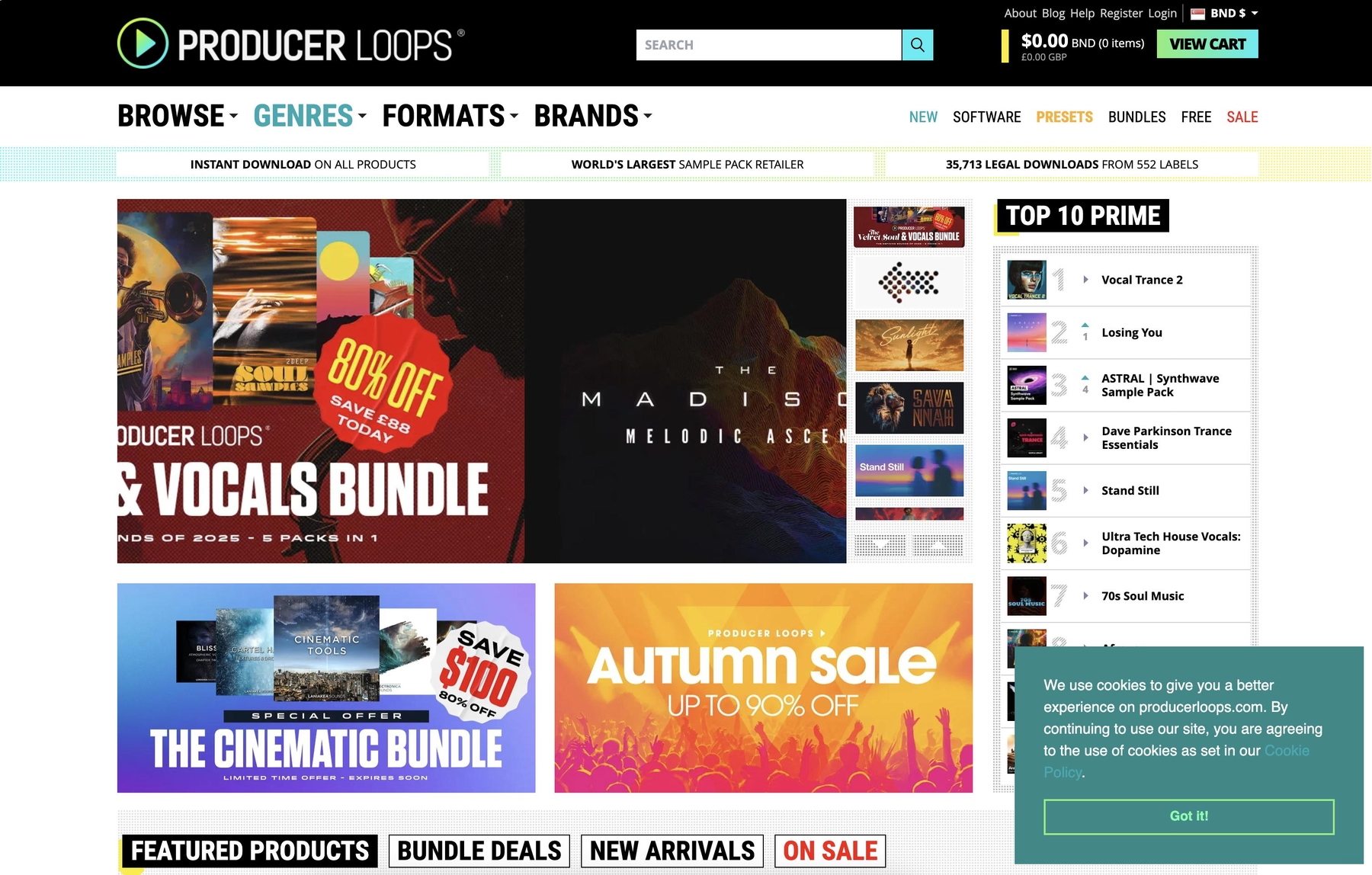
Unison Audio provides sample packs in standard WAV format, making them compatible with Bitwig Studio. You can load their files directly into your project without needing any third-party plugins.
Unison Audio Features
Because Unison Audio delivers its sounds as WAV files, you can use them directly in Bitwig Studio. Just drag the files from Bitwig’s Browser into your project, and the native Sampler can handle time-stretching and pitch-shifting to match your session’s tempo and key.
- Download and extract the sample pack to your computer.
- In Bitwig Studio, open the Browser and find your sample folder.
- Drag the files into your project timeline or a Sampler device.
Unison Audio Price
Unison Audio sells its sample packs individually, so the cost will depend on which pack you choose. The samples are royalty-free, but you should check their site for specific pricing details.
6) ModeAudio
ModeAudio provides sample packs in formats like WAV and REX2, making them directly compatible with Bitwig Studio. You can load their files straight into your project without needing a third-party player.
ModeAudio Features
Since ModeAudio delivers sounds as WAV and REX2 files, they integrate smoothly into Bitwig Studio. You can drag samples from the Browser Panel directly onto your timeline, and Bitwig’s built-in tools will handle time-stretching and pitch-shifting to match your project.
- Download and unzip the sample pack.
- In Bitwig Studio, find the folder in the Browser Panel.
- Drag the files into your project timeline or a Sampler device.
ModeAudio Price
ModeAudio sells its sample packs individually, so the cost depends on what you choose. For instance, the 'Spook - Dark Cinematic Loops' pack is listed at $16.97. All packs are royalty-free, but it's always a good idea to check the specific license terms on their site.
How to Pick the Right Samples and Loops for Bitwig
Choosing the right sounds for Bitwig Studio is less about genre and more about how they plug into its modular workflow.
- Plugin vs. Raw Files. Do you want a self-contained instrument or folders of WAVs to mangle in the Sampler? A plugin ecosystem like ours keeps you in the flow, with sounds that are always in key and on time. Raw files offer a blank slate but require more manual setup.
- Sound Discovery. Folder diving kills momentum. Look for platforms that cut down search time. Some tools, like our AI-powered Co-Producer, listen to your track and suggest fitting sounds, so you spend less time hunting and more time making music.
- Format Compatibility. Check the file types. Bitwig’s Sampler handles WAV and AIFF files well, but many libraries require third-party players like Kontakt. Make sure what you’re buying will load up without extra steps or software you don’t own.
- Sound Design Fuel. Bitwig is built for mangling audio. The best samples have character and texture that serve as great starting points for The Grid or Bitwig’s deep modulation system. Look for sounds that inspire you to start twisting knobs.
How to Add Samples to Bitwig
Getting sounds into Bitwig Studio is straightforward, whether you're working with a plugin instrument or just dragging in audio files.
If you're using a plugin like our own Arcade, the process is built to be fast:
- Open the Browser panel on the right side of Bitwig Studio and navigate to your Devices.
- Find "Arcade" in your plugin list and drag it onto an empty track or into the main arrangement view.
- The plugin will load, automatically synced to your project's tempo and key, ready for you to start exploring sounds.
For raw audio files (like WAVs or AIFFs), simply locate them in Bitwig's Browser and drag them directly onto the timeline or into a Sampler device.
Test-Drive Output in Bitwig and Hear the Difference
While any of these platforms can supply your Bitwig projects with solid sounds, we designed our tools specifically to match its open-ended workflow. If you want to spend less time digging through folders and more time in The Grid, Output is the tightest fit.
Stop the sample hunt and get back to making music. Try Output today.
With Output One, you get the full suite—Arcade, engines, FX, and Co-Producer—integrated in Bitwig. Spend less time searching and more time recording with key- and tempo-aware picks.
Try Output One for free
Get Output announcements, tips, inspiration, and more sent to your inbox.