The 6 Best FL Studio Samples and Loops in 2026
Tired of endless digging? We list the 6 best FL Studio sample and loop packs for 2026 that will get your next banger started and finished fast.

Get Co-Producer and Arcade with unlimited access to premium, royalty-free samples and instruments. Plus, unlock Portal, Thermal, and Movement.
Try it freeIf you’re an FL Studio user, you know the feeling: endless folders of sounds you never touch. We're here to help you find the FL Studio samples that actually make it into your tracks.
FL Studio’s pattern-based sequencer is practically built for loops and one-shots, making it easy to drag, drop, and get ideas going fast. With its flexible browser and broad plugin support, the DAW can handle just about any library you throw at it.
But which libraries are worth your hard drive space? We've cut through the noise to find the sample platforms that deliver consistent quality and inspiration.
Here are six picks—including our own Arcade, plus mainstays like Cymatics, Producer Loops, and Unison Audio—that will actually earn their keep in your workflow.
1) Output
We’re Output, and our tools are built to feed FL Studio’s fast, pattern-based workflow with an endless library of playable, royalty-free sounds.
Output Features
Our plugins are built to work directly inside FL Studio, so you can get to the good stuff without breaking your flow. Take Arcade, for example. It’s a playable loop synthesizer that ditches folder-diving for a constantly updated library of sounds. Instead of digging through endless WAV files, you load Arcade as an instrument and get instant access to curated Kits and Lines that automatically lock to your project’s key and tempo.
- A massive, ever-growing library of royalty-free sounds delivered right to your plugin.
- Automatic key and tempo syncing with your FL Studio project.
- Playable kits that map sounds across your keyboard for hands-on performance.
- Onboard effects and macro sliders for quick, powerful sound design.
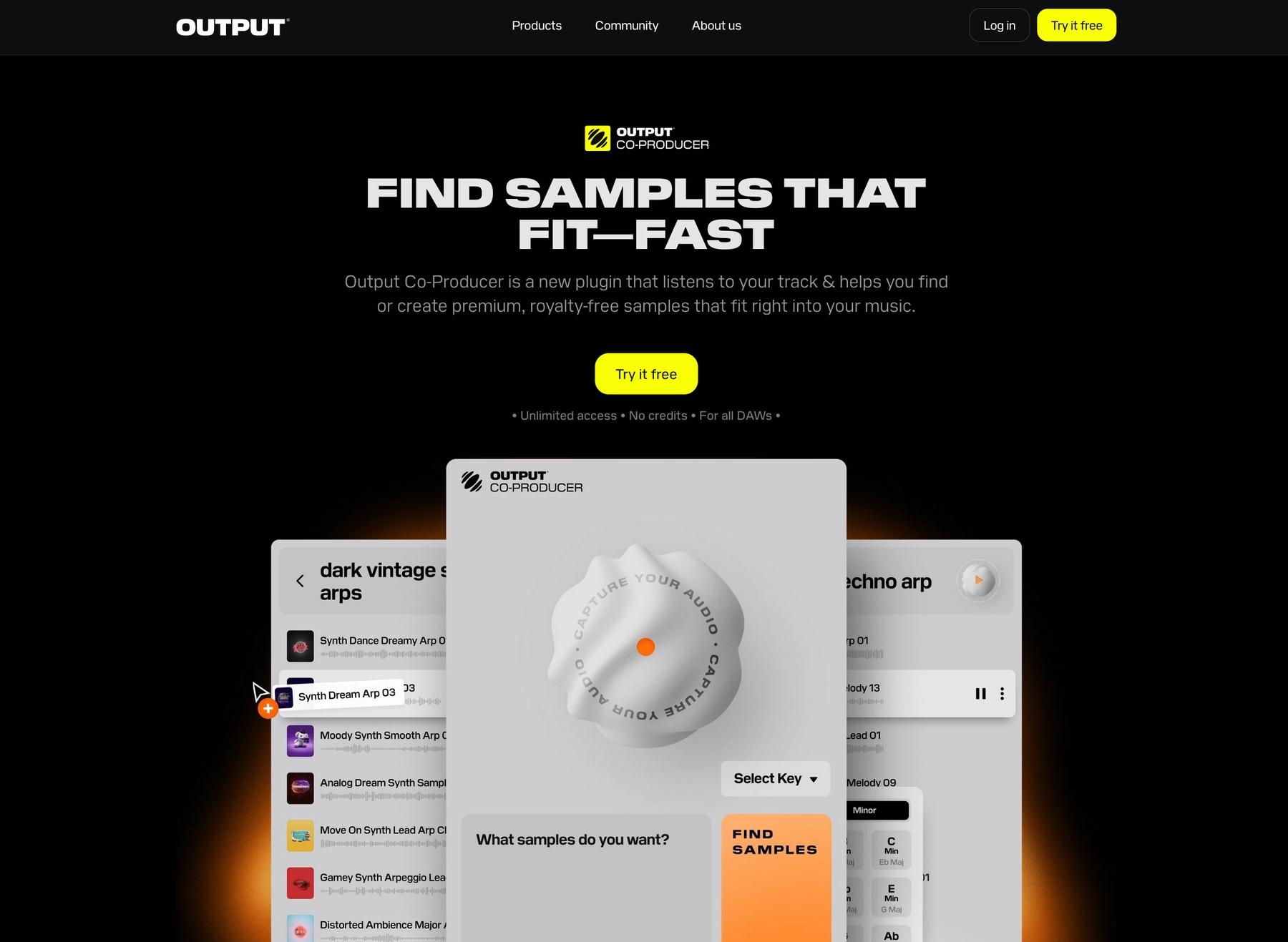
To speed up your search even more, we developed Co-Producer. It’s an AI-powered tool that listens to your track—or even a text prompt—and suggests fitting sounds from our library. You can then drag them right into your session.
- Analyzes your project’s audio to find complementary samples.
- Finds sounds based on natural language prompts like “gritty bassline.”
- Drag and drop suggestions directly into FL Studio’s Channel Rack or Playlist.
- Integrates with Arcade for further sound manipulation and exploration.
Output Price
We keep our pricing straightforward so you can focus on making music. You can get full access to Arcade for just $12.99 a month—no hidden fees, just an ever-expanding sound library at your fingertips.
But honestly, the best way to get everything is with our Output One subscription. For just $14.99 a month, you get the full suite: Arcade, Co-Producer, and all our FX plugins like Portal and Thermal. It’s the whole toolkit in one place for just a couple bucks more.
Explore all of our products and pricing options to find the right fit for your setup.
2) Cymatics
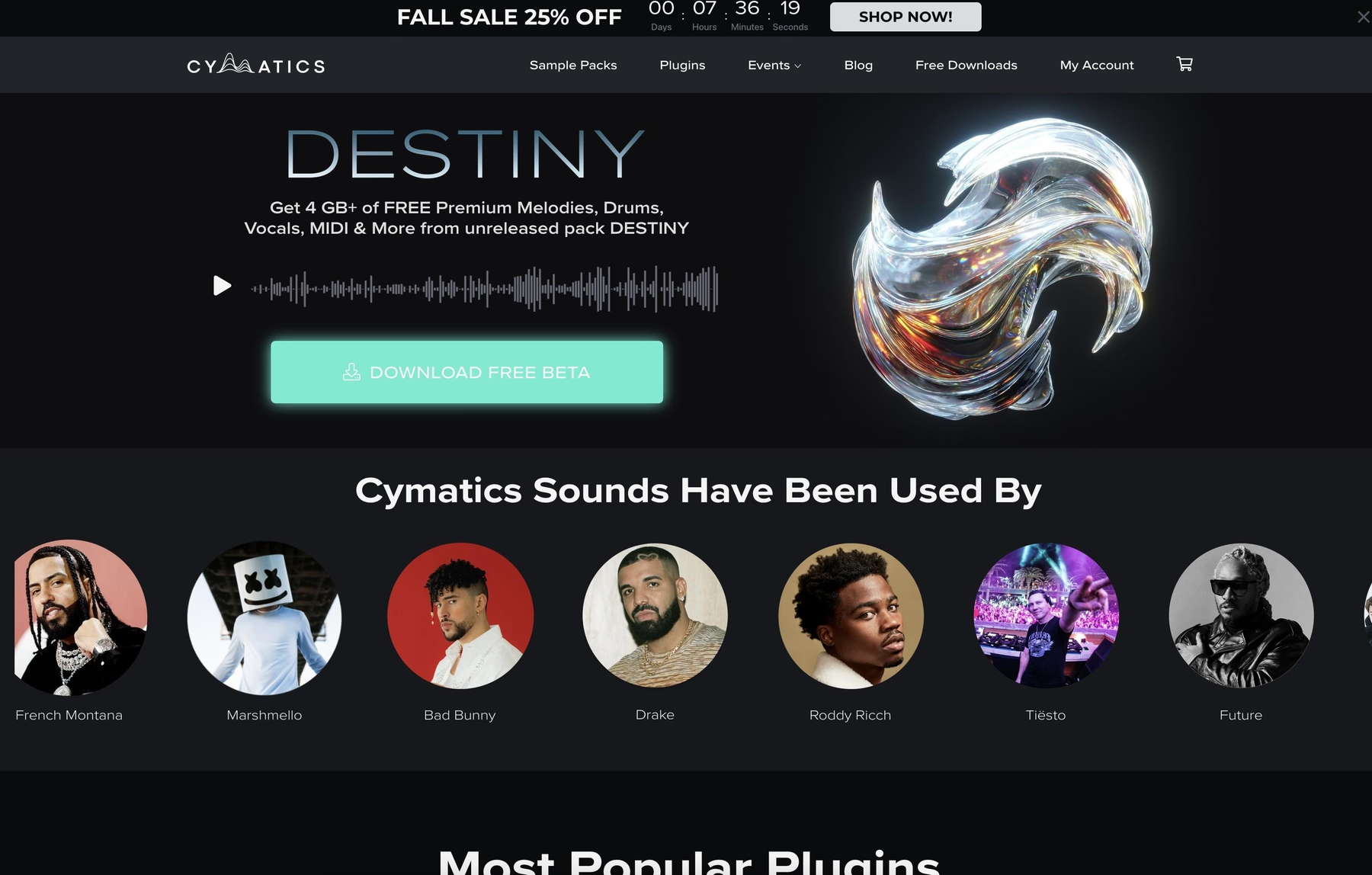
Cymatics is a well-known name in the sample pack space, offering a wide range of libraries primarily in WAV format. Their packs are designed for a classic drag-and-drop workflow that works directly within FL Studio.
Cymatics Features
Cymatics sticks to the traditional sample pack model, so using their sounds in FL Studio is a familiar process. After unzipping a pack, you can pull WAV files from the Browser right into the Channel Rack or Playlist. From there, it's up to you to use FL Studio's native tools to time-stretch and pitch-shift the audio to fit your track.
- Delivers sounds as standard WAV files.
- Integrates via FL Studio’s file Browser for drag-and-drop use.
- Requires FL Studio’s native samplers and editing tools for manipulation.
Cymatics Price
Cymatics provides both free downloads and premium packs. Pricing for their paid collections is set on a per-pack basis, so you’ll have to browse their website for specific costs.
3) Producer Loops
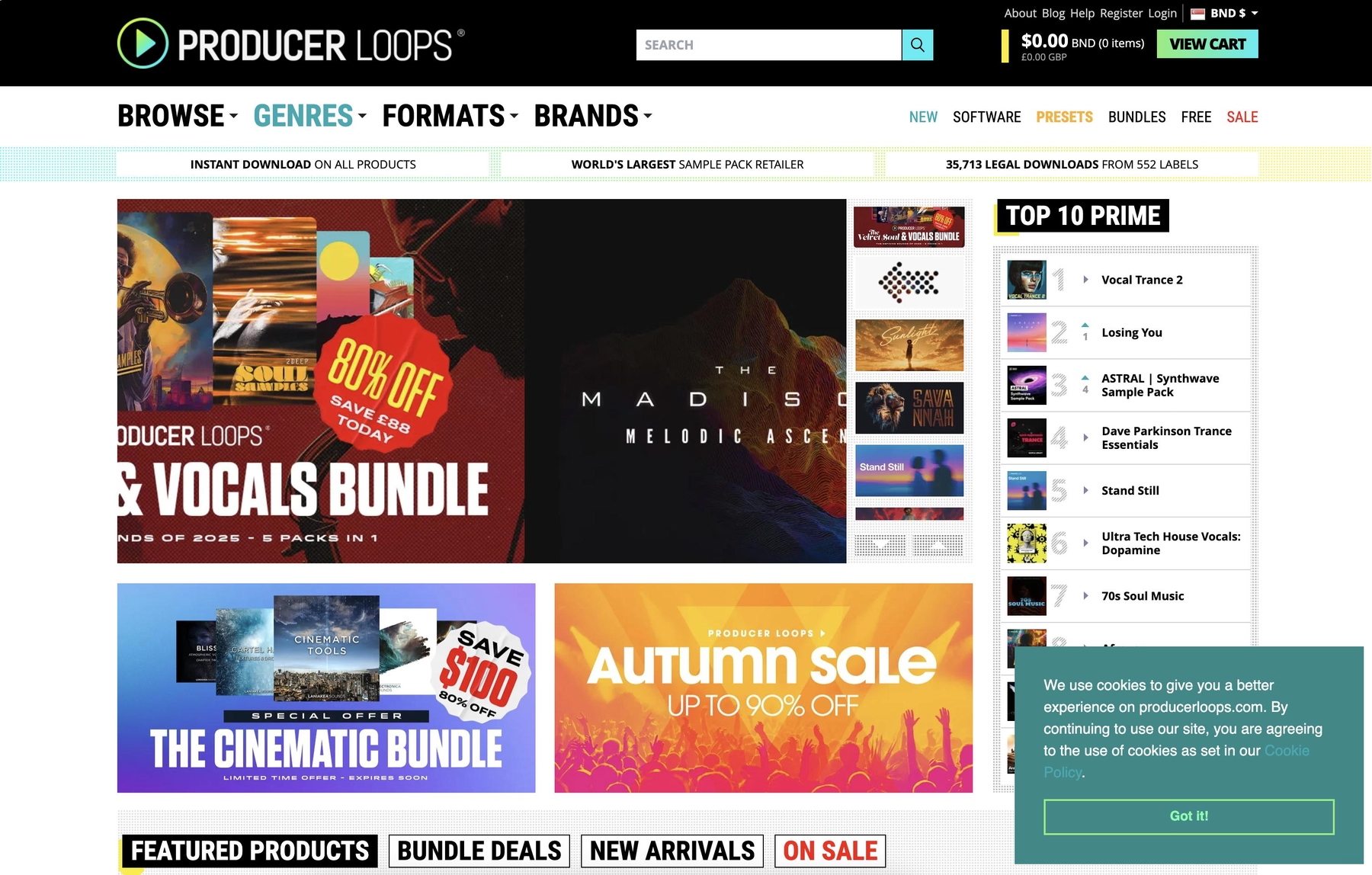
Producer Loops is a marketplace for sample packs, offering sounds in standard formats like WAV and MIDI. These files are designed to work directly inside FL Studio, fitting into a conventional sample-based workflow.
Producer Loops Features
Since Producer Loops provides standard WAV and MIDI files, integration with FL Studio is straightforward. You’ll download and unzip your purchased packs, then drag the files from FL Studio’s Browser into your project. All tempo and key adjustments are handled manually using FL Studio’s native time-stretching and pitch-shifting tools.
- Offers sample packs in WAV and MIDI formats.
- Integrates with FL Studio via the file Browser.
- Requires manual time-stretching and pitch-shifting within the DAW.
Producer Loops Price
Producer Loops sells its sample packs individually, so the cost depends on which library you choose. You’ll have to browse their site to see the specific prices for each pack.
4) Unison Audio
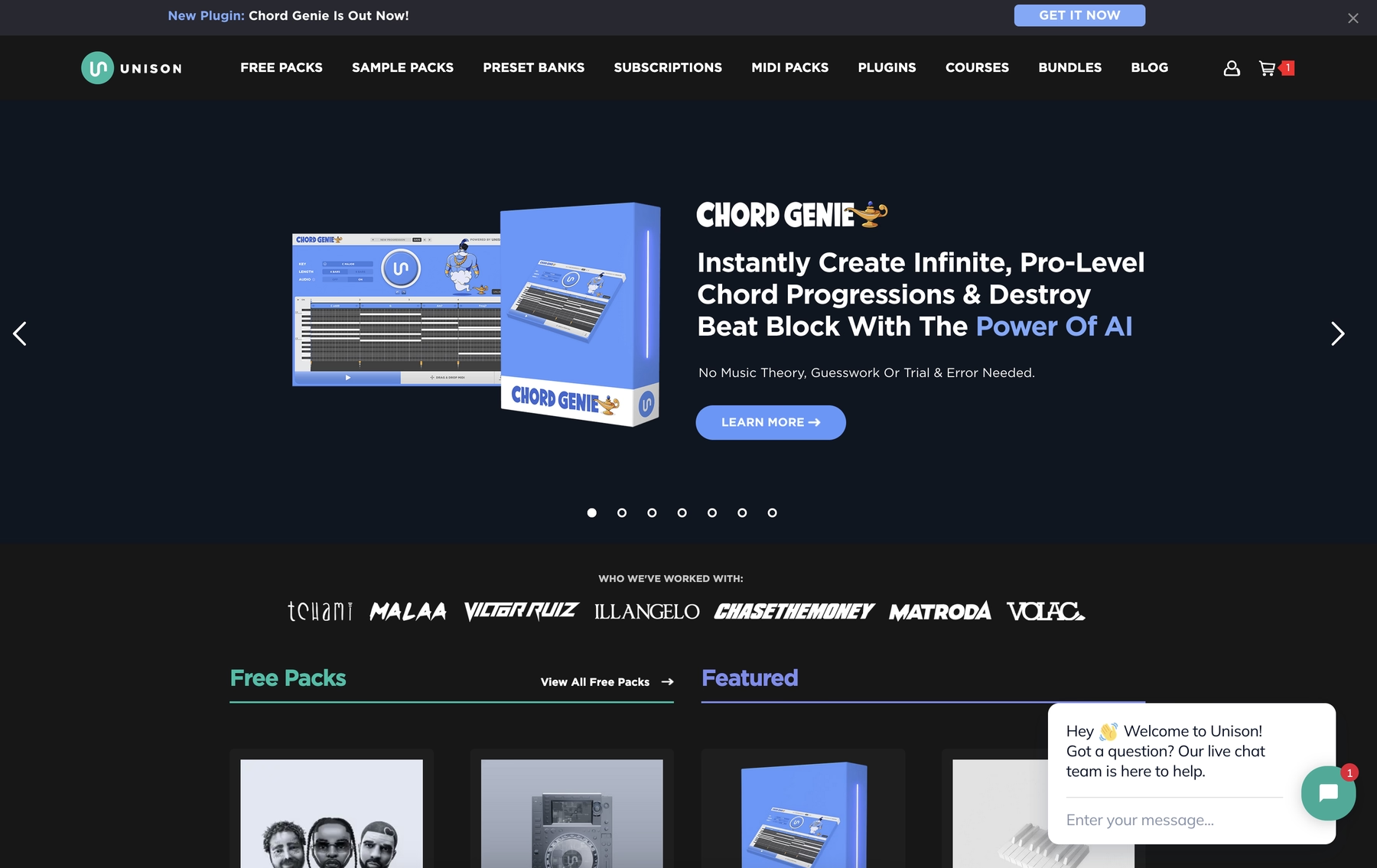
Unison Audio provides sample packs in standard formats like WAV, which are compatible with FL Studio. Their sounds fit into a traditional drag-and-drop workflow inside the DAW.
Unison Audio Features
Using Unison Audio's packs in FL Studio is a familiar process. Once you've downloaded and unzipped the files, you can drag the WAVs from FL Studio’s Browser directly into your project. From there, you'll rely on FL Studio's native tools to handle any time-stretching or pitch-shifting to make the samples fit your track.
- Delivers sounds as standard WAV files.
- Integrates via FL Studio’s file Browser for drag-and-drop use.
- Requires manual time-stretching and pitch-shifting within the DAW.
Unison Audio Price
Unison Audio has both free and premium sample packs available. The cost for their paid collections is determined on a per-pack basis, so you'll need to check their website for specific pricing.
5) ModeAudio
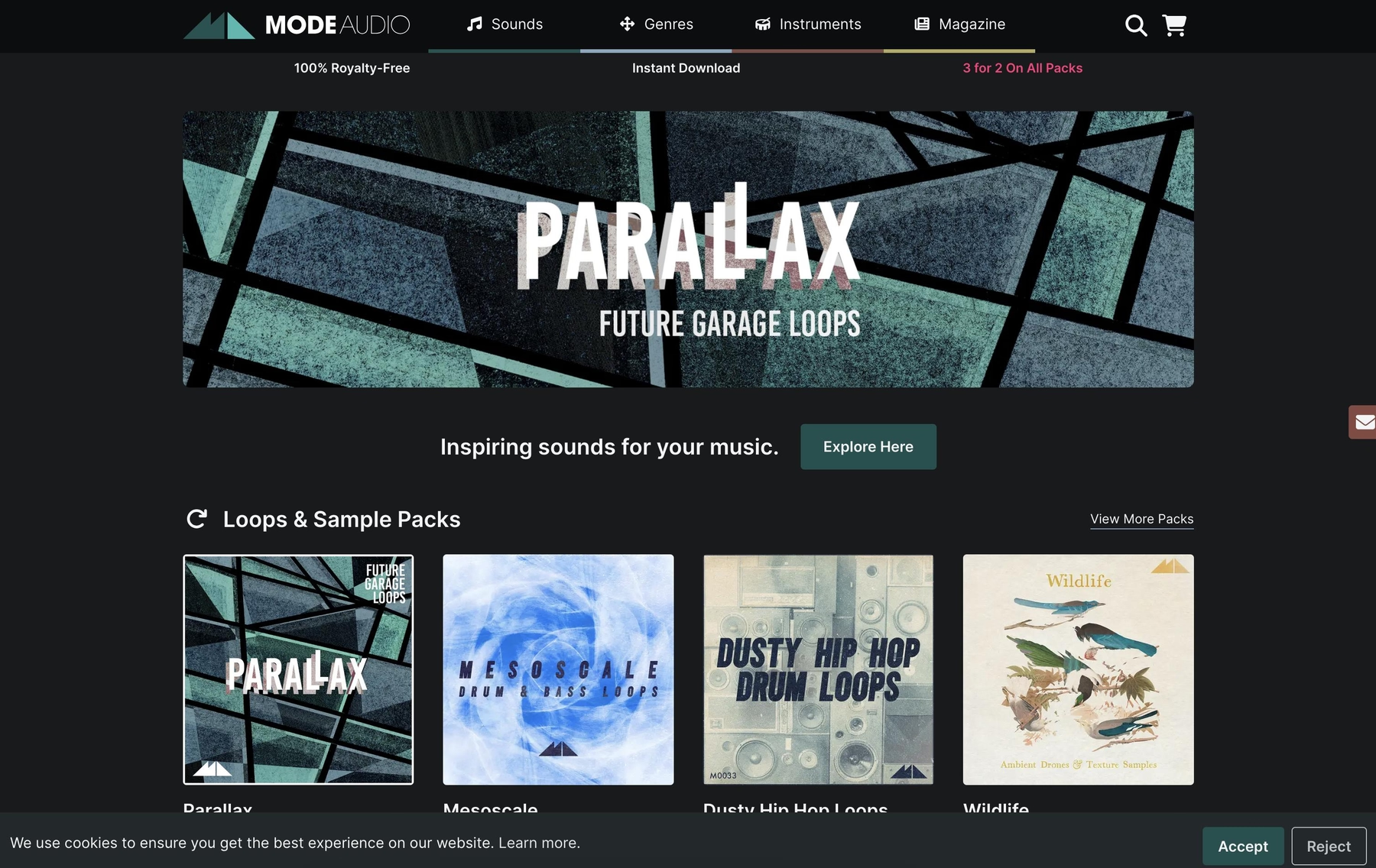
ModeAudio provides sample packs that are compatible with FL Studio, offering sounds in formats like WAV and REX files, along with some packs containing DirectWave patches.
ModeAudio Features
ModeAudio packs can be integrated directly into FL Studio's Browser by placing them in the dedicated 'Packs' folder, which keeps your library organized within the DAW. The included REX files are pre-sliced, allowing for flexible tempo changes, while standard WAV files can be automatically time-stretched by FL Studio to fit your project.
- Integrates into FL Studio’s native ‘Packs’ folder for organized browsing.
- Provides sounds in multiple formats, including WAV and REX.
- Works with FL Studio’s automatic time-stretching and pitch-shifting.
ModeAudio Price
ModeAudio sells its sample packs on an individual basis. The cost depends on the specific pack, so you’ll need to visit their site for pricing details.
6) Ghosthack
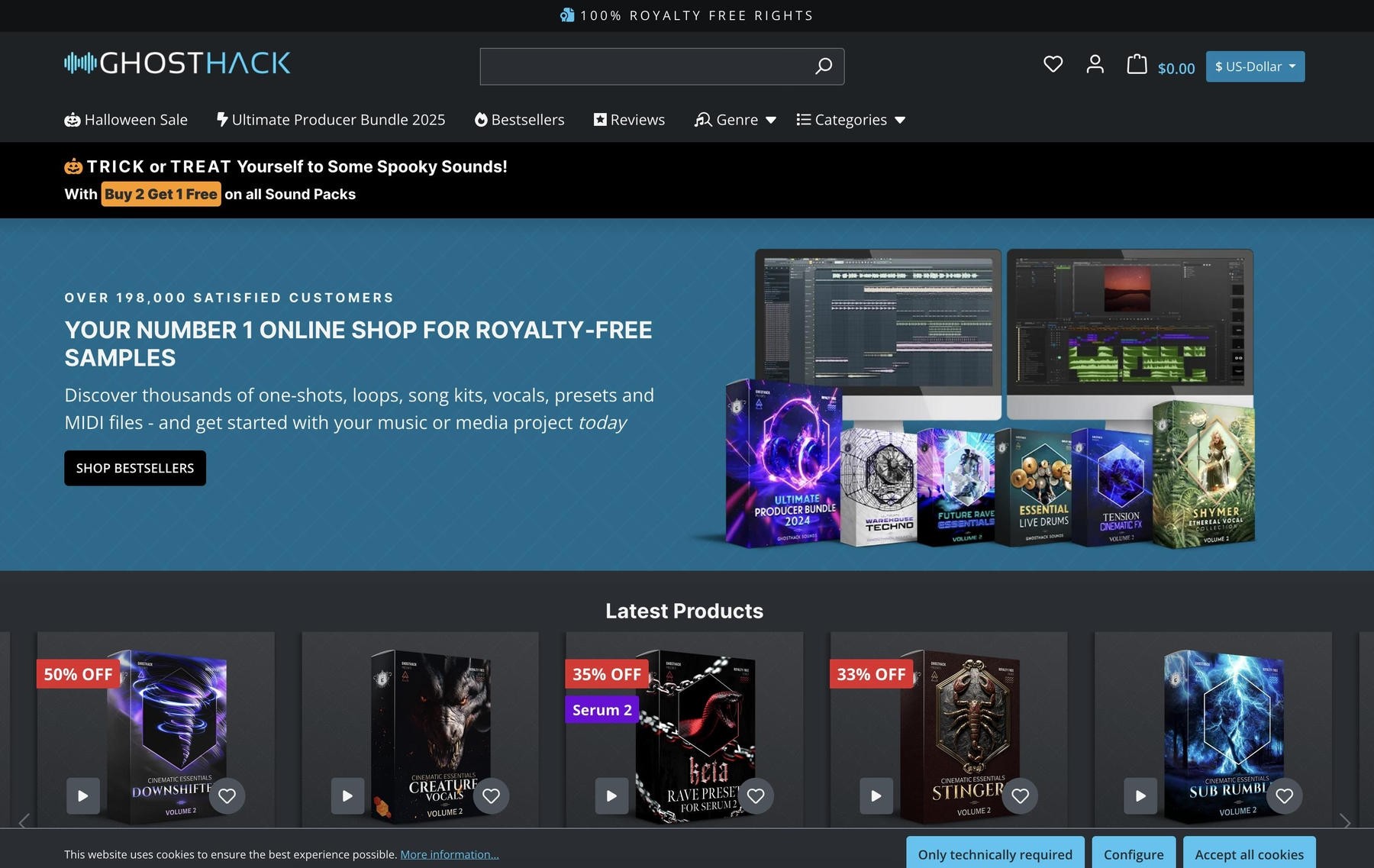
Ghosthack is another source for sample packs, providing sounds in the standard WAV format. These files are designed to work in any DAW that supports them, making them a straightforward option for finding samples for FL Studio.
Ghosthack Features
Ghosthack’s libraries stick to a traditional file-based system. Once you download a pack, you can add the folder to FL Studio’s Browser and drag the WAV files directly into your project. Any adjustments to tempo or key are handled manually using FL Studio’s built-in audio editing tools.
- Provides sounds as 24-bit WAV files.
- Integrates with FL Studio via the file Browser for drag-and-drop.
- Relies on FL Studio’s native tools for time-stretching and pitch-shifting.
Ghosthack Price
Ghosthack sells its packs individually and also offers some free sample packs. For paid collections, you’ll need to check their website for the specific cost of each library.
How to Pick the Right Samples and Loops for FL Studio
Finding the right sounds for FL Studio comes down to how they fit into your process. Here’s what to consider before you commit.
- Workflow Integration: Do you want to spend your time digging through folders and manually stretching WAVs, or do you prefer a tool that lives inside your DAW? A plugin-based library keeps you in the flow, letting you audition sounds that are already in time and in key without leaving your project.
- Format and Quality: While FL Studio handles WAV files just fine, some formats like REX offer more tempo flexibility. Also, make sure the provider offers high-quality audio that won’t fall apart when you start pitching and stretching it with the DAW’s native tools.
- Key and Tempo Syncing: How much manual work is required? Some platforms require you to use FL Studio’s native tools to pitch and time-stretch every loop. Others, like our own Arcade, handle all the key and tempo syncing for you, so you can focus on writing instead of editing.
- Cost and Licensing: Look at the pricing model. Are you paying per pack for sounds you might only use once, or does a subscription with unlimited access to an evolving library make more sense? Always confirm that the sounds are royalty-free so you don't run into trouble later.
How to Add Samples to FL Studio
Getting new sounds into FL Studio is straightforward, especially when using a plugin that integrates directly into your workflow. Here’s how it works with a tool like our own Arcade:
- Load the Plugin: Add Arcade as an instrument from the Channel Rack’s “Add” menu. It will appear in the rack, ready to be played, just like any of FL Studio’s native synths.
- Find Your Sound: Inside Arcade, browse the library and find a loop or Kit. Everything automatically syncs to your project’s key and tempo, so you can audition sounds in context without any manual adjustments.
- Drag It In: Once you’ve found the perfect sound, just drag the audio waveform icon from Arcade’s header directly into FL Studio’s Playlist. The audio clip is now in your project, ready for arranging and chopping.
Test-Drive Output in FL Studio and Hear the Difference
While any of these libraries can get fresh sounds into your project, we think the best tools are the ones that get out of your way. If you want a workflow that feels native to FL Studio's fast-paced environment, our plugins are built to deliver just that.
Stop digging through folders and start making music. Try Output today.
With Output One, you get the full suite—Arcade, engines, FX, and Co-Producer—integrated in FL Studio. Spend less time searching and more time recording with key- and tempo-aware picks.
Try Output One for free
Get Output announcements, tips, inspiration, and more sent to your inbox.