The 6 Best Studio One Samples and Loops in 2026
Stop the endless scrolling. We found the 6 best sample and loop packs for Studio One to help you make better music, faster. Here's the list.

Get Co-Producer and Arcade with unlimited access to premium, royalty-free samples and instruments. Plus, unlock Portal, Thermal, and Movement.
Try it freeFinding the right sounds for your tracks can feel like a full-time job. Whether you’re deep in a late-night search for free loops for Studio One or weighing which premium library is worth the cash, the sheer volume of options is overwhelming.
PreSonus Studio One is a formidable DAW, prized for its fast, single-window workflow and drag-and-drop interface. It’s built to handle just about any third-party instrument or sample format you can throw at it, making it a perfect foundation for building a custom sound palette.
But a powerful DAW needs powerful sounds. To cut through the noise, we’ve put together a list of six sample and loop sources that actually earn their keep. Here, we’ll cover our top picks, including our own Arcade, plus essentials from Samples From Mars, Vengeance Sound, F9 Audio, and more.
1) Output
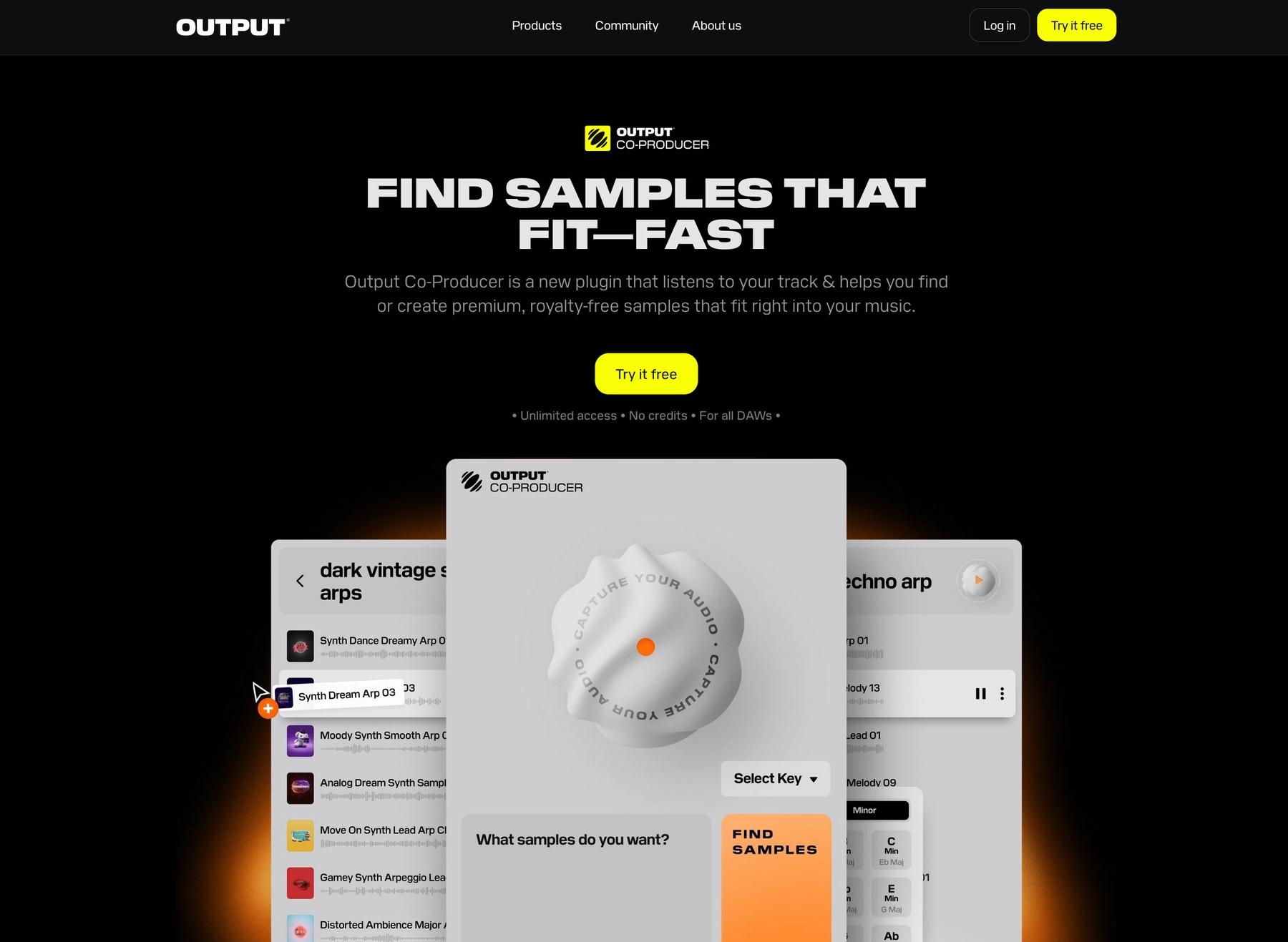
We’re Output, and we get that Studio One is all about speed. That’s why our instruments and sample libraries are built to drop right into your workflow, giving you the sounds you need without the usual hang-ups.
Output Features
Our instruments and sample libraries are built to integrate seamlessly with Studio One, letting you focus on making music instead of managing files. Take our sample playback engine, Arcade, for instance. It’s a plugin that runs directly inside your DAW, connecting you to a constantly updated, royalty-free library of sounds.
You can audition loops in your project’s key and tempo on the fly, then drag the audio straight from the plugin to a track in your session. It eliminates the tedious process of searching through folders and manually time-stretching files.
- Play and audition sounds perfectly synced to your Studio One project’s key and tempo.
- Drag and drop audio or MIDI directly from the plugin to your timeline.
- Tweak any sound with built-in effects and macro controls without leaving your DAW.
To streamline your workflow even further, we built Co-Producer. This AI-powered tool analyzes your track—or even just a single loop from your Studio One session—and suggests complementary sounds from our library. You can use natural language prompts to find what you need, then drag the results right back into your project.
- Analyzes audio from your Studio One project to find matching samples.
- Uses text prompts to search for specific sonic textures and ideas.
- Integrates with Arcade for deeper sound manipulation and editing.
Output Price
We keep our pricing as straightforward as our tools. You can get full access to Arcade and its entire library for $12.99 a month, with new sounds dropping daily.
For the best value, our Output One subscription bundles everything for $14.99 a month. That includes Arcade, Co-Producer, and all our FX plugins like Portal, Thermal, and Movement. If you prefer to own your tools outright, our classic Kontakt instruments and individual FX plugins are also available for a one-time purchase. You can explore all our products and pricing options to find the right fit.
2) Samples From Mars
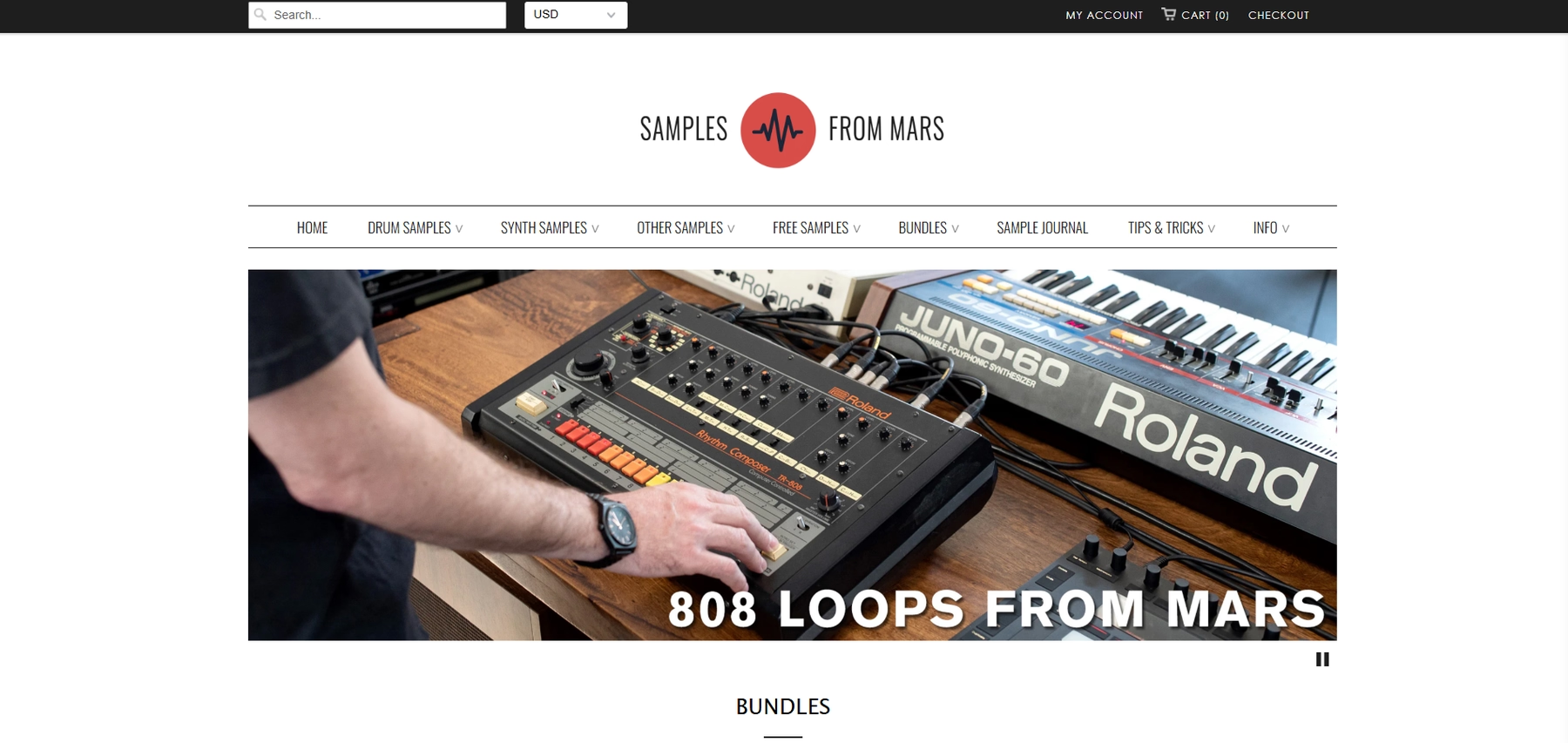
For those who want the sound of classic hardware without the maintenance, Samples From Mars provides sample packs recorded from vintage drum machines, synths, and samplers. The packs contain standard WAV files, making them directly compatible with Studio One.
Samples From Mars Features
Because the sounds are delivered as WAV files, you can drag them directly into your Studio One project or load them into the built-in Presence XT sampler for more control. Studio One’s audio engine can detect the tempo of the files and time-stretch them to match your session, though some advanced sampler functions might require manual mapping.
- Download and extract the pack to a folder on your computer.
- Use the ‘Files’ tab in Studio One’s Browser to find the folder.
- Drag the WAV files into your arrangement or into an instance of Presence XT.
Samples From Mars Price
Sample packs are sold individually, with prices varying for each one. Bundles and discounts are sometimes available on their website, so you can check there for current pricing.
3) Vengeance Sound
Vengeance Sound is a long-standing source for electronic music sample packs, particularly known for its club-ready drums and synth shots. Since their packs come in standard WAV format, they work directly with Studio One without any special setup.
Vengeance Sound Features
The samples are delivered as WAV files, so you can drag them straight from Studio One’s browser into your arrangement. Studio One’s built-in tools can handle time-stretching and pitch-shifting, allowing the samples to fit your project’s tempo and key.
- Download and extract the pack to a folder on your computer.
- Use the ‘Files’ tab in Studio One’s Browser to find the folder.
- Drag the WAV files directly into your arrangement.
Vengeance Sound Price
Vengeance Sound sells its sample packs individually, and the prices vary depending on the specific pack. You can find the current pricing for each collection on their website.
4) F9 Audio
F9 Audio is known for polished sample packs that often focus on specific genres and eras, with formats like WAV and Presence XT instruments that are compatible with Studio One.
F9 Audio Features
Because F9 Audio provides sample packs with WAV files and Presence XT instruments, they integrate directly into Studio One. You can drag sounds from the browser into your project, and the DAW’s time-stretching and key detection will adjust them to fit your session. Note that some F9 products may require third-party samplers.
- Download and extract the F9 Audio sample pack.
- Open Studio One and navigate to the Browser panel.
- Drag and drop the desired WAV files or Presence XT instruments into your project.
F9 Audio Price
Sample packs from F9 Audio are sold individually. The prices vary depending on the pack, so you’ll need to check their website for specific costs.
5) Goldbaby
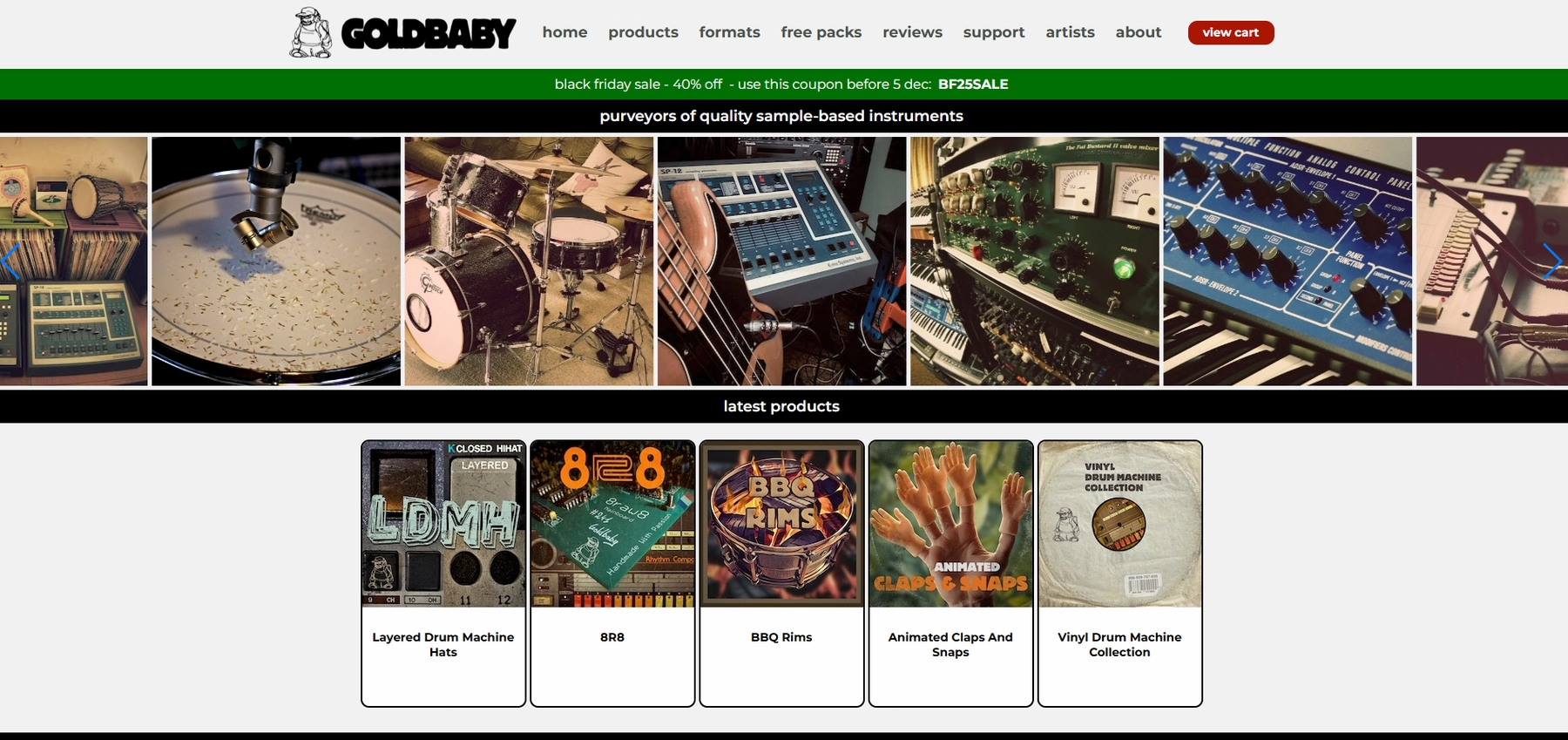
Goldbaby focuses on sampling classic drum machines and synthesizers. The sample packs are delivered as standard WAV files, which means they are compatible with Studio One right out of the box.
Goldbaby Features
Since Goldbaby’s packs contain WAV files, you can use them in Studio One by dragging them from the browser directly onto a track. The DAW’s native time-stretching will adjust loops to fit your project’s tempo.
- Download and extract the sample pack to your computer.
- Use the Browser in Studio One to find the folder.
- Drag the samples into your arrangement or a sampler instrument.
Goldbaby Price
Goldbaby sells its sample packs individually. Prices vary for each pack, so you’ll need to check their website for the current costs.
6) Spitfire
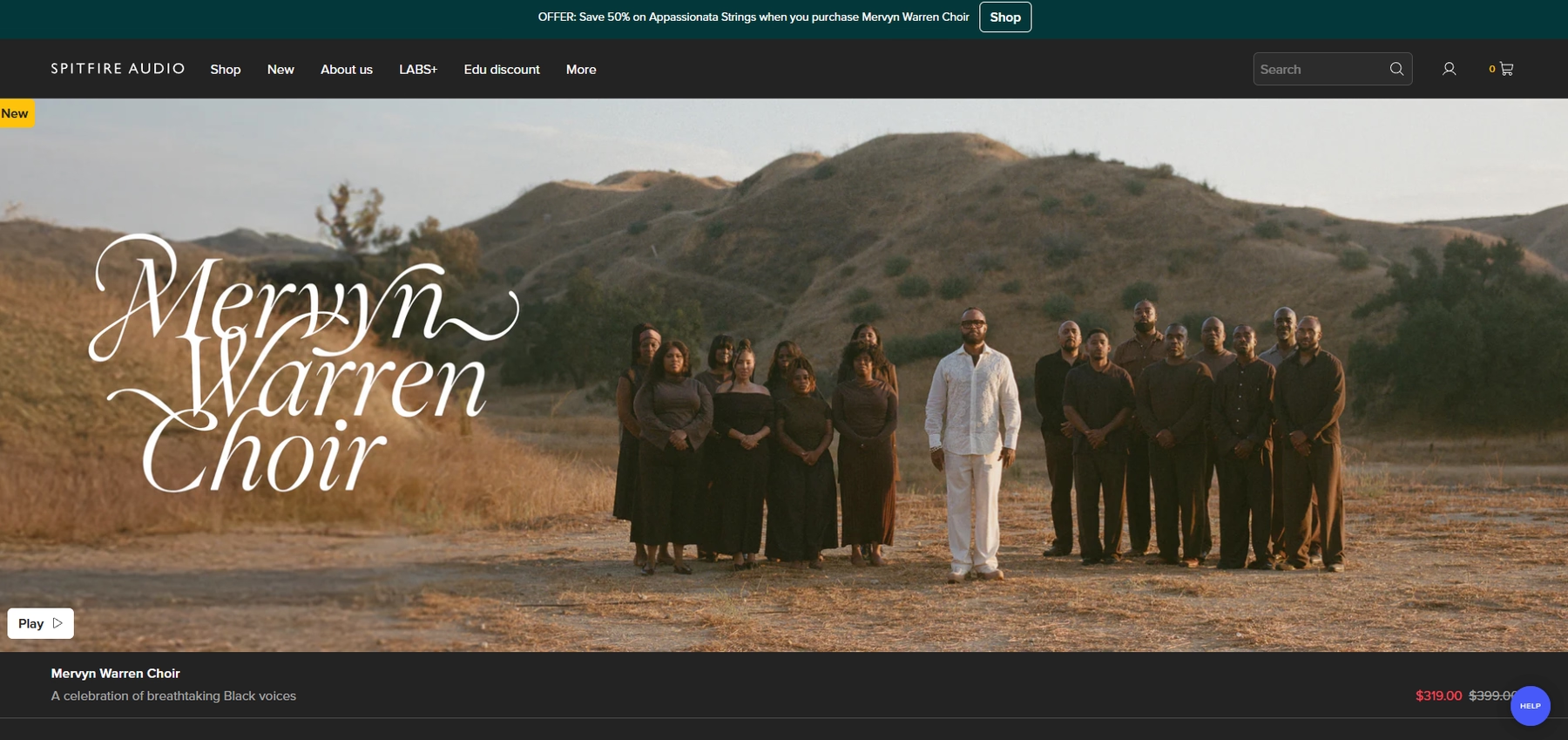
Spitfire Audio is known for its deep, orchestral sample libraries. Since their instruments run inside standard plugin formats like VST and AU, they load right into PreSonus Studio One without any fuss.
Spitfire Features
Spitfire's libraries typically run inside their own dedicated plugin or Native Instruments' Kontakt player, which you load onto an instrument track in your session. Whether you're loading intricate string articulations or looking for specific drum samples for Studio One, the process is contained within the plugin. Just be sure your system meets the library's requirements to avoid performance hiccups.
- Install the Spitfire Audio App to download your libraries.
- Open Studio One and load the Spitfire plugin or Kontakt onto an instrument track.
- Choose your instrument or articulation inside the plugin.
- Trigger the sounds with your MIDI controller or by programming the track.
Spitfire Price
Spitfire Audio sells its libraries individually and in bundles. It's important to note that some of their products require the full version of Kontakt, which is a separate purchase from Native Instruments. You can find the specific costs for each library on their website.
How to Pick the Right Samples and Loops for Studio One
Choosing sounds for Studio One isn't just about what sounds good; it's about what works with your flow.
- How deep is the integration? Studio One’s drag-and-drop is fast, but a plugin-based library like Arcade is faster. It lives inside your DAW, letting you audition and drop key-matched sounds directly onto your timeline without ever touching a file browser.
- What’s the format? Some packs are just WAV files for Studio One’s Presence XT sampler, while others require a separate player like Kontakt. Native VST or AU plugins are the most direct, loading onto an instrument track with zero extra steps.
- Does it sync automatically? Studio One has a great Chord Track, but manually conforming every loop kills the vibe. Tools that automatically match your project’s key and tempo let you focus on writing instead of tedious audio editing.
- What’s the sonic character? Decide if you need the grit of sampled hardware or polished, genre-specific sounds. Every library has its own flavor, so figure out the texture you’re chasing before you start browsing.
How to Add Samples to Studio One
Getting sounds into Studio One is straightforward, but the method changes depending on whether you’re using a plugin or just dragging in audio files. Say you're using a plugin like our own Arcade; the process is built to keep you in the zone, bypassing tedious file management entirely.
- Load the plugin. Add Arcade as an instrument on a new track in Studio One. It will appear in your instrument browser since it’s a standard VST or AU plugin.
- Find your sound. Browse for a loop inside Arcade. It automatically syncs to your project’s key and tempo, letting you audition sounds in context without any manual adjustments.
- Drag it in. Once you find a sound you like, drag the audio or MIDI directly from Arcade’s interface and drop it onto a track in your session. That's it—no file browsing needed.
Test-Drive Output in Studio One and Hear the Difference
Honestly, you can’t go wrong with any of the sound sources we’ve covered—they all bring something solid to the table. That said, if you want a toolset that feels less like a file folder and more like a true extension of Studio One, we think our ecosystem is the best fit.
See for yourself how a faster workflow feels. Try Output today.
With Output One, you get the full suite—Arcade, engines, FX, and Co-Producer—integrated in Studio One. Spend less time searching and more time recording with key- and tempo-aware picks.
Try Output One for free
Get Output announcements, tips, inspiration, and more sent to your inbox.