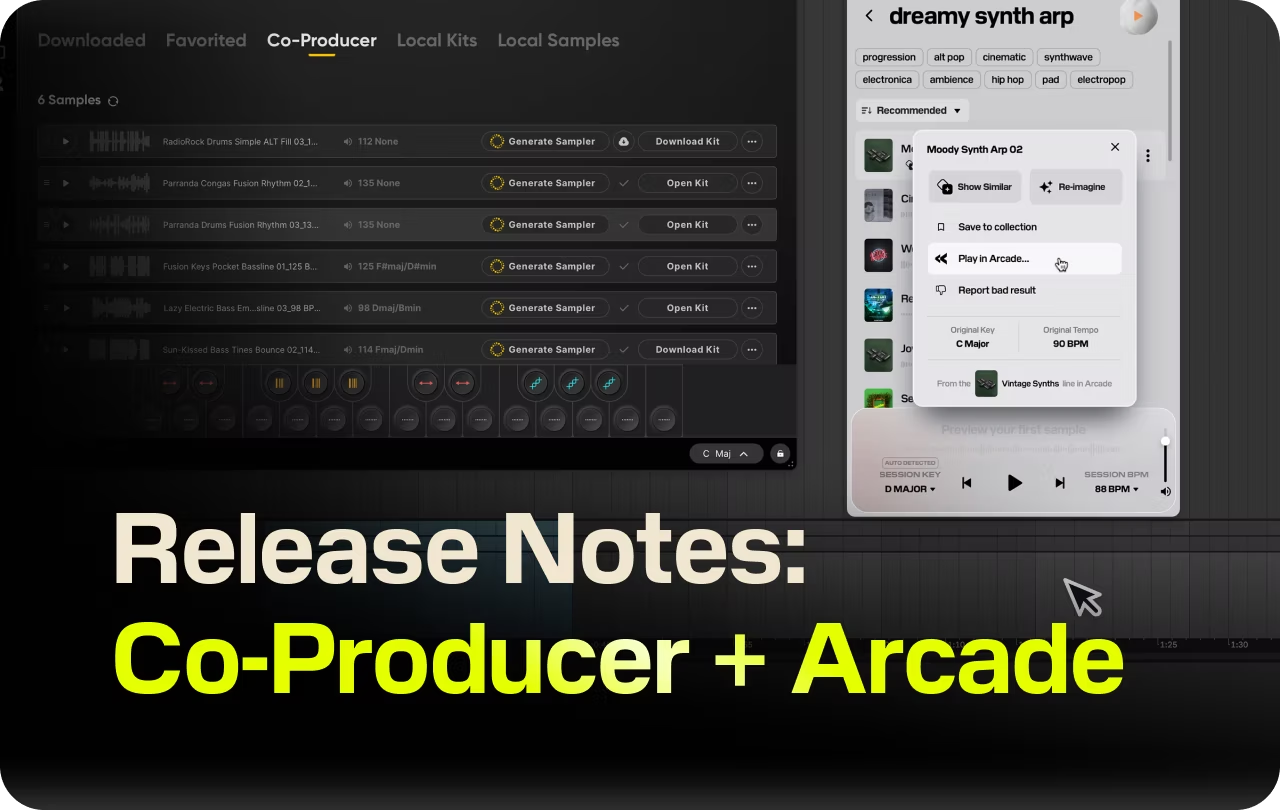
New in Co-Producer and Arcade: Release Notes
How to use the two newest Arcade and Co-Producer features: cross-plugin sample sending and Custom Collections. Setup steps and requirements inside.

Get Co-Producer and Arcade with unlimited access to premium, royalty-free samples and instruments. Plus, unlock Portal, Thermal, and Movement.
Upgrade nowRelease Notes
Your favorite plugins are now connected. The latest updates introduce a new integration between Arcade and Co-Producer, making it easier than ever to send samples between plugins. Plus, you can now save samples to Custom Collections in Co-Producer to stay organized.
Arcade also gets under-the-hood improvements to enhance musicality in Sampler Generator.
Here are the latest updates:
1. Send samples from Co-Producer to Arcade
You can now move a sample from Co-Producer into Arcade without exporting or dragging files.
Here's how to do it:
- Find a sample you love in Co-Producer.
- Open the three-dot menu and select Play in Arcade.
- The sample appears in Arcade under Your Stuff → Co-Producer tab.
From that tab you have two options. You can open the original factory kit the sample comes from, or you can select Generate Kit to slice the sample into a playable loop kit with different cuts and FX applied. Sampler Generator has been updated to produce more musical results.
Requirements: Update to the latest versions of Arcade and Co-Producer to get started. Make sure you're signed into the same account in both plugins. Requires Output One.
Availability: This works with samples from Output's library and select third-party content. Some third-party content is not eligible due to licensing.
2. Custom Collections in Co-Producer
You can now create named folders inside Co-Producer and save samples into them. No more mixing your synth leads with your snare buildups.
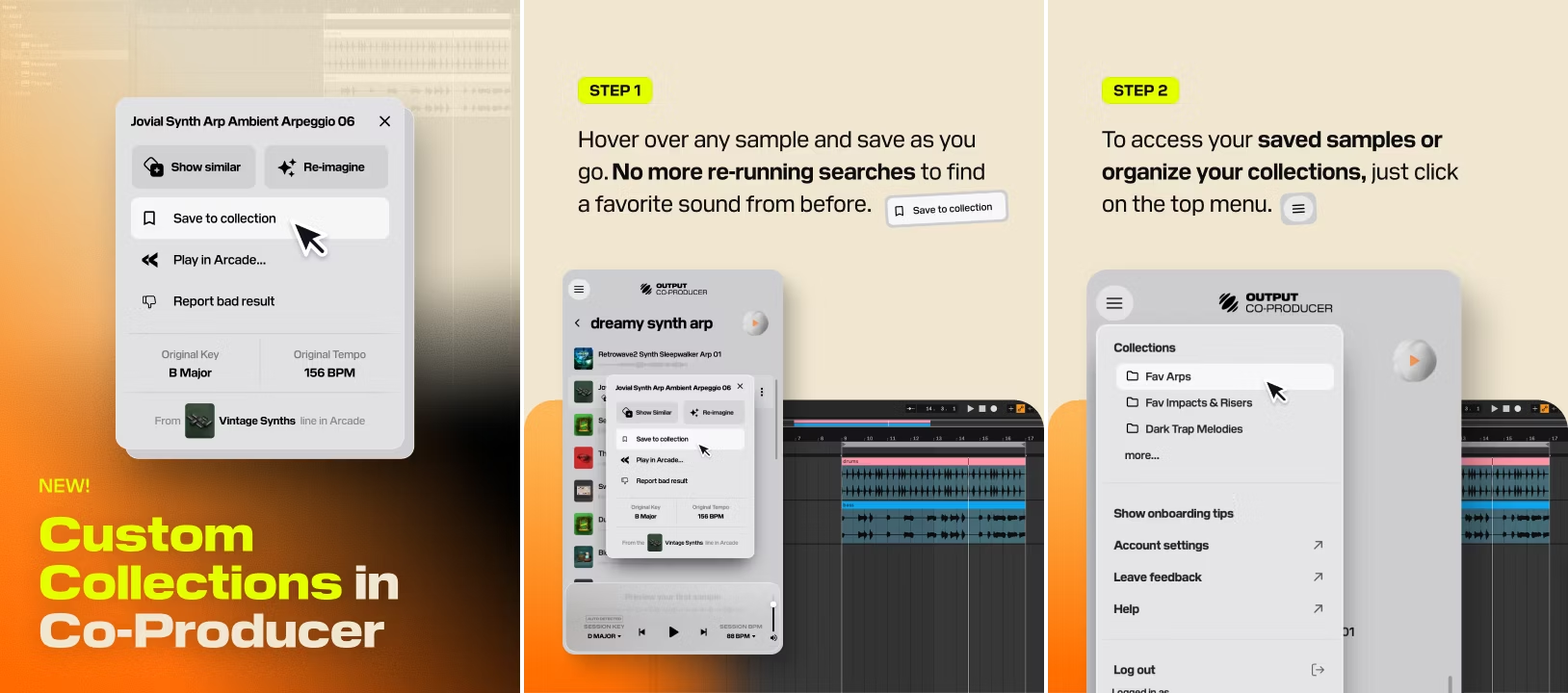
Building a custom collection is simple:
- Find a sample in Co-Producer.
- Open the three-dot menu and select Save to collection.
- Choose an existing collection or create a new one.
Your most recently used collections appear at the top of the list. Re-imagined samples can also be saved to collections.
To view your saved samples, open the account menu and select a collection. From there you can audition, drag, or build from any sample you've saved, without re-running a search.
3. Full Changelog
Arcade v2.13.4
- New: Your Stuff → Co-Producer tab for samples sent from Co-Producer
- New: Sampler Generator now accepts Co-Producer samples directly
- New: Sampler Generator algorithm tuned for more musical results
Co-Producer v1.3.6
- New: Play in Arcade — send any sample to Arcade from the three-dot menu
- New: Custom Collections — create and name your own sample folders
- New: Save to collection now available from the sample detail view
- New: Re-imagined samples can now be saved to custom collections
– The Output Team
Log in to your account to update Co-Producer and Arcade today and get the latest features and improvements.
Update now
Get Output announcements, tips, inspiration, and more sent to your inbox.