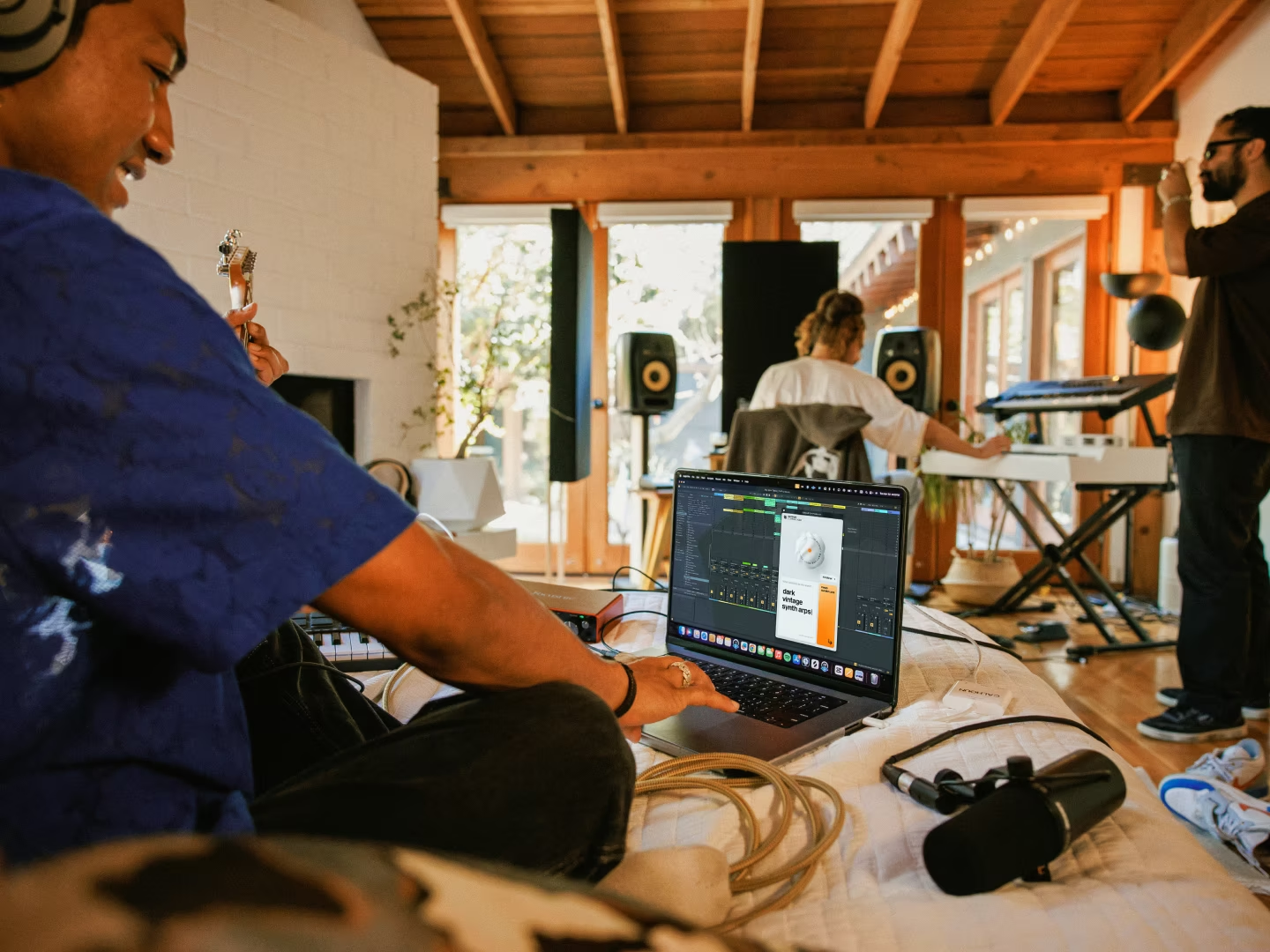
How AI Can Spark Inspiration Without Writing Your Track
AI for music inspiration works best when it speeds up discovery without making decisions for you. Here are five ways to use tools like Output Co-Producer to find sounds, push variations, and keep every creative call exactly where it belongs—with you.

Get Co-Producer and Arcade with unlimited access to premium, royalty-free samples and instruments. Plus, unlock Portal, Thermal, and Movement.
Try it freeHow AI Can Spark Inspiration Without Writing Your Track
AI can speed up sample discovery and spark new directions without writing your track for you. This breakdown covers how context-aware tools like Co-Producer surface sounds that fit your session and why the best AI-assisted workflows keep creative decisions exactly where they belong: with you.
What Is AI for Music Inspiration?
AI for music inspiration means using software that helps you find sounds, discover ideas, and create variations while you stay in control of every decision. These tools analyze your session, recommend samples that fit, or generate unique versions of existing sounds. You decide what makes the cut.
This is different from AI music generators that spit out finished tracks from a text prompt. Those tools treat music as an endpoint. AI for inspiration treats it as raw material you still need to shape, arrange, and finish yourself.
- What it is: Tools that listen to your session, recommend fitting samples, or generate unique variations you can manipulate further
- What it is not: A song maker that creates a finished track you didn't actually make
The distinction matters because authorship stays with you. You're not downloading someone else's idea or letting a model write your hook. You're using AI to speed up the parts of production that slow you down, like digging through folders or searching for the right texture. That leaves more time for the parts that actually require your ear and your taste.
How AI Music Inspiration Works Inside Your DAW
The most useful AI inspiration tools live inside your session, not on a separate website. They work with your existing project, analyze what you've already built, and surface sounds that fit the context. Here's a four-step workflow that keeps you in control while using AI to cut decision time.
1. Use Your Track as Context

Modern AI sample tools can analyze harmony, rhythm, and energy directly from your session. Co-Producer listens to your project and recommends samples that match key and tempo without you typing a single search term. This replaces keyword hunting and keeps you focused on the music instead of the browser.
- Faster discovery: No more scrolling through folders. The plugin surfaces relevant sounds in seconds.
- Context-aware results: Recommendations shift as your track evolves.
- Drag-and-drop workflow: Pull samples straight into your DAW without leaving the session.
To use Co-Producer, load it as an FX insert on your master track. It analyzes the audio playing through your session and uses that information to recommend samples. You can capture either 4 or 8 bars of audio—8 bars is recommended when available since it gives Co-Producer more harmonic and rhythmic content to analyze for better matches. You're not starting from scratch with every search because the plugin already knows what you're working on.
For text searches, use descriptive phrases combining descriptor + genre + instrument—like 'cinematic driving drum beat' or 'atmospheric ambient pulses'—rather than single keywords.
Loopcloud offers a similar browser-based approach with AI-assisted search and DAW integration.
- Cloud-based library: Access millions of samples from multiple labels without downloading everything upfront
- Point Blank integration: Preview samples in sync with your DAW's playback before committing
- AI tagging: Search by mood, texture, or instrument type using machine learning tags
2. Build a Palette Fast
Once you have context-aware suggestions, audition quickly and collect a working palette. Preview samples in sync with playback, save favorites, and layer options before committing. Hover over any sample and click 'save' to build a collection you can access later from the hamburger menu—useful for building a shortlist across multiple sessions.
Co-Producer's unlimited access, with no credits, encourages experimentation. You're not rationing downloads or second-guessing whether a sound is worth the credit. If something doesn't work, move on. If it does, drag it in and keep building.
For open-ended browsing when you want serendipity rather than precision, Arcade's Lines offer a different approach. Lines are curated collections organized by vibe and genre—like Drum Sesh for live drum sounds, Toys for obscure playful instruments, or Field of Sounds for found-sound textures—designed for exploration when you don't know exactly what you're looking for. Load Arcade as a software instrument in a MIDI track, browse Lines, and play samples directly from your controller.
The two tools complement each other. Co-Producer handles targeted discovery. Arcade handles wandering until something clicks. Both are available together in Output One.
3. Push Variations Until It Sounds Like You
Finding a sample is only the first step. The goal is making it yours.
Co-Producer's Re-imagine feature uses ethically trained AI to create one-of-a-kind variations of any sample in the library. You're not releasing the same loop as another producer. You're starting from a unique version that only exists because you generated it. The AI is trained on curated, musician-made content. Specifically, Re-imagine's model was trained on Output's decade-old royalty-free library plus Creative Commons-licensed content—no scraped datasets or questionable sources.
Arcade's auto-chop and modifier tools take this further. Drag a sample into Arcade, auto-chop it into a playable kit, and perform new patterns via MIDI. Arcade offers four different slicing algorithms to control how it divides your sample, plus FX presets that instantly shape the kit's character and map parameters to the Macro sliders. The sample becomes raw material for something new, not a finished phrase you're locked into.
Serato Sample offers another approach to chopping and manipulation.
- Automatic slicing: Drop any audio file and Serato Sample detects transients and creates playable pads
- Key and tempo sync: Lock samples to your project's key and BPM with pitch correction
- Cue point workflow: Set custom slice points and trigger them from your MIDI controller
4. Commit Parts and Keep Moving
AI inspiration tools should accelerate momentum, not create infinite option paralysis. The goal is a finished record, not endless browsing.
Once you've found and shaped a sound, commit it. Bounce to audio, print effects, and move on. The trap with AI-assisted workflows is treating every suggestion as a possibility worth exploring. It's not. Your job is to make decisions, and the best tools help you make them faster.
If a sample doesn't work after thirty seconds of audition, move on. If a variation feels close but not right, generate another or commit and keep building. Speed matters, but only because it keeps you in creative flow.
5. Make One-of-One Sample Variations
Co-Producer's Re-imagine feature generates infinite, unique versions of any sample in the library. Each variation inherits the same royalty-free licensing as the original, so you can release without additional clearance.
The practical benefit is avoiding sonic repetition. If you find a perfect hi-hat loop, Re-imagine can give you ten versions with different swing, texture, or tonal character. You're not stuck with the exact same loop another producer downloaded last week.
This is different from AI music generators that create entire tracks. Re-imagine transforms existing samples into new versions. You're still working with human-made source material. The AI just helps you find a version that fits your specific track.
How to Start Using AI for Music Inspiration Today
The workflow is straightforward. Use your track as context, build a palette fast, push variations until the sound is yours, then commit and keep moving. AI handles the searching and suggesting. You handle the decisions.
Output One is the fastest way to access Co-Producer, Arcade, Portal, Thermal, and Movement in a single subscription. The tools work together, from context-aware sample discovery to playable manipulation to FX-based transformation. You spend less time managing plugins and more time finishing records.
Frequently Asked Questions About AI for Music Inspiration
Can you use AI sample tools without releasing AI-generated music?
Yes. Tools like Co-Producer and Arcade surface human-made, royalty-free samples. AI assists the search and variation process, but the sounds themselves are recorded by musicians, not generated from scratch. The source samples in Co-Producer's library were recorded by musicians and sound designers. Even Re-imagine variations start from this musician-made foundation—the AI transforms existing samples rather than generating audio from scratch.
Why do context-aware sample recommendations feel more useful than keyword search?
When a tool listens to your session and recommends sounds that fit the existing harmony and energy, results feel intentional rather than random. You're not guessing at search terms or scrolling through unrelated results.
Do Re-imagine variations keep the same royalty-free licensing as the original sample?
Yes. Co-Producer's catalog is royalty-free and ethically sourced. Re-imagine variations inherit the same rights, so you can release without additional clearance or licensing fees.
Output One bundles Co-Producer, Arcade, Portal, Thermal, and Movement—the exact tools from this article—so you can generate prompts, flip sounds, and shape inspiration in one subscription. Get them all together (plus every FX expansion) and keep your momentum moving from idea to track.
Try it free