
The 6 Best Reaper Samples and Loops in 2026
Stop scrolling, start producing. We found the 6 best sample & loop packs for Reaper to get your tracks sounding like 2026. Let's get to it.

Get Co-Producer and Arcade with unlimited access to premium, royalty-free samples and instruments. Plus, unlock Portal, Thermal, and Movement.
Try it freeIf you’re a REAPER user, you know the drill: endless searching for sounds that don't suck. The quest for quality free samples for REAPER can lead you down some strange rabbit holes.
REAPER is celebrated for its deep customization and efficiency. It’s a workhorse that handles nearly any third-party plugin format, from VSTs to AUs, giving you total freedom to build your toolkit.
That freedom, however, means sorting through a mountain of options to find the good stuff. We’re talking about sounds that spark ideas, not just fill up your hard drive.
To save you the headache, we’ve rounded up six sample and loop sources you’ll actually use. We’ll cover our own Arcade alongside picks like Cymatics, Producer Loops, and Unison Audio to get your next track started.
1) Output
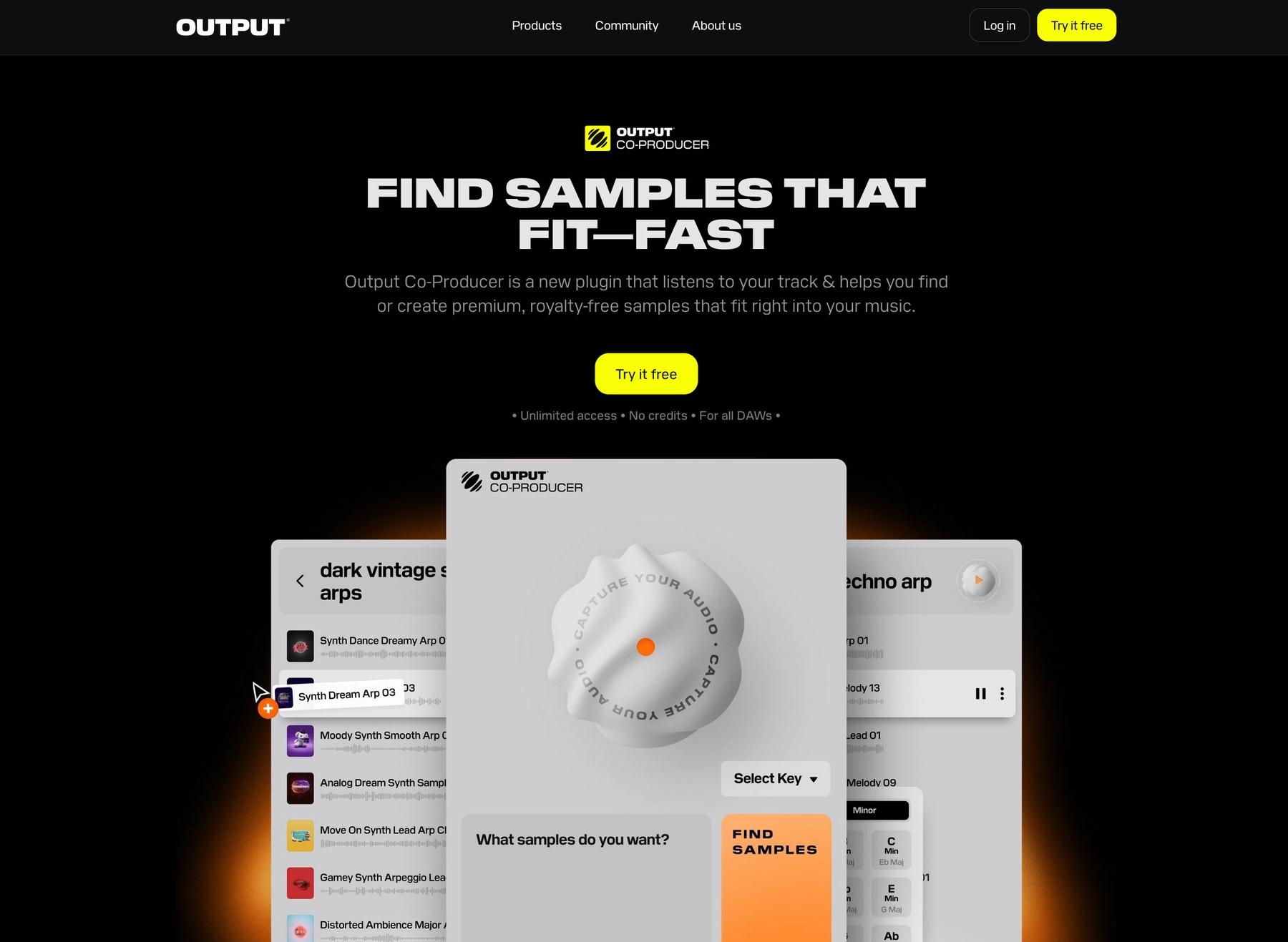
At Output, we build instruments and effects that slot right into REAPER’s famously flexible workflow. Our ecosystem is designed to get you to a finished idea faster, without ever getting in your way.
Output Features
Our tools are designed to work seamlessly inside REAPER, so you can find the right sound without breaking your flow. Take our sample engine, Arcade, for instance. It’s a plugin that gives you access to a massive, constantly growing library of royalty-free sounds right inside your DAW. Just load it on a track, and it automatically syncs to your project’s tempo and key.
- Explore a library of samples, Kits, and Lines that is updated frequently.
- Drag and drop your own audio into the engine to build custom Kits.
- Tweak sounds on the fly with built-in effects and macro controls.
To speed things up even more, our AI-powered tool, Co-Producer, analyzes your track and suggests fitting sounds from our library. You can use natural language to find what you’re looking for and drag suggestions straight into your REAPER session.
- Get sample suggestions based on the audio in your project.
- Use text prompts to describe the exact sound you need.
- Drag and drop sounds directly into your REAPER timeline.
Output Price
We keep our pricing simple so you can focus on making music. You can get into Arcade for $12.99 per month, which unlocks our entire library of sounds that you can use in your tracks, royalty-free.
For the whole toolkit, our Output One subscription is the way to go. At $14.99 a month, it bundles Arcade with our AI-powered Co-Producer and all our FX plugins—including Portal, Thermal, and Movement. You can explore all of our products and pricing to find the setup that works for you.
2) Cymatics
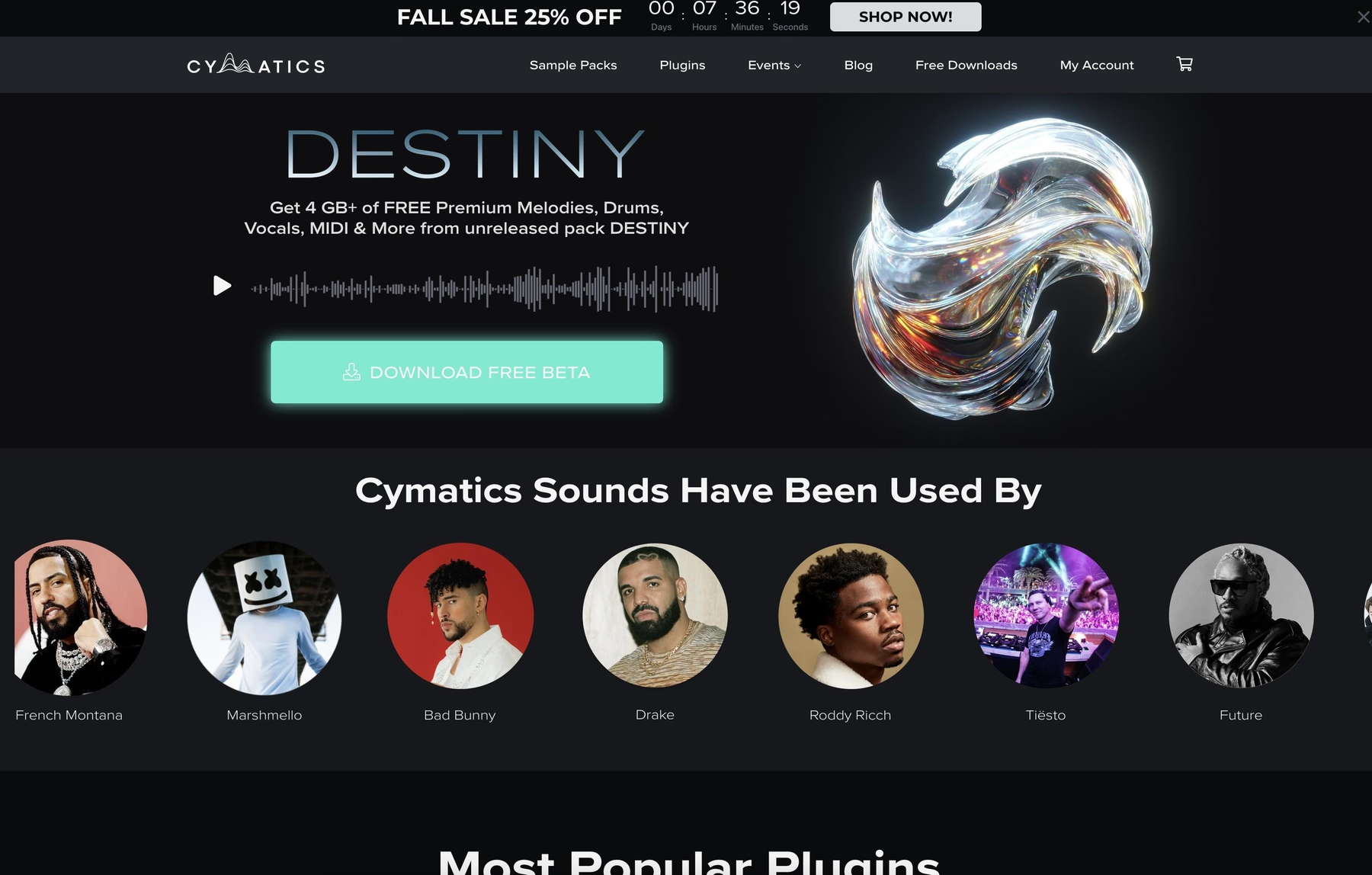
Cymatics provides sample libraries and packs in standard WAV and MIDI formats. Because they use these universal file types, the sounds are fully compatible with REAPER and can be dropped directly into a project.
Cymatics Features
Since Cymatics packs are just audio and MIDI files, you can use REAPER’s built-in Media Explorer to browse and import them. There’s no need for a dedicated player plugin. Once a sample is in your project, you can use REAPER’s native tools to time-stretch or pitch-shift it to match your track’s tempo and key.
- Download and extract the pack to a folder on your computer.
- In REAPER, open the Media Explorer and navigate to your sample folder.
- Drag and drop sounds directly into your project timeline.
Cymatics Price
Cymatics offers both free and paid sample packs. For example, the 'Reaper: Trap Hi-Hat Loops & MIDI' pack is available for free, while other premium packs are sold for a one-time fee. Their samples are 100% royalty-free, allowing for use in commercial projects.
3) Producer Loops
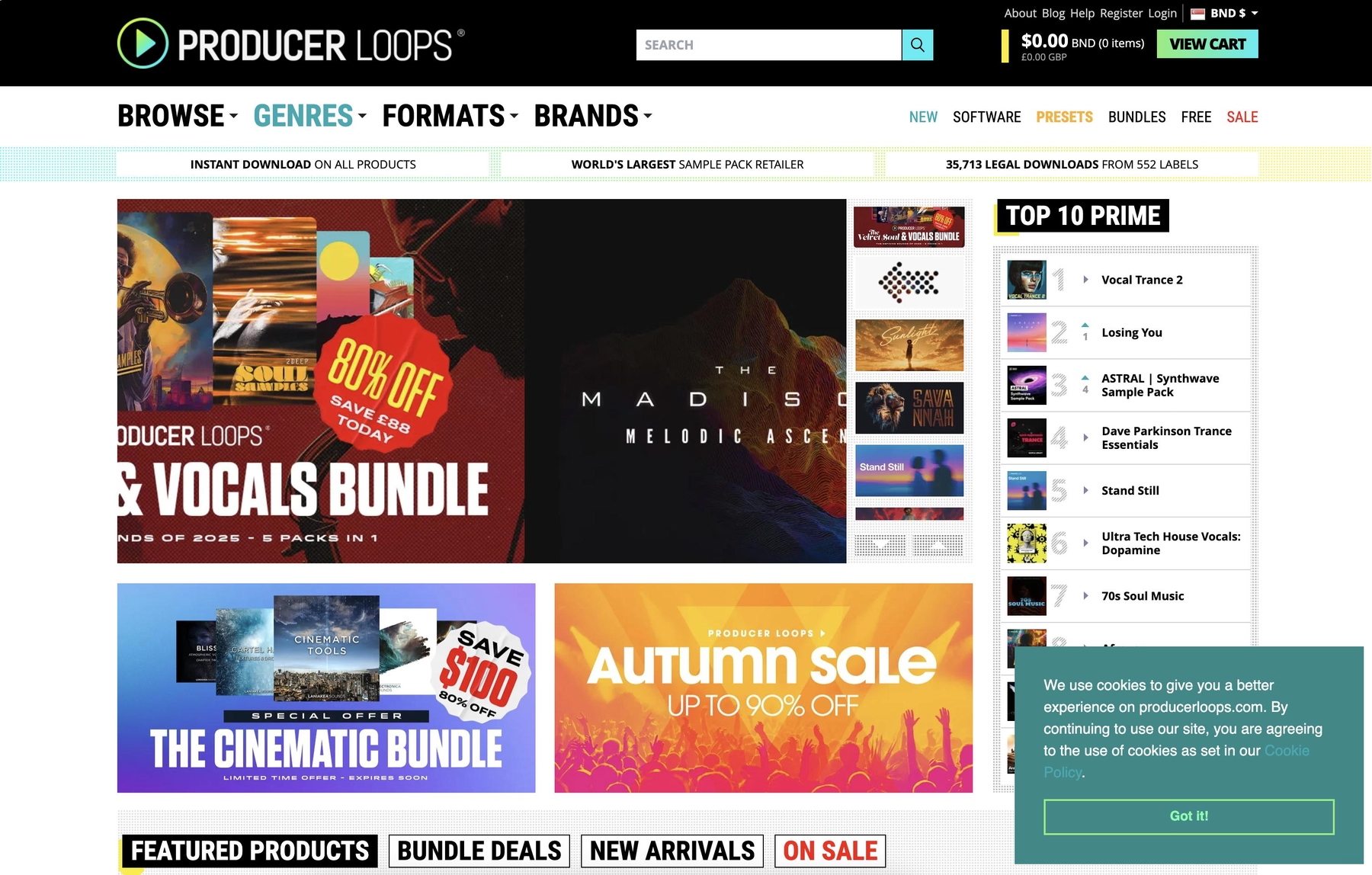
Producer Loops functions as a large marketplace for sample packs. Since the sounds are delivered in standard formats like WAV and AIFF, they work directly in REAPER without any special setup.
Producer Loops Features
Because Producer Loops provides standard audio files, you can manage them using REAPER’s native Media Explorer—no dedicated plugin is required. Once a sample is in your project, you can use REAPER’s built-in functions to adjust its pitch and tempo.
- Download and unzip the pack to a folder.
- Browse to that folder in REAPER’s Media Explorer.
- Drag and drop sounds into your session.
Producer Loops Price
Sample packs on Producer Loops are sold individually, with prices varying based on the pack. The sounds are typically royalty-free, so you can use them in commercial projects.
4) Unison Audio
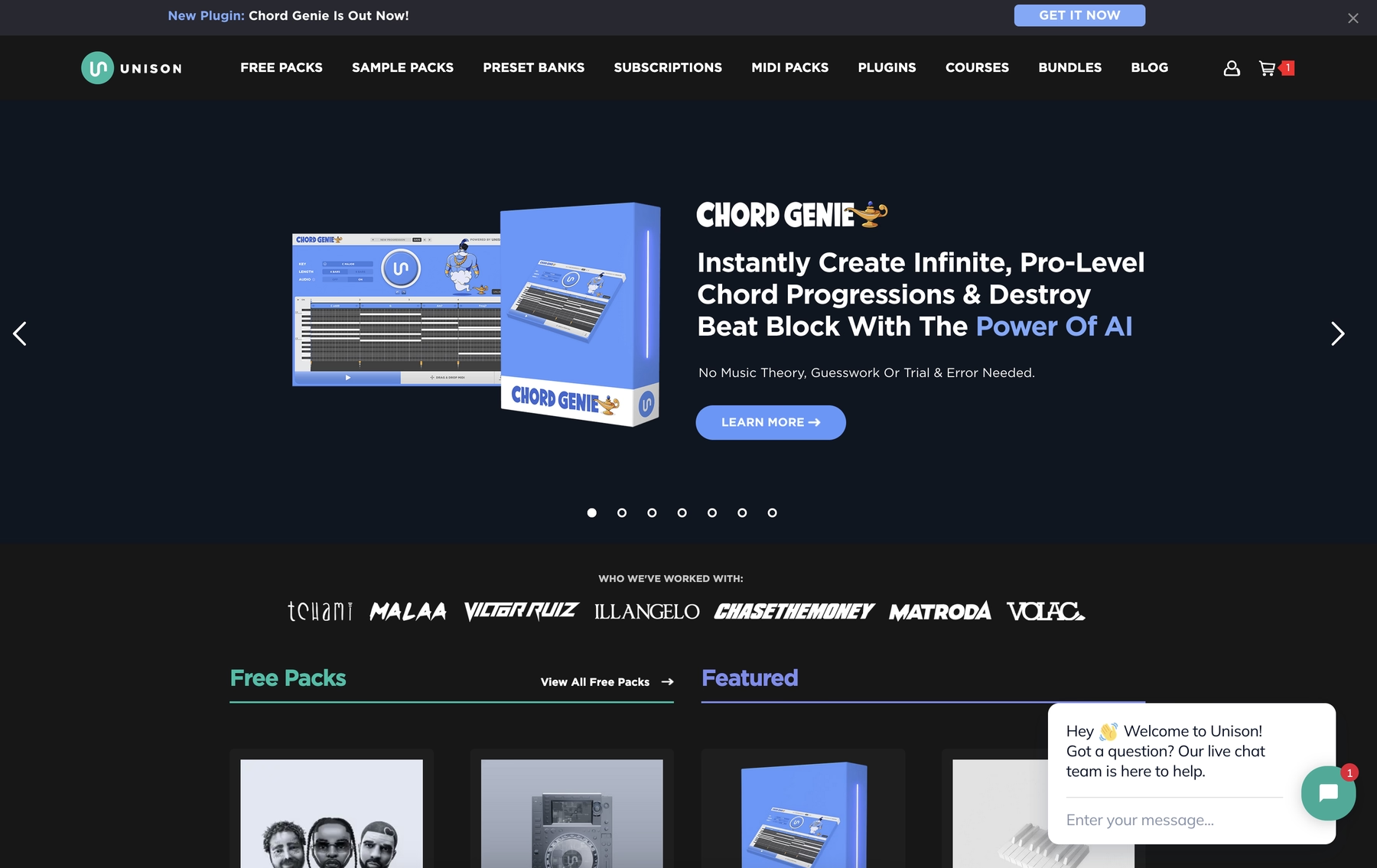
Unison Audio provides sample packs in standard WAV and MIDI formats. Because they use these universal file types, the sounds are fully compatible with REAPER and can be dropped directly into a project.
Unison Audio Features
Since Unison Audio packs are just audio and MIDI files, you can use REAPER’s built-in Media Explorer to browse and import them. There’s no need for a dedicated player plugin. Once a sample is in your project, you can use REAPER’s native tools to time-stretch or pitch-shift it to match your track’s tempo and key.
- Download and extract the pack to a folder on your computer.
- In REAPER, open the Media Explorer and navigate to your sample folder.
- Drag and drop sounds directly into your project timeline.
Unison Audio Price
Unison Audio offers both free and paid sample packs, with prices varying depending on the pack's content. The samples are typically royalty-free, but you should review the specific license agreements provided with each pack for any restrictions.
5) ModeAudio
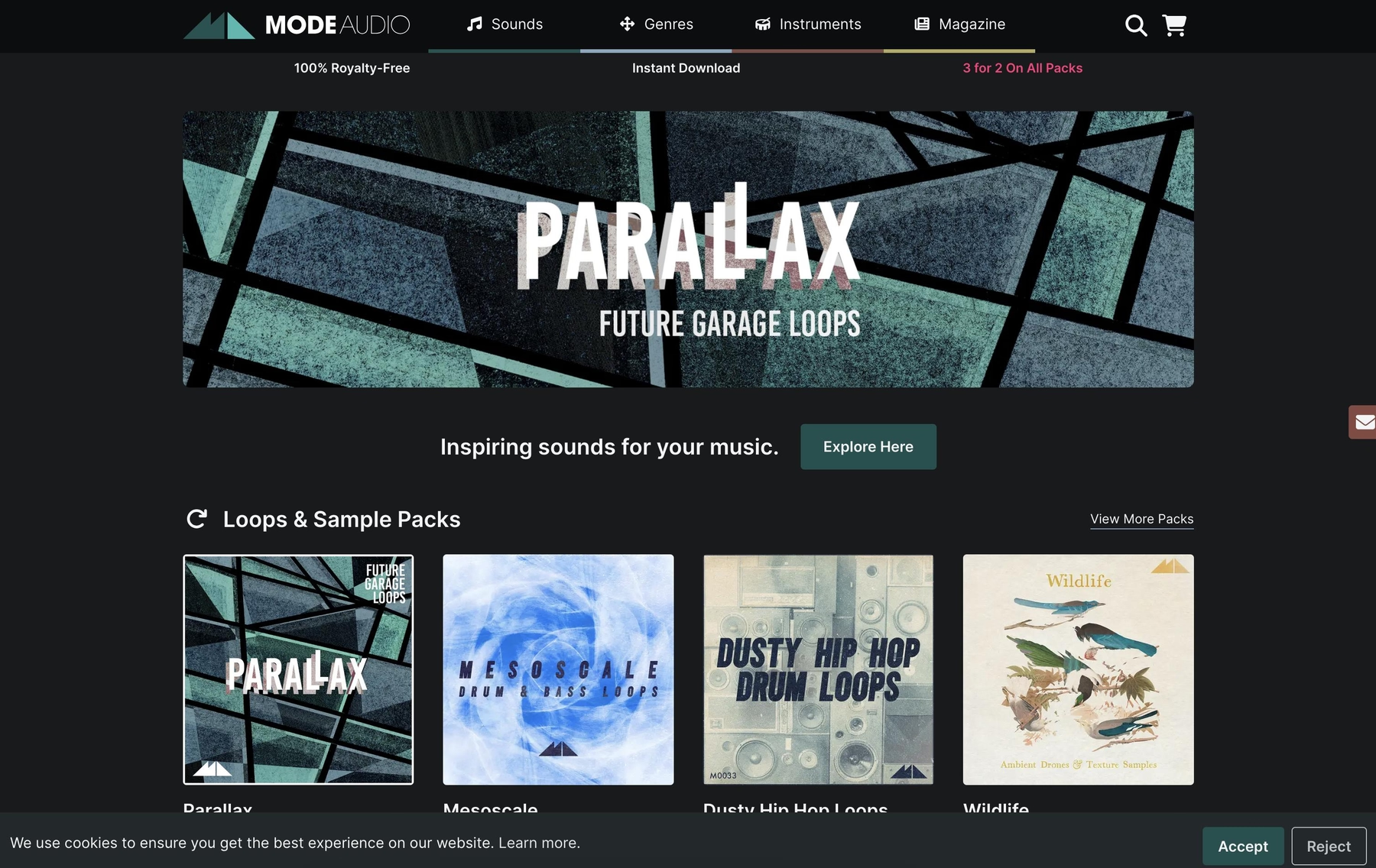
ModeAudio provides sample packs in formats like WAV, AIFF, and REX2. Since REAPER supports these file types, the sounds can be dropped directly into a project without a dedicated plugin.
ModeAudio Features
Because ModeAudio delivers standard audio files, you can manage them using REAPER’s built-in Media Explorer. REAPER can also automatically adjust the tempo of certain loop formats, like REX2, to match your project’s settings.
- Download and unzip the sample pack to a folder.
- Drag and drop the audio files from the folder into your REAPER session.
ModeAudio Price
ModeAudio sells sample packs individually, with occasional discounts and free packs available. All of their packs are royalty-free, allowing for use in both personal and commercial projects.
6) Ghosthack
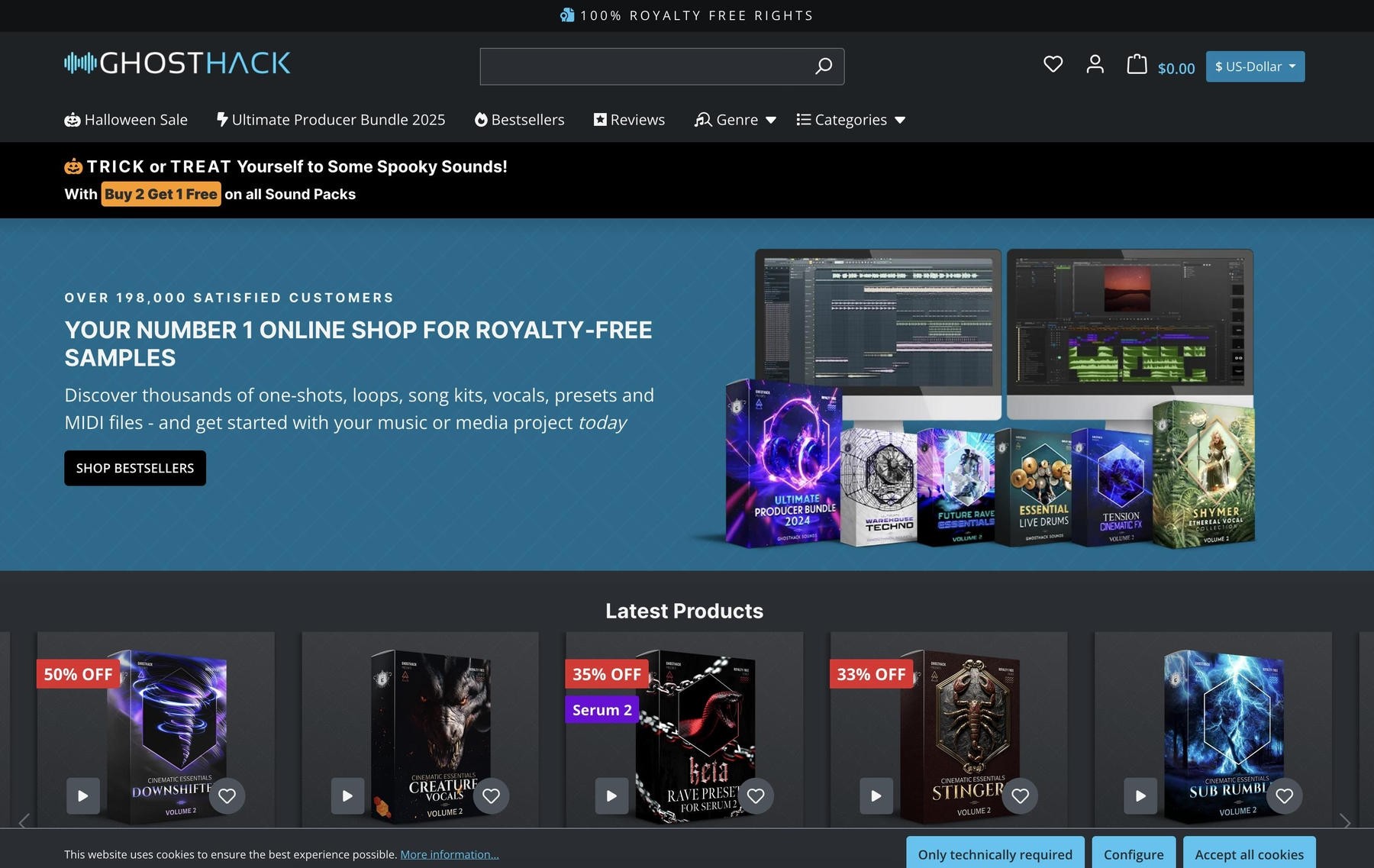
Ghosthack provides sample packs in WAV format, which are fully compatible with REAPER. The files can be dropped directly into a project without requiring a dedicated plugin.
Ghosthack Features
Because Ghosthack delivers standard audio files, you can manage them using REAPER’s built-in Media Explorer. Once a sample is in your project, you can use REAPER’s native functions to time-stretch or pitch-shift it to match your track.
- Download and extract the sample pack to a folder on your computer.
- In REAPER, open the Media Explorer and navigate to your sample folder.
- Drag and drop sounds directly into your project timeline.
Ghosthack Price
Ghosthack offers individual sample packs for purchase, along with bundle deals and occasional discounts. The samples are 100% royalty-free, allowing for use in commercial projects.
How to Pick the Right Samples and Loops for Reaper
Finding the right sounds for REAPER isn’t just about the samples; it’s about how they fit into your famously flexible workflow.
- Workflow Integration: Consider how you want to browse. Are you cool with digging through folders in the Media Explorer, or would you rather have a plugin that serves up sounds directly in your session? Tools that live inside your DAW, like Arcade, cut out the file management and keep you focused on the music.
- Sound Shaping: Think about manipulation. REAPER’s native tools are powerful for stretching and pitching audio, but a dedicated plugin with built-in effects and macros lets you transform a sound on the fly without chaining a bunch of effects.
- Discovery Engine: How do you find inspiration? While random folder-diving can sometimes yield gold, AI-powered tools like Co-Producer can analyze your project and suggest sounds that actually fit, saving you from endless searching.
- Format and Compatibility: Check the format. While REAPER handles almost anything you throw at it—from WAVs to VSTs—make sure the library you choose plays nice. A VST or AU plugin is often the simplest way to guarantee compatibility and get straight to work.
How to Add Samples to Reaper
Getting new sounds into REAPER is straightforward, whether you're using a plugin or just dragging in audio files.
Let's walk through the process with a plugin. Say you're using our sampler, Arcade, to find your sounds.
- First, install the plugin. Once that’s done, open REAPER and add Arcade as a virtual instrument (VST or AU) on a new track.
- Inside Arcade, browse the library and load a Kit. The plugin automatically syncs to your project’s key and tempo, so everything is ready to go.
- From there, use your MIDI controller or the piano roll to play your sounds. You can also drag audio directly from the plugin window onto a track in your session for further editing.
Test-Drive Output in Reaper and Hear the Difference
Any of these libraries will get you solid sounds for REAPER, no question. But if you’re looking for a workflow that feels less like managing files and more like an extension of your session, our tools are designed to be the tightest fit.
Stop the endless search and find your sound faster. Try Output today.
With Output One, you get the full suite—Arcade, engines, FX, and Co-Producer—integrated in Reaper. Spend less time searching and more time recording with key- and tempo-aware picks.
Try Output One for free
Get Output announcements, tips, inspiration, and more sent to your inbox.