The 6 Best Pro Tools Samples and Loops in 2026
Stop digging for sounds. We found the 6 best Pro Tools sample and loop packs for 2026 so you can get back to making music faster.

Get Co-Producer and Arcade with unlimited access to premium, royalty-free samples and instruments. Plus, unlock Portal, Thermal, and Movement.
Try it freeHunting for solid Pro Tools loops can feel like a full-time job. You’re not just looking for any sound; you need libraries and packs that integrate smoothly and spark ideas, not kill your workflow.
Pro Tools is the industry titan for a reason, built for serious recording, editing, and mixing. It runs on the AAX plugin format, which means your sample sources need to be compatible to show up in your session.
So, we're skipping the filler and getting straight to the good stuff. This isn't about finding just any free loops for Pro Tools; it's about finding the right tools that will become staples in your template.
Here are six sample platforms that deliver. We’ll cover our own powerhouse, Arcade, alongside essentials from Native Instruments, Wave Alchemy, Soundiron, and more to get your next track started.
1) Output
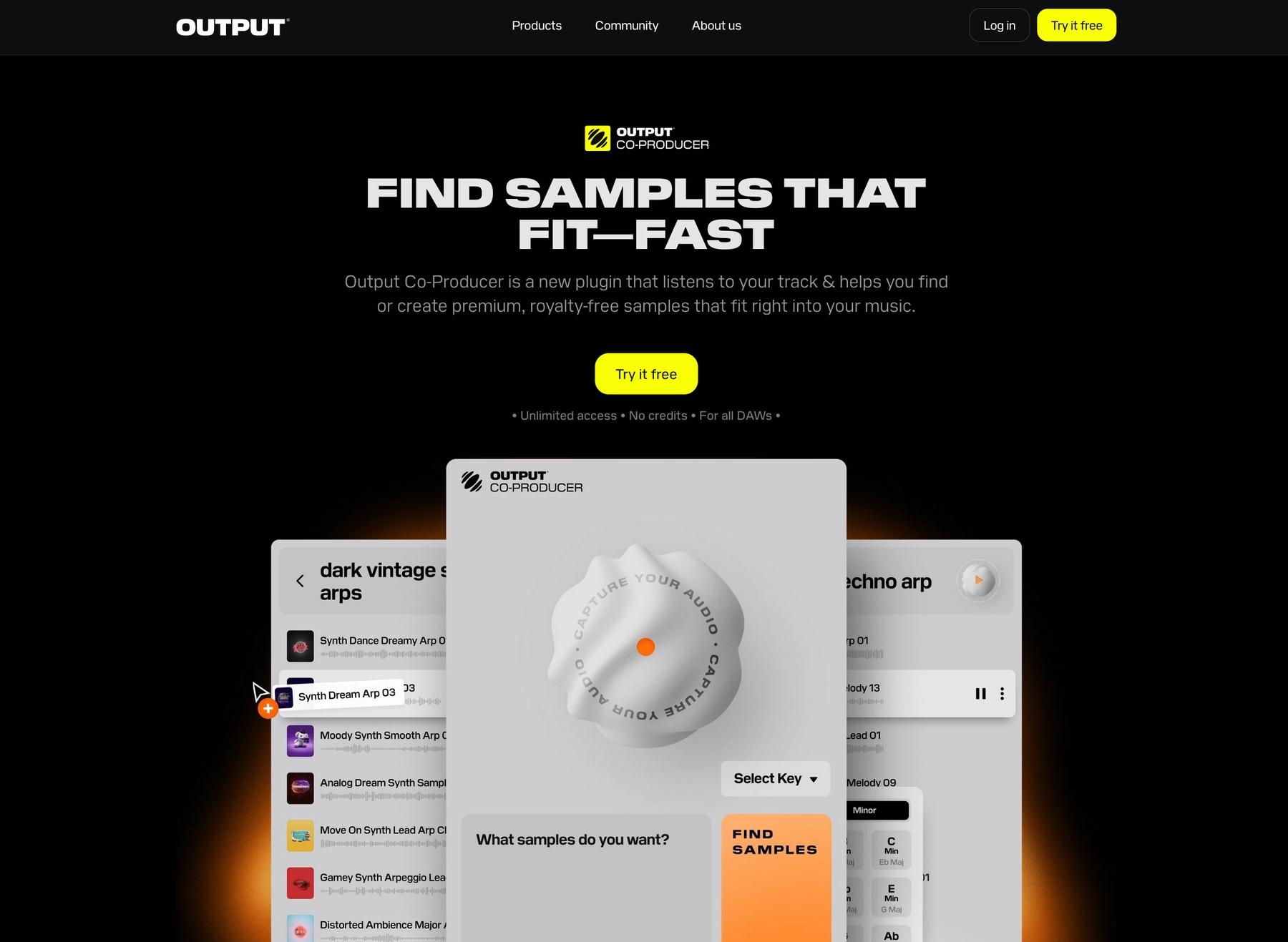
We're Output, and we build instruments and effects designed to get out of your way. All our AAX plugins, from the Arcade sample engine to our suite of FX, drop right into your Pro Tools session to help you start and finish tracks faster.
Output Features
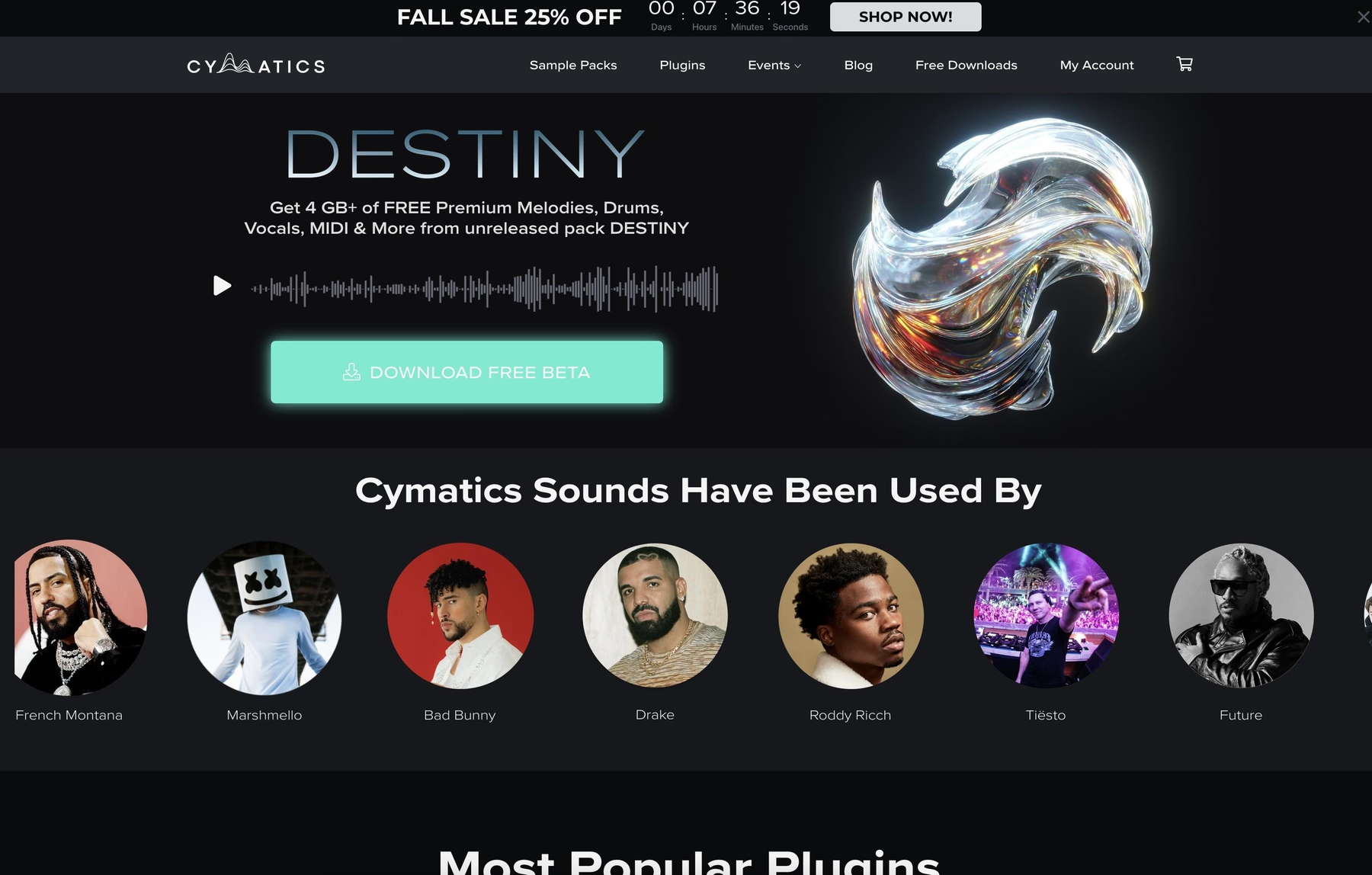
Our entire ecosystem is built to integrate directly into Pro Tools via the AAX plugin format, eliminating workflow friction. Take our flagship sample engine, Arcade. It’s not a static library of loops; it’s a playable instrument that loads right onto an instrument track. Arcade automatically syncs to your session’s tempo and key, so you can browse and audition thousands of royalty-free sounds in real-time without ever leaving your project.
- AAX Native: Runs directly in Pro Tools, no wrappers or complicated routing needed.
- Automatic Sync: All loops and samples lock to your session’s key and tempo instantly.
- Drag-and-Drop Audio: Pull rendered audio clips straight from Arcade onto a track in your timeline.
- Endless Content: Get new Lines, Kits, and Samples delivered to the plugin daily.
To help you find the right sound even faster, our AI-powered Co-Producer plugin analyzes audio from your session and suggests fitting samples from the Arcade library. You can feed it a drum loop to find a bassline or use natural language prompts to describe exactly what you’re hearing in your head.
- In-DAW Analysis: Analyzes audio from any track in your Pro Tools session.
- Contextual Suggestions: Recommends sounds that match your project's rhythm, key, and feel.
- Natural Language Search: Type prompts like “dark and gritty synth arp” to find what you need.
- Seamless Integration: Works hand-in-hand with Arcade for a unified sound discovery workflow.
Output Price
We keep our pricing straightforward so you can focus on making music. The best way to get everything is with our Output One subscription, which bundles our entire ecosystem for $14.99 per month. That includes Arcade, our new AI-powered Co-Producer, and all our FX plugins like Portal, Thermal, and Movement.
Individually, Arcade is $12.99 a month, and Co-Producer is $9.99 a month. Since Output One gives you both plus our entire effects suite for just a couple of dollars more, it’s the most popular route for producers. To see the full lineup, explore all of our products and pricing.
2) Native Instruments Expansions
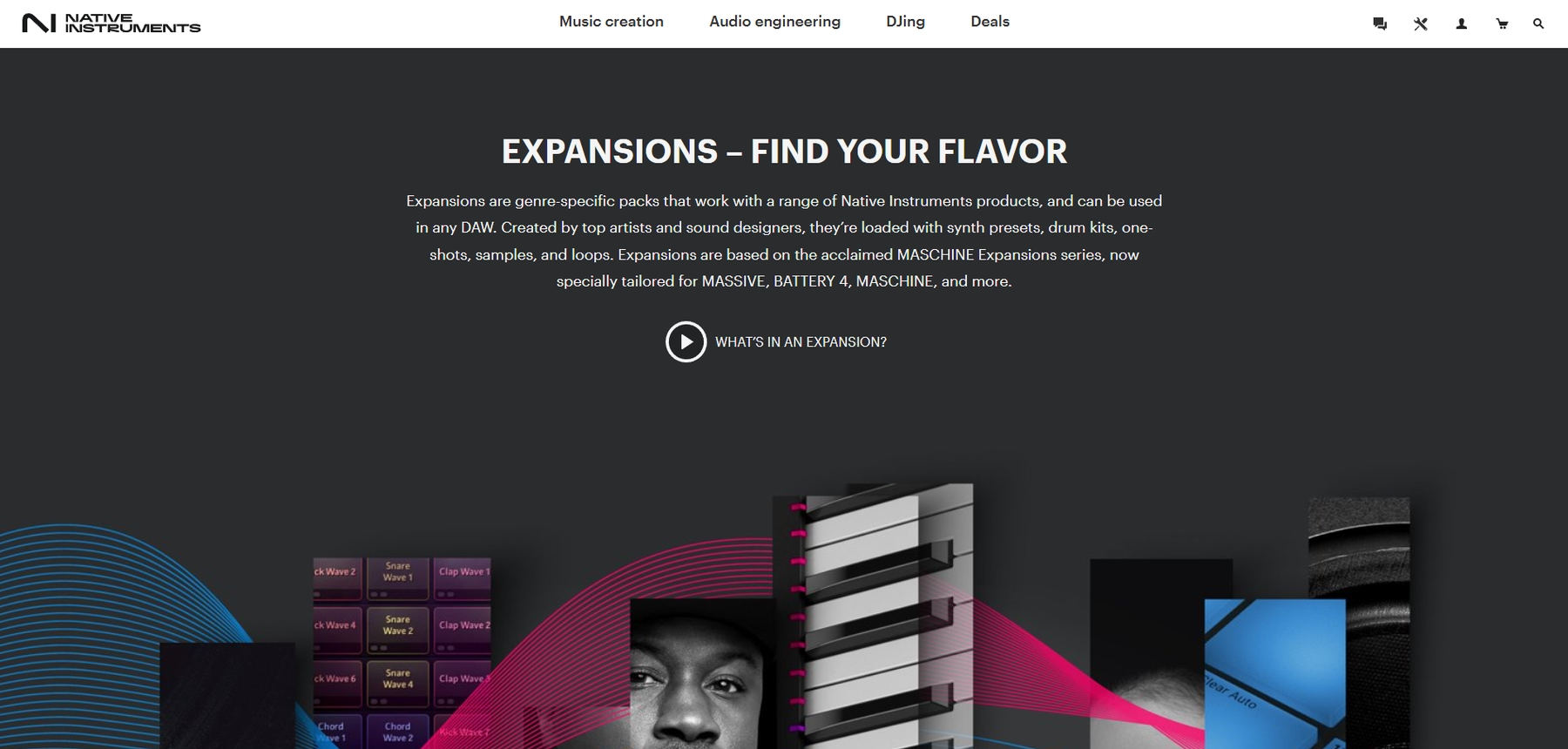
Native Instruments Expansions are genre-focused packs containing loops, samples, and instrument presets. Since the included audio files are in standard WAV format, they work with Pro Tools, while presets require compatible NI plug-ins like KONTAKT or BATTERY 4.
Native Instruments Expansions Features
At their core, Expansions are collections of WAV files that you can drag directly into a Pro Tools audio track. For instrument and drum kit presets, you’ll need to load them through their corresponding NI player, such as KONTAKT or BATTERY, on an instrument track. Once the audio is in your session, you can use Pro Tools’ built-in Elastic Audio features to handle any time-stretching or pitch-shifting.
- Direct Audio Import: Standard WAV files can be dropped into any Pro Tools session.
- Plugin-Based Instruments: Presets and kits require an AAX-compatible Native Instruments plugin to function.
- DAW-Side Syncing: Tempo and key matching for audio loops is handled within Pro Tools, not the plugin.
Native Instruments Expansions Price
Expansions are sold individually, and prices vary from pack to pack. For specific costs, you’ll need to check the Native Instruments website to see their full catalog.
3) Wave Alchemy
Wave Alchemy focuses on deeply sampled packs delivered in standard WAV format. Since the audio files are universal, they are fully compatible with Pro Tools and can be imported directly into your session.
Wave Alchemy Features
Using Wave Alchemy samples in Pro Tools is a straightforward drag-and-drop process. Once you import the WAV files, you rely on Pro Tools' native tools like Elastic Audio for any time-stretching or pitch-shifting to fit your track. There is no dedicated player engine, so all manipulation happens inside the DAW.
- Direct Audio Import: All samples are standard WAV files that can be imported into your Pro Tools session.
- DAW-Side Syncing: Tempo and key adjustments are handled manually within Pro Tools.
- Royalty-Free License: The samples are cleared for commercial use.
Wave Alchemy Price
Wave Alchemy sells its sample packs individually, so the cost depends on which pack you choose. For example, their 'Drift' pack is available as a one-time purchase. You’ll need to check their website for specific pricing across their full catalog.
4) Soundiron
Soundiron offers sample libraries that run within Native Instruments’ Kontakt sampler. Because Kontakt operates as an AAX plugin, these libraries can be used inside a Pro Tools session.
Soundiron Features
To use Soundiron libraries in Pro Tools, you first need to load the full version of Kontakt as a plugin on an instrument track. From there, you can open your Soundiron instruments inside the Kontakt interface. Any tempo or key adjustments depend on Kontakt’s internal features or Pro Tools’ own Elastic Audio tools after the fact.
- Kontakt-Dependent: Requires the full version of Native Instruments’ Kontakt to run; the free Kontakt Player has limited support.
- AAX Compatibility via Host: Works in Pro Tools by running Kontakt as an AAX plugin.
- Manual Audio Manipulation: Time-stretching and pitch-shifting are handled within Kontakt or by using Pro Tools' native tools on rendered audio.
Soundiron Price
Soundiron sells its libraries individually, so your cost will depend on the specific instrument you choose. They also offer various bundles at different price points. For exact pricing, you’ll need to visit their website.
5) Cymatics
Cymatics provides sample packs in standard formats like WAV and MIDI. Because the files are universal, you can drop them directly into a Pro Tools session without any special plugins or compatibility layers.
Cymatics Features
Using Cymatics packs in Pro Tools is a matter of dragging and dropping the included WAV and MIDI files onto your timeline. Since there's no dedicated player engine, all time-stretching and pitch-shifting rely on Pro Tools' built-in Elastic Audio tools once the audio is in your session.
- Direct Import: WAV and MIDI files can be imported directly into a Pro Tools session.
- DAW-Based Editing: All sample manipulation is handled inside the DAW.
- Royalty-Free: Samples are cleared for use in commercial projects.
Cymatics Price
Cymatics offers a mix of free and premium sample packs. Their premium collections are sold as one-time purchases, typically ranging from $30 to $50. You can find both free downloads and paid packs on their website.
6) Producer Loops
Producer Loops is a marketplace that sells sample packs in multiple formats, including WAV and AIFF. Since these are standard audio files, they are compatible with Pro Tools and can be imported directly into a session.
Producer Loops Features
Working with these packs in Pro Tools involves importing the audio files directly onto a track. Once the files are in your session, you rely on the DAW’s built-in tools for any time-stretching or tempo matching. While most packs use standard WAV files, some also include REX files, which might require extra configuration to use properly.
- Multi-Format Packs: Samples are delivered in common formats like WAV, AIFF, and REX.
- DAW-Based Manipulation: All editing, like chopping samples in Pro Tools, is handled with native tools after import.
- Royalty-Free: All samples are cleared for commercial use.
Producer Loops Price
Producer Loops sells its sample packs individually. Prices vary depending on the pack's content and complexity, so you'll need to visit their website to see the costs for specific collections.
How to Pick the Right Samples and Loops for Pro Tools
Picking the right library isn't just about the sounds; it's about how they fit into your Pro Tools workflow.
- AAX Native Support: First and foremost, check for native AAX compatibility. Pro Tools runs on AAX plugins, and anything else either won't work or will require clunky workarounds. You want a tool that loads directly onto a track, not a headache.
- Automatic Syncing: How does it handle tempo and key? Manually time-stretching WAVs with Elastic Audio gets old fast. A proper instrument plugin should lock to your session's grid automatically. We built Arcade to do exactly this, so you can audition sounds in context without stopping the music.
- Player vs. Raw Files: Consider if you're getting a playable instrument or just a folder of audio files. Dragging WAVs is fine, but a dedicated player engine gives you immediate control with built-in effects and macros, turning samples into something you can perform.
- Content Model: Finally, think about how you get new sounds. Do you prefer buying individual, static packs, or does a subscription with a constantly growing library fit your process better? One gives you a fixed toolkit; the other delivers a steady stream of inspiration.
How to Add Samples to Pro Tools
Getting new sounds into Pro Tools is straightforward, whether you're using raw audio files or a dedicated plugin. For sample packs with standard WAV files, you can simply drag and drop them from your computer's browser onto an audio track. Pro Tools will handle the import, and you can use its built-in Elastic Audio to make them fit.
If you're using a plugin instrument, the process is a bit different. Say you're using Arcade:
- First, install Arcade, making sure the AAX version is selected so Pro Tools can see it.
- In your session, create a new stereo Instrument Track.
- On that track, click an insert slot and load Arcade from your plugin list under "Output."
- Since Arcade automatically syncs to your project's key and tempo, you can just press play and start auditioning sounds in context immediately.
Test-Drive Output in Pro Tools and Hear the Difference
Any of the tools on this list will get you new sounds for your session, but if you're after a workflow that feels native to Pro Tools, we built our ecosystem for exactly that. Arcade and Co-Producer aren't just sample packs; they're instruments designed to integrate so deeply you'll forget they're plugins.
Ready to stop hunting and start making music? Try Output today.
With Output One, you get the full suite—Arcade, engines, FX, and Co-Producer—integrated in Pro Tools. Spend less time searching and more time recording with key- and tempo-aware picks.
Try Output One for free
Get Output announcements, tips, inspiration, and more sent to your inbox.