The 6 Best Nuendo Samples and Loops in 2026
Stop scrolling for sounds. We've rounded up the 6 best Nuendo sample and loop packs for 2026 so you can get back to what matters: making music.

Get Co-Producer and Arcade with unlimited access to premium, royalty-free samples and instruments. Plus, unlock Portal, Thermal, and Movement.
Try it freeFinding quality Nuendo samples shouldn't be a chore, but let's be honest—most of the internet seems to forget this DAW exists for music.
While Nuendo is a titan in post-production, its full VST3 support means it’s wide open for any third-party instrument or library you throw at it.
To cut through the noise, here are six sample and loop platforms that actually earn their keep in a serious Nuendo workflow.
We’ll cover our own instruments, of course, plus essentials from top-tier outfits like Samples From Mars, Cymatics, and Producer Loops.
1) Output
Since Nuendo plays nice with any VST3, our entire ecosystem of instruments and effects is ready to drop right into your session. We're Output, and we build tools that get you to a finished idea faster, without the fluff.
Output Features
Our entire ecosystem runs natively inside Nuendo, so you can stop worrying about compatibility and just make music. Take Arcade, for example. It’s a sample playback instrument that loads directly into your project, giving you access to a massive, constantly updated library of royalty-free sounds.
Everything automatically locks to your project’s key and tempo, so you can audition loops and ideas on the fly without ever leaving your session. It’s all about keeping you in the flow.
- Explore a constantly growing, royalty-free library organized into playable Kits.
- Instantly syncs to your Nuendo project’s key and tempo.
- Drag and drop your own samples into the engine for custom manipulation.
- Tweak sounds with built-in effects and macro controls.
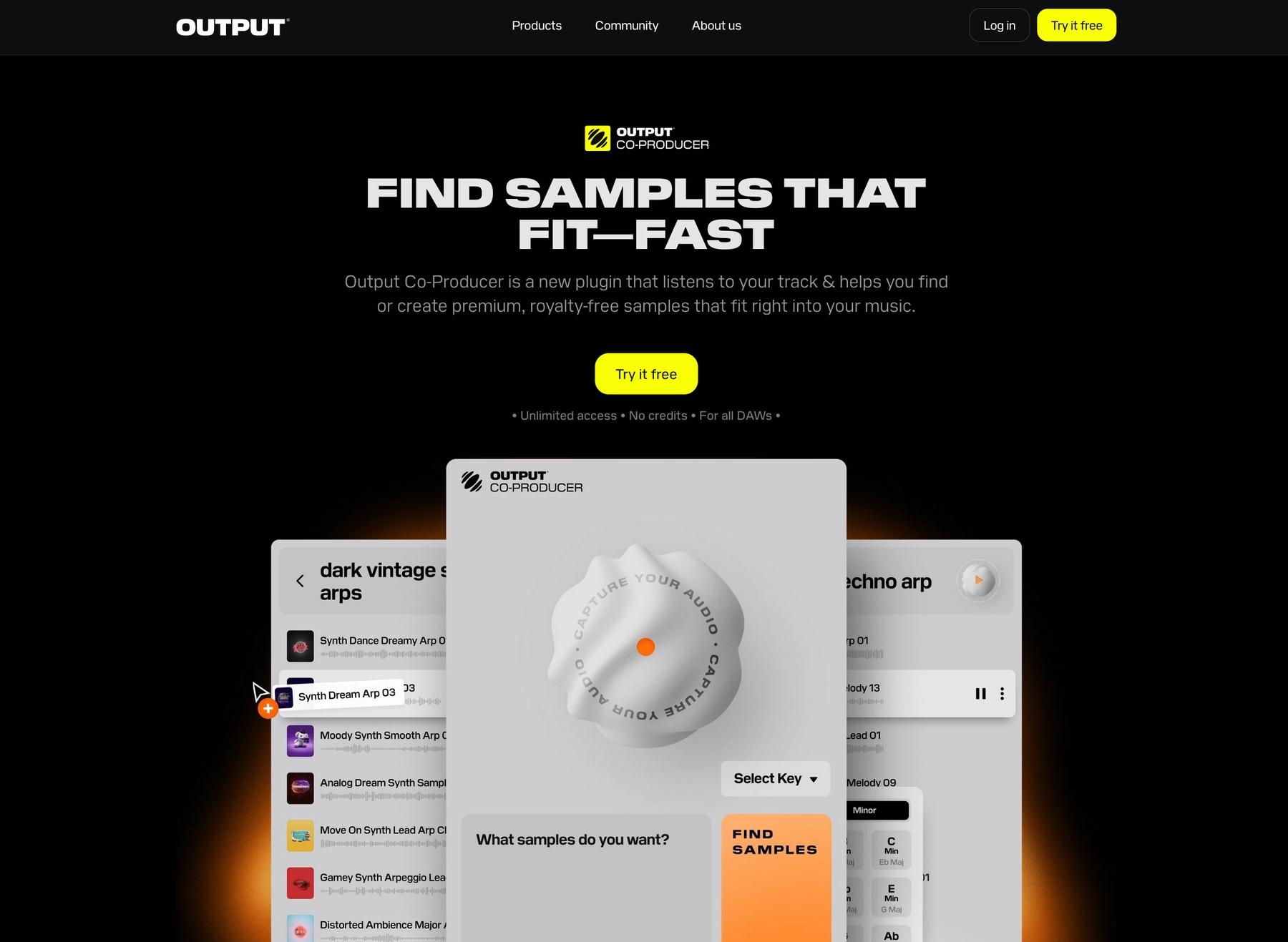
To speed up your sample-hunting process even more, we built Co-Producer. This AI-powered tool analyzes audio from your Nuendo session and suggests perfectly matched samples from our library, letting you find the right sound with natural language prompts.
- Analyzes your audio to find complementary sounds.
- Uses natural language search to find specific textures and vibes.
- Integrates directly with Arcade for deeper editing.
- Drag and drop suggestions right into your Nuendo timeline.
Output Price
We keep our pricing straightforward so you can focus on making music. You can get into Arcade for $12.99 a month, which unlocks the entire library and instrument. Honestly though, the smartest move is our Output One subscription. For just $14.99 a month, you get Arcade, Co-Producer, and all our flagship FX plugins like Portal and Thermal. It’s the whole ecosystem for not much more than Arcade by itself.
Explore all of our products and pricing to find what fits your workflow.
2) Samples From Mars
Samples From Mars focuses on capturing the sound of classic drum machines and synthesizers. Their packs come as raw WAV and REX2 files, so you can drop them directly into Nuendo's MediaBay without needing a separate plugin.
Samples From Mars Features
Since these are just audio files, there's no plugin to install. You work with them directly in Nuendo's timeline or sampler track. The packs are delivered as WAV and REX2 files, which Nuendo handles natively.
- Download and place the sample folders where you keep your sound libraries.
- Use Nuendo’s MediaBay to find and audition sounds before dragging them into your project.
- Nuendo’s own audio tools let you time-stretch and pitch-shift the samples to fit your track.
Samples From Mars Price
Samples From Mars sells its packs individually, so you only buy the sounds you need. They also offer bundles that group multiple packs together at a lower price.
3) Cymatics
Cymatics offers sample packs geared toward specific genres, delivered as standard audio files. Since Nuendo handles formats like WAV without issue, you can pull their sounds directly into your projects.
Cymatics Features
Because Cymatics packs are just collections of audio files, they integrate into Nuendo without any extra software. You can manage and audition everything through the MediaBay, then drag what you need onto the timeline. Nuendo’s own tools handle any time-stretching or pitch-shifting you want to do.
- Download and unzip the pack.
- Use Nuendo’s MediaBay to browse and import samples.
- Adjust tempo and key with Nuendo's built-in audio functions.
Cymatics Price
Cymatics provides a mix of free and paid sample packs. Their premium collections generally run between $30 and $50 each.
4) Producer Loops
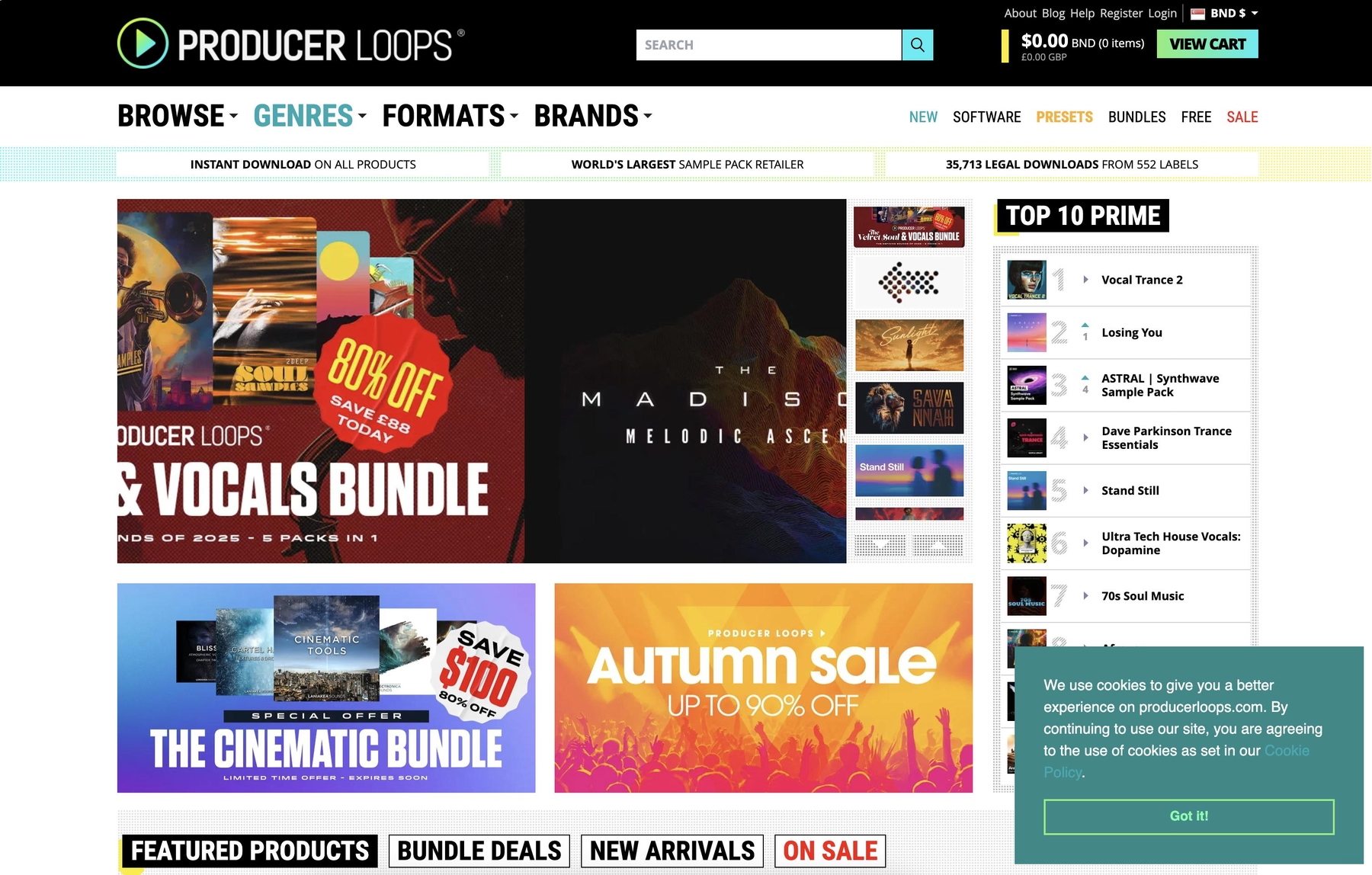
Producer Loops is a marketplace for sample packs that come in standard audio formats like WAV and AIFF. Because Nuendo handles these files natively, you can drag them directly into your projects without needing a dedicated plugin.
Producer Loops Features
Since these are just audio files, the workflow happens entirely inside Nuendo. You manage the samples through the MediaBay and use the DAW’s own audio functions to manipulate them. Some packs might contain formats that require conversion, so keep an eye on the file types.
- Download and extract the pack to a folder on your drive.
- Use Nuendo’s MediaBay to browse and audition the sounds.
- Drag the samples you want directly onto your project timeline.
- Use Nuendo’s built-in tools for time-stretching and pitch-shifting.
Producer Loops Price
Sample packs are sold individually, and prices vary depending on the content. Most samples are royalty-free for commercial use, but you should always review the license for each specific pack to be sure.
5) Unison Audio
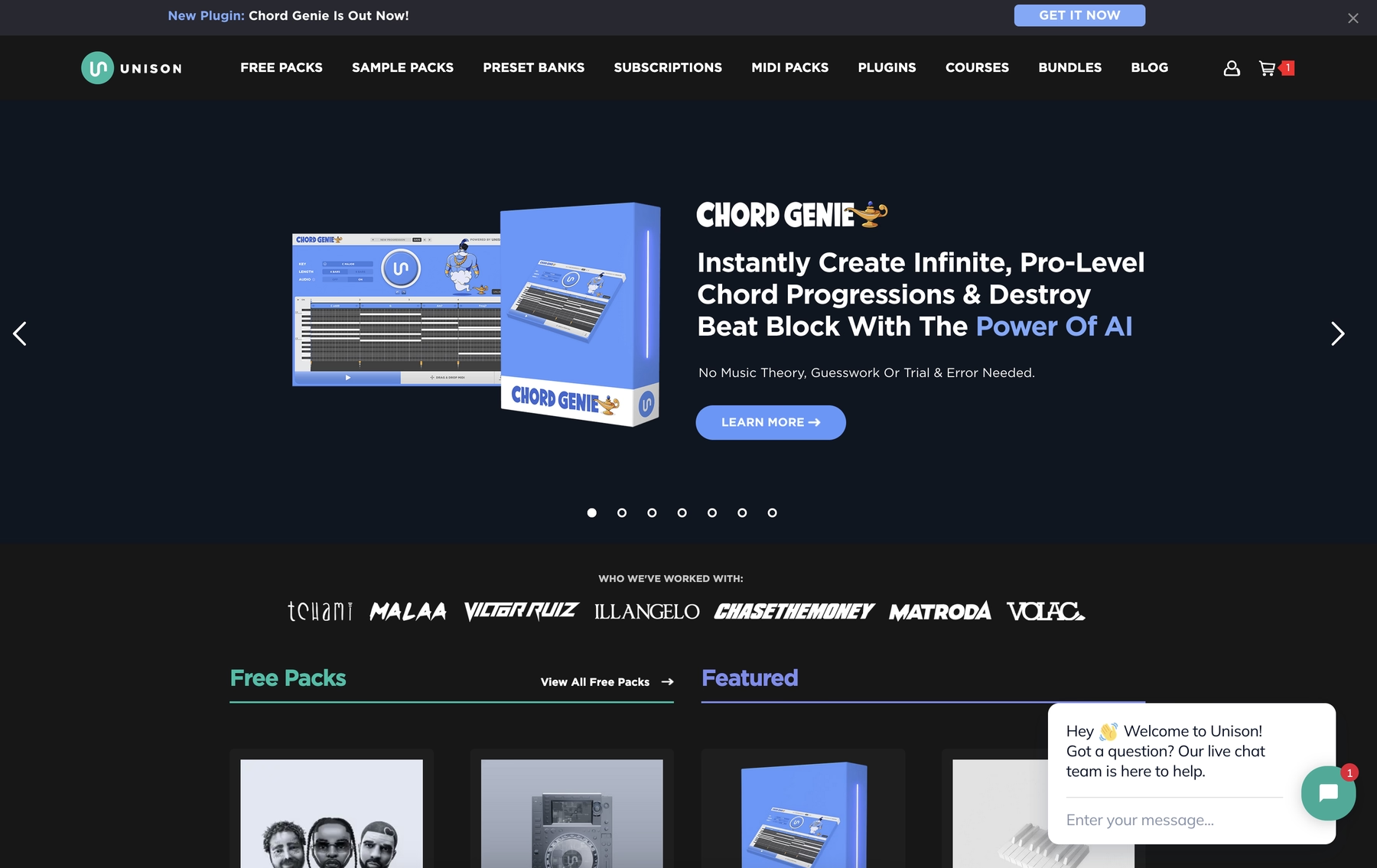
Unison Audio provides sample packs in standard audio formats like WAV and AIFF. Since Nuendo handles these files natively, you can drop them directly into your projects without needing a dedicated plugin.
Unison Audio Features
Because these packs are just collections of audio files, the workflow happens entirely inside Nuendo. You can manage and audition everything through the MediaBay, then drag what you need onto the timeline. Nuendo’s own tools handle any time-stretching or pitch-shifting you want to do.
- Download and extract the sample pack.
- Use Nuendo’s MediaBay to import the samples into your project.
- Adjust tempo and key with Nuendo's built-in audio functions.
Unison Audio Price
Unison Audio sells its sample packs individually, and prices vary depending on the pack. The samples are royalty-free for use in your productions.
6) ModeAudio
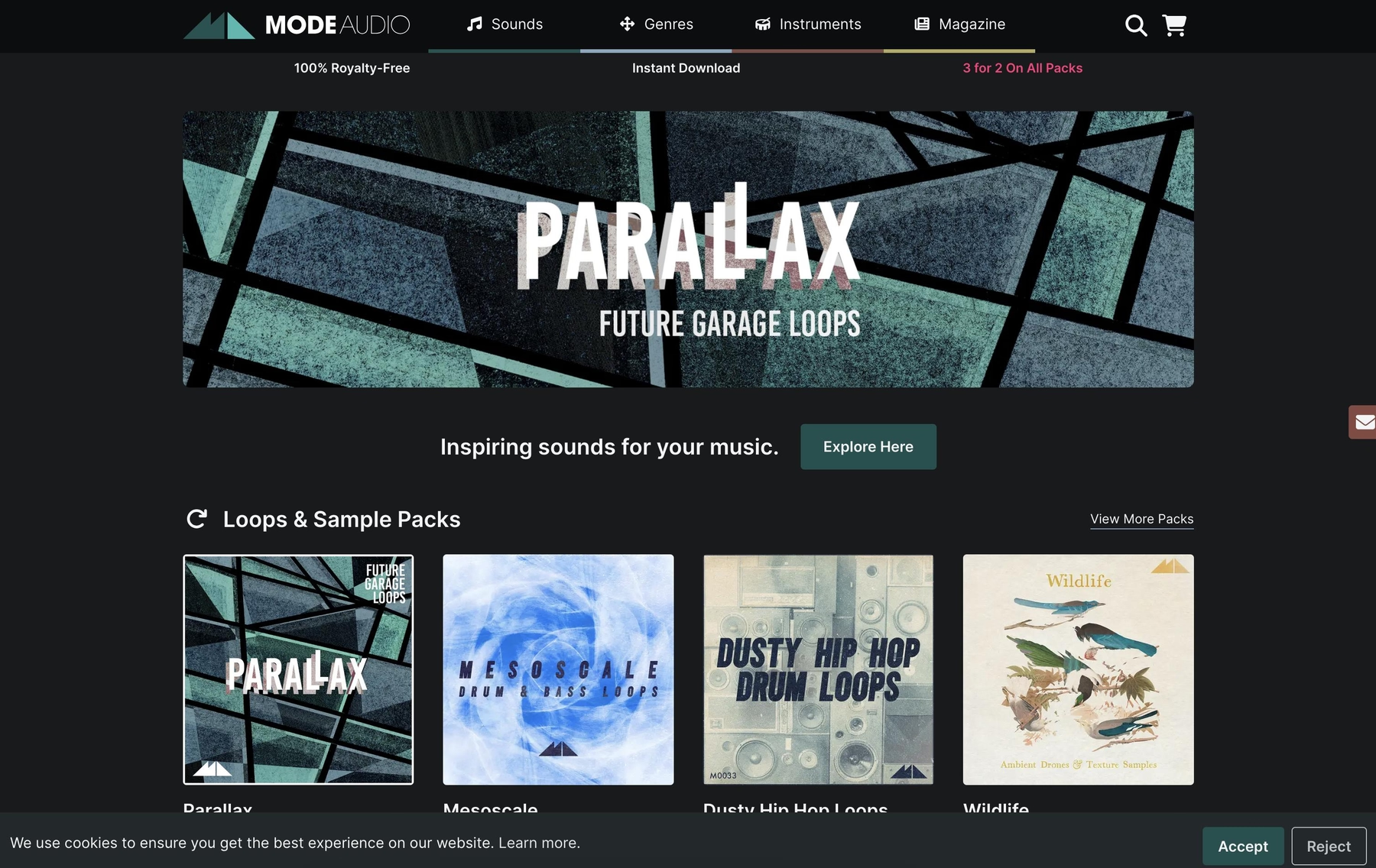
ModeAudio provides sample packs in formats like WAV and REX2, so you can use their nuendo loops directly in your Nuendo projects without any extra plugins.
ModeAudio Features
Because these packs are just collections of audio files, the workflow happens entirely inside Nuendo. You can manage and audition everything through the MediaBay, then drag what you need onto the timeline. Nuendo’s own tools handle any time-stretching or pitch-shifting you want to do.
- Download and extract the sample pack.
- Use Nuendo’s MediaBay to browse and import the samples.
- Adjust tempo and key with Nuendo's built-in audio functions.
ModeAudio Price
ModeAudio sells its sample packs individually, with prices typically ranging from $15 to $25. All samples are royalty-free for use in your music productions.
How to Pick the Right Samples and Loops for Nuendo
Picking the right sounds for Nuendo comes down to how you want to work, not just what you want to hear.
- Workflow Integration: Do you want to spend your time digging through folders in the MediaBay, or do you prefer an instrument that lives inside your session? A dedicated VST3 plugin keeps you in the zone by organizing and serving up sounds without making you leave the DAW.
- File Format Compatibility: Nuendo handles standard WAV and REX2 files without a problem, but check that a pack doesn’t require tedious file conversions. Your time is better spent producing, not managing assets.
- Sound Palette: Nuendo is a beast for post-production but also a full-fledged music DAW. Are you scoring a film with foley and atmospheres, or are you building a track from scratch? Pick a library that serves your actual project needs.
- Tempo and Key Syncing: While Nuendo’s built-in tools can stretch and pitch audio, platforms that automatically lock every loop to your project’s key and tempo are a massive workflow boost. It lets you audition ideas instantly without breaking your flow.
How to Add Samples to Nuendo
Getting sounds into Nuendo is straightforward, whether you're using a plugin or just dragging in audio files. The process is designed to be seamless, especially if you're working with a VST3 instrument. Say you're using Arcade, for example; it integrates directly into your session to keep you focused on the music.
- Load the Plugin: Create an Instrument Track in your Nuendo project and select Arcade from your VST instruments list.
- Find Your Sound: Browse the library inside Arcade. Every loop and sample automatically locks to your project’s key and tempo, so you can audition ideas in real-time.
- Drag and Drop: Once you’ve found the right sound, just drag the audio from Arcade’s interface and drop it onto an audio track in your timeline. The sample is rendered and ready for editing.
For loose WAV files, you can always use Nuendo’s MediaBay to browse your library and pull sounds into your project or a native sampler like Groove Agent SE.
Test-Drive Output in Nuendo and Hear the Difference
Honestly, any of these libraries will feed your Nuendo session with solid sounds. But if you want a workflow that doesn't feel like you're just managing files, our instruments are built to live inside your DAW and keep you in the flow.
Stop wrestling with file browsers and give your Nuendo setup the tools it deserves. Check out our instruments and see how much faster you can get to a finished track.
With Output One, you get the full suite—Arcade, engines, FX, and Co-Producer—integrated in Nuendo. Spend less time searching and more time recording with key- and tempo-aware picks.
Try Output One for free
Get Output announcements, tips, inspiration, and more sent to your inbox.