The 6 Best Ableton Live Samples and Loops in 2026
Stop searching, start producing. We've rounded up the 6 best Ableton Live sample packs and loops for 2026 to fire up your next track.

Get Co-Producer and Arcade with unlimited access to premium, royalty-free samples and instruments. Plus, unlock Portal, Thermal, and Movement.
Try it freeHunting for quality Ableton samples can feel like a full-time job. The internet is a minefield of half-baked loops and recycled kicks.
Ableton Live itself is a beast, built for warping audio and integrating just about any plugin you throw at it.
But a powerful DAW is nothing without good source material, and the market for Ableton sample packs is completely saturated.
So, we're cutting through the noise. Here are six platforms—including our own, plus favorites like Samples From Mars, Cymatics, and Producer Loops—that deliver sounds you’ll actually use.
1) Output
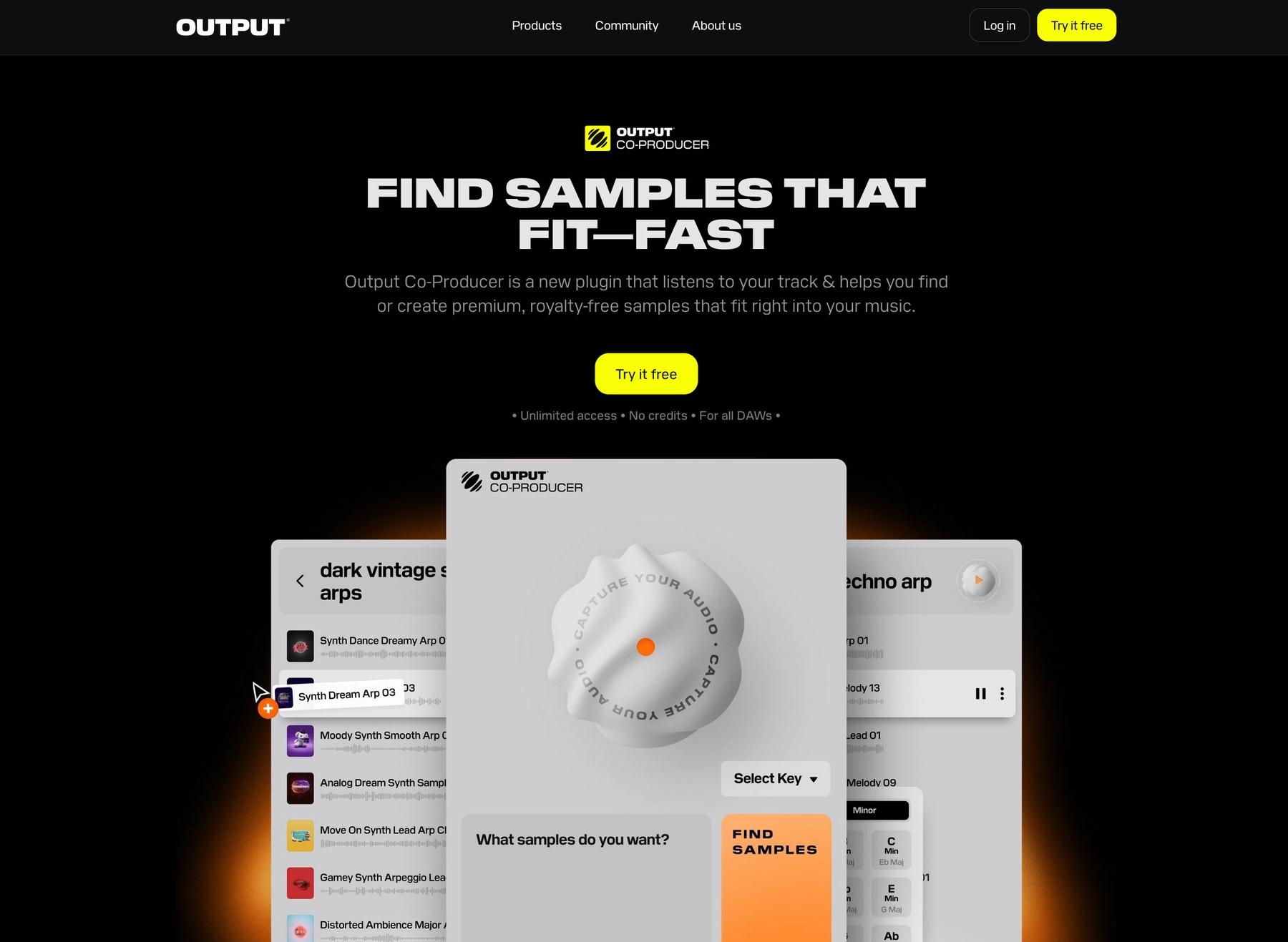
We're Output, and we build tools designed to slot right into your Ableton Live workflow. Our goal is to give you sounds that spark ideas, so you can spend less time searching and more time making music.
Output Features
Our instruments and sample libraries are designed to work directly with Ableton Live, either as VST/AU plugins or via drag-and-drop audio.
Take Arcade, our sample playback plugin. It runs right inside your Ableton session, giving you access to a massive, constantly updated library of royalty-free sounds. You can play Kits on your MIDI controller, tweak them with built-in macros, and drag the raw audio straight into a track to chop and warp it your way.
- Syncs automatically to your Ableton Live project tempo and key.
- Drag-and-drop audio directly from the plugin to your timeline.
- Play and perform samples with a simple 15-pad interface.
- Load your own sounds to build custom Kits.
Beyond that, tools like Co-Producer use AI to streamline your workflow even further. It listens to your project and suggests fitting sounds from our library that you can pull right into your session.
- Analyzes audio in your session to suggest complementary samples.
- Find sounds using natural language prompts.
- Drag suggestions directly into your Ableton Live project.
- Works with Arcade for more sound-shaping options.
Output Price
We designed our pricing to be straightforward so you can get back to making music. You can jump into Arcade and its massive, ever-growing library for $12.99 per month.
But the best value is our Output One subscription. For just $14.99 a month, you get Arcade, Co-Producer, and all of our FX plugins—including Portal, Thermal, and Movement. It’s the entire ecosystem for just a couple of dollars more than Arcade on its own.
To see the full breakdown of our instruments, plugins, and bundles, explore all of our products and pricing options.
2) Samples From Mars
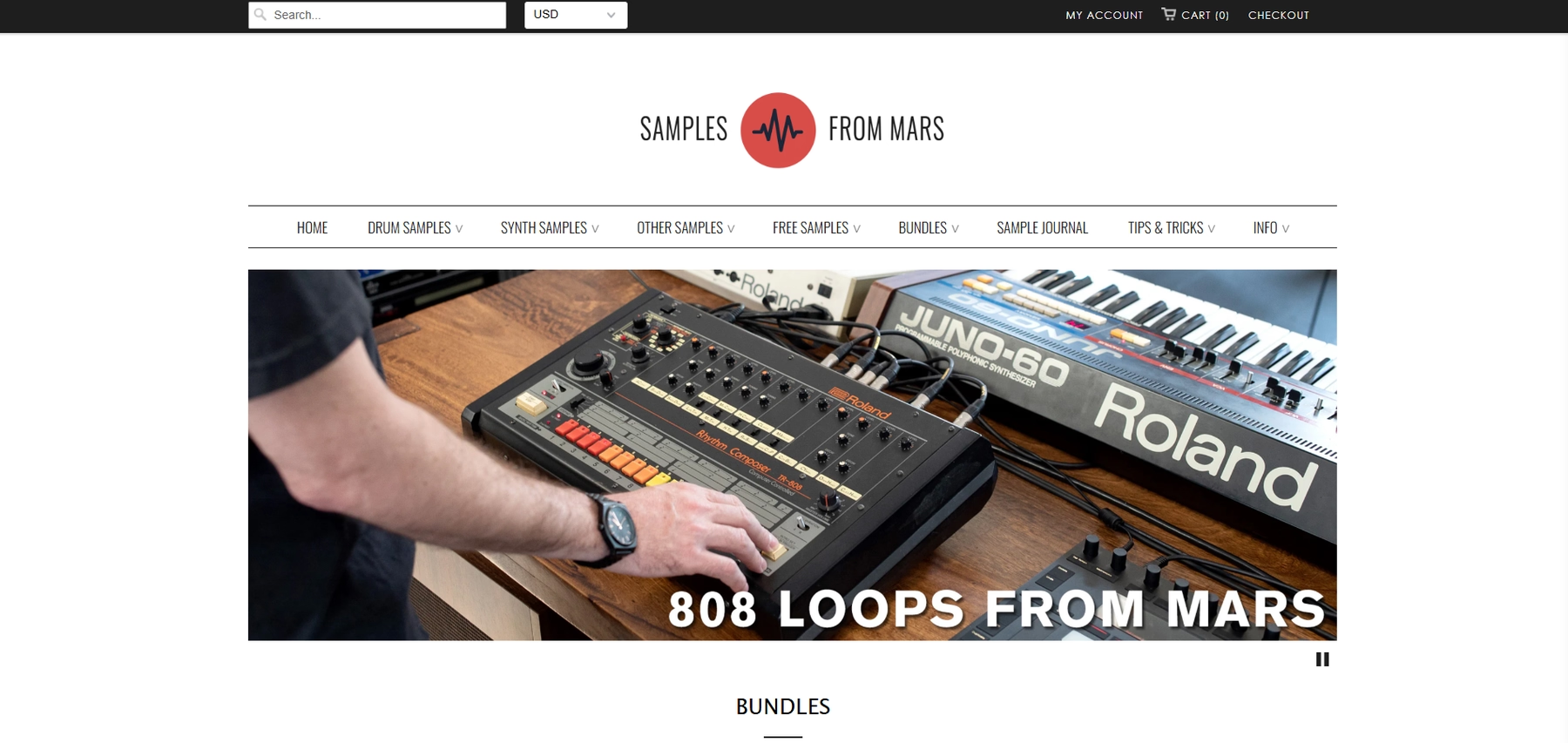
Samples From Mars offers a catalog of sample libraries recorded from classic hardware, with many packs formatted specifically for Ableton Live. Their approach provides raw audio files and pre-built racks that integrate directly into your DAW.
Samples From Mars Features
Integration with Ableton Live is handled by adding the product folders to Live's browser. The included instrument racks and presets can then be dragged into your session. Since the samples are standard audio files, Ableton's native warping and pitch-shifting handle all tempo and key synchronization.
- Packs often include pre-built Ableton Drum Racks and Instrument Racks.
- Samples are delivered in standard formats like WAV and AIFF.
- Note that these packs require Ableton Live Standard or Suite and are not compatible with Intro or Lite versions.
Samples From Mars Price
Samples From Mars prices its products individually, allowing you to purchase just the packs you need. They also offer comprehensive bundles, such as their "All Products From Mars" collection. You can find detailed pricing on their website.
3) Cymatics
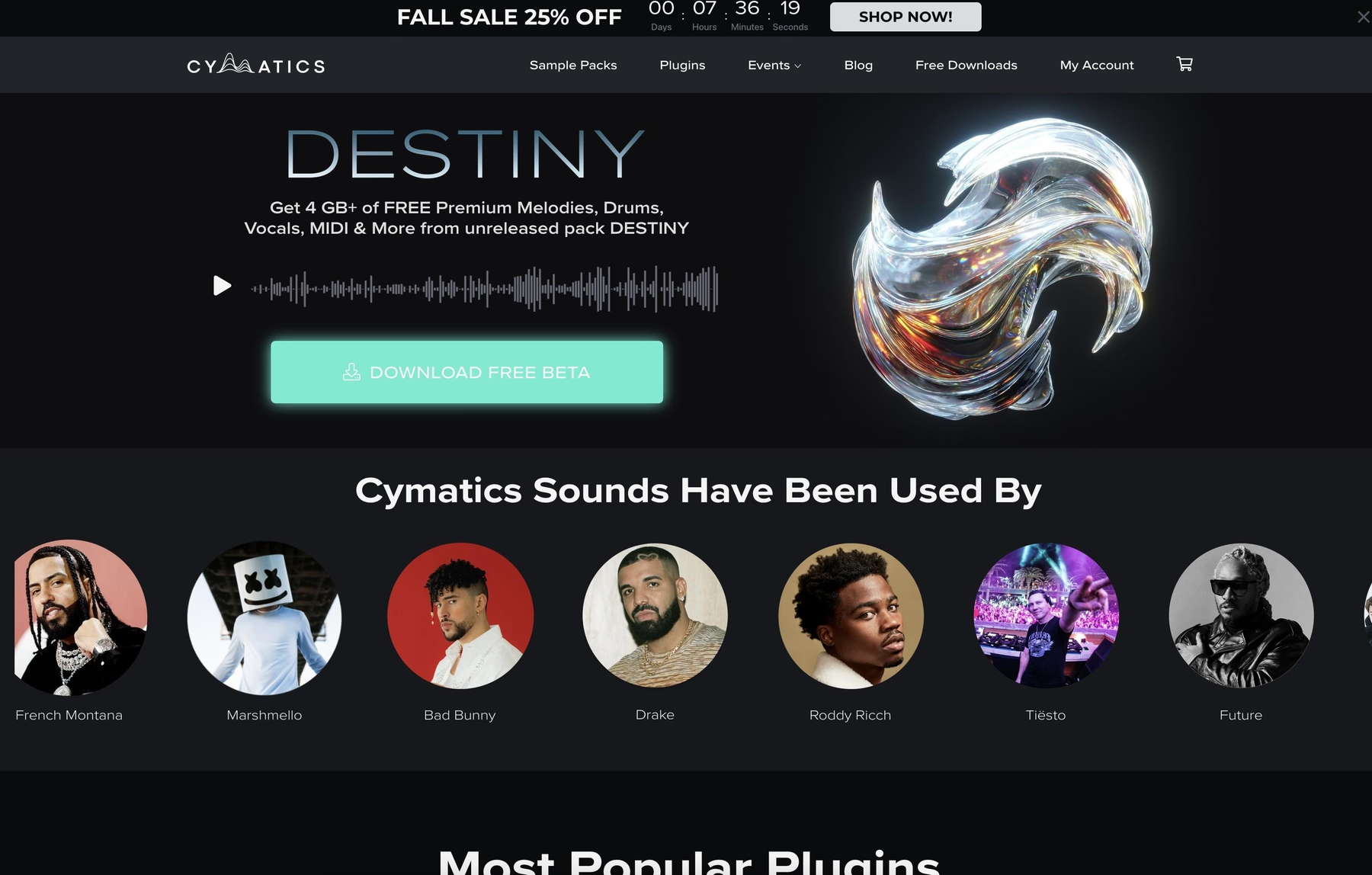
Cymatics is a major player in the sample pack space, known for a large catalog of sounds aimed at genres like hip-hop, pop, and EDM. Because their packs are delivered in standard WAV format, they are compatible with Ableton Live through simple drag-and-drop.
Cymatics Features
Cymatics’ integration with Ableton Live is straightforward. The samples are provided as WAV files, which you can add to your project directly from Live's browser. All tempo and key synchronization is handled by Ableton Live's native warping and pitch-shifting capabilities.
- Samples are delivered in WAV format for broad compatibility.
- Drag and drop sounds directly from your folders into an Ableton Live session.
- Relies on Live's built-in audio warping for tempo and key matching.
Cymatics Price
Cymatics provides both free and premium sample packs. The paid packs are sold individually and typically cost between $30 and $50. All of their samples are listed as 100% royalty-free.
4) Producer Loops
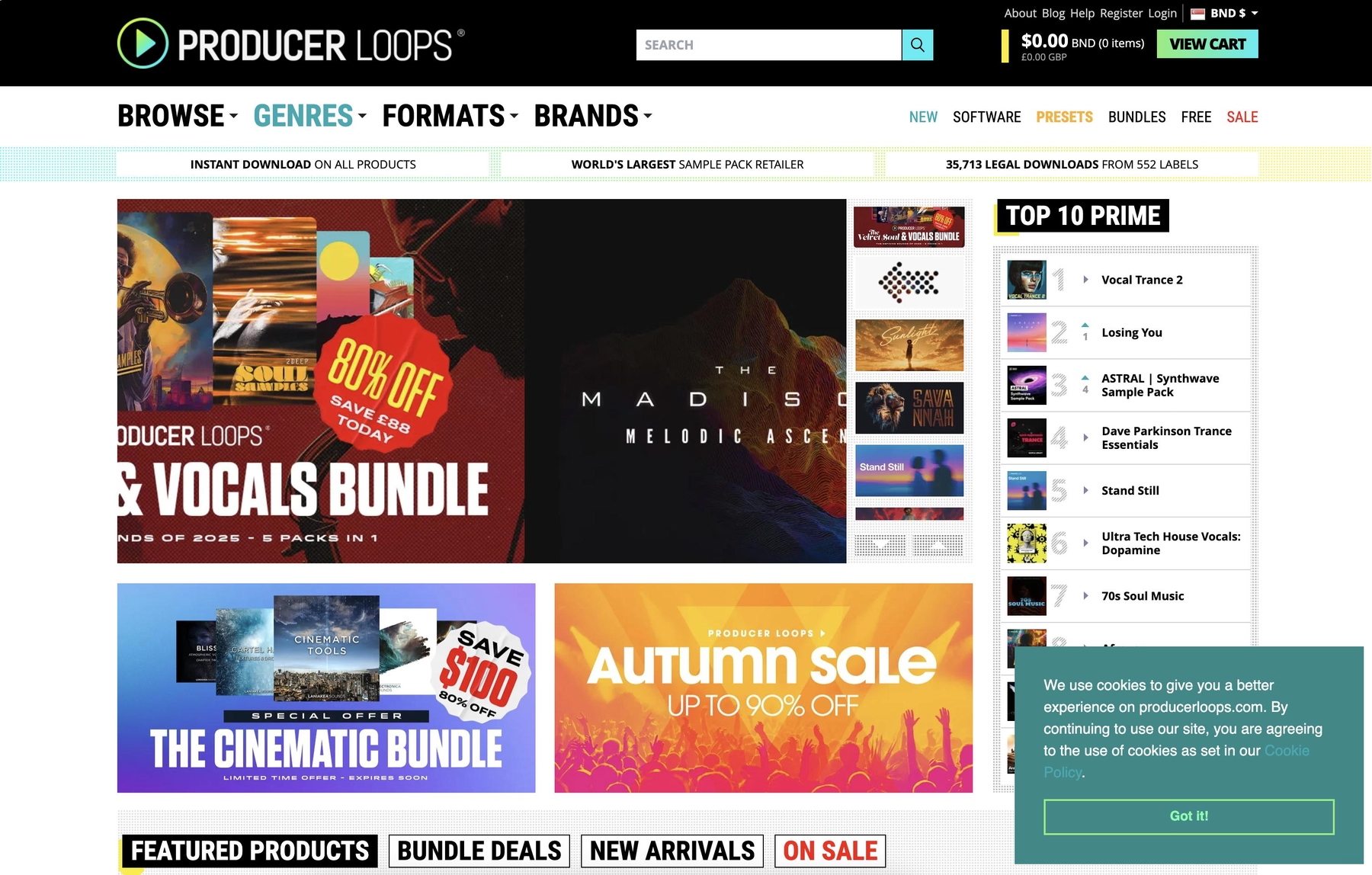
Producer Loops is a large online marketplace for sample packs from various labels and producers. Their packs come in standard audio formats like WAV and REX, making them compatible with Ableton Live through basic file import.
Producer Loops Features
Since Producer Loops provides standard audio files, integration with Ableton Live is a matter of dragging and dropping. You find the files in Live's browser and pull them into your session. From there, Ableton's built-in Warp feature handles all the time-stretching and pitch-shifting to match your project's tempo and key.
- Samples are delivered in WAV and REX formats.
- Relies on Ableton Live's native Warp feature for tempo and key sync.
- Some packs may require third-party plugins or instruments to work as intended.
Producer Loops Price
Producer Loops sells its packs individually, so you only buy what you need. Prices vary depending on the pack's size and content. Most of their libraries are listed as royalty-free, meaning you can use them in commercial projects.
5) Unison Audio
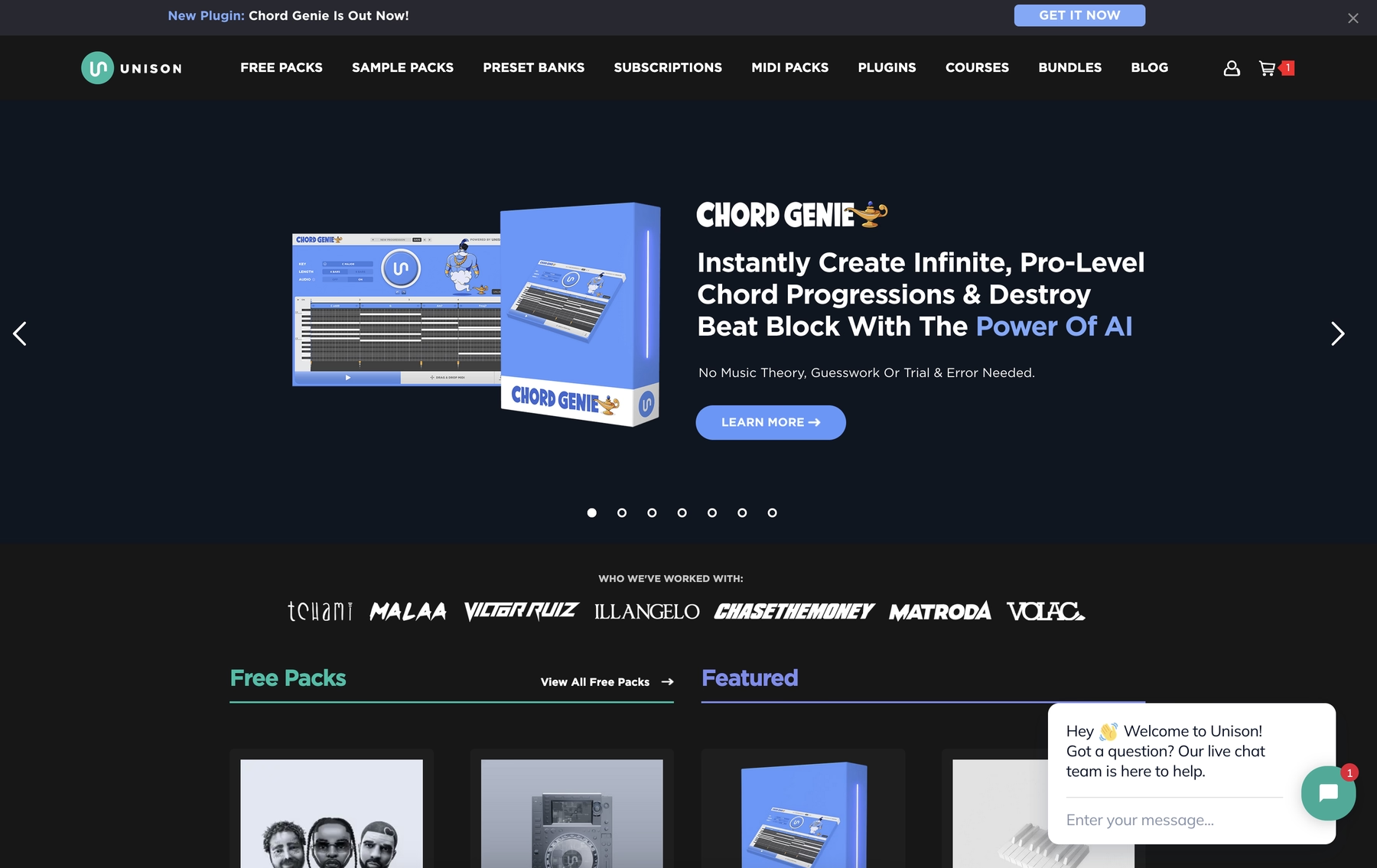
Unison Audio offers sample packs that are compatible with Ableton Live because they are delivered in standard audio formats. You can integrate their sounds by dragging the WAV files directly into your project.
Unison Audio Features
Since Unison Audio's packs come as WAV files, they integrate with Ableton Live through simple drag-and-drop. Once a sample is in your session, Live’s native Warp feature handles all the time-stretching and pitch-shifting to match your project's tempo and key.
- Samples are delivered in WAV format for broad compatibility.
- Drag sounds from your folders directly into an Ableton Live session.
- Relies on Live's built-in audio warping for tempo and key matching.
Unison Audio Price
Unison Audio provides both free and premium sample packs. The paid packs are sold individually, with prices varying by product; for example, the Unison Beatmaker Blueprint is listed at $197. All of their samples are royalty-free.
6) ModeAudio
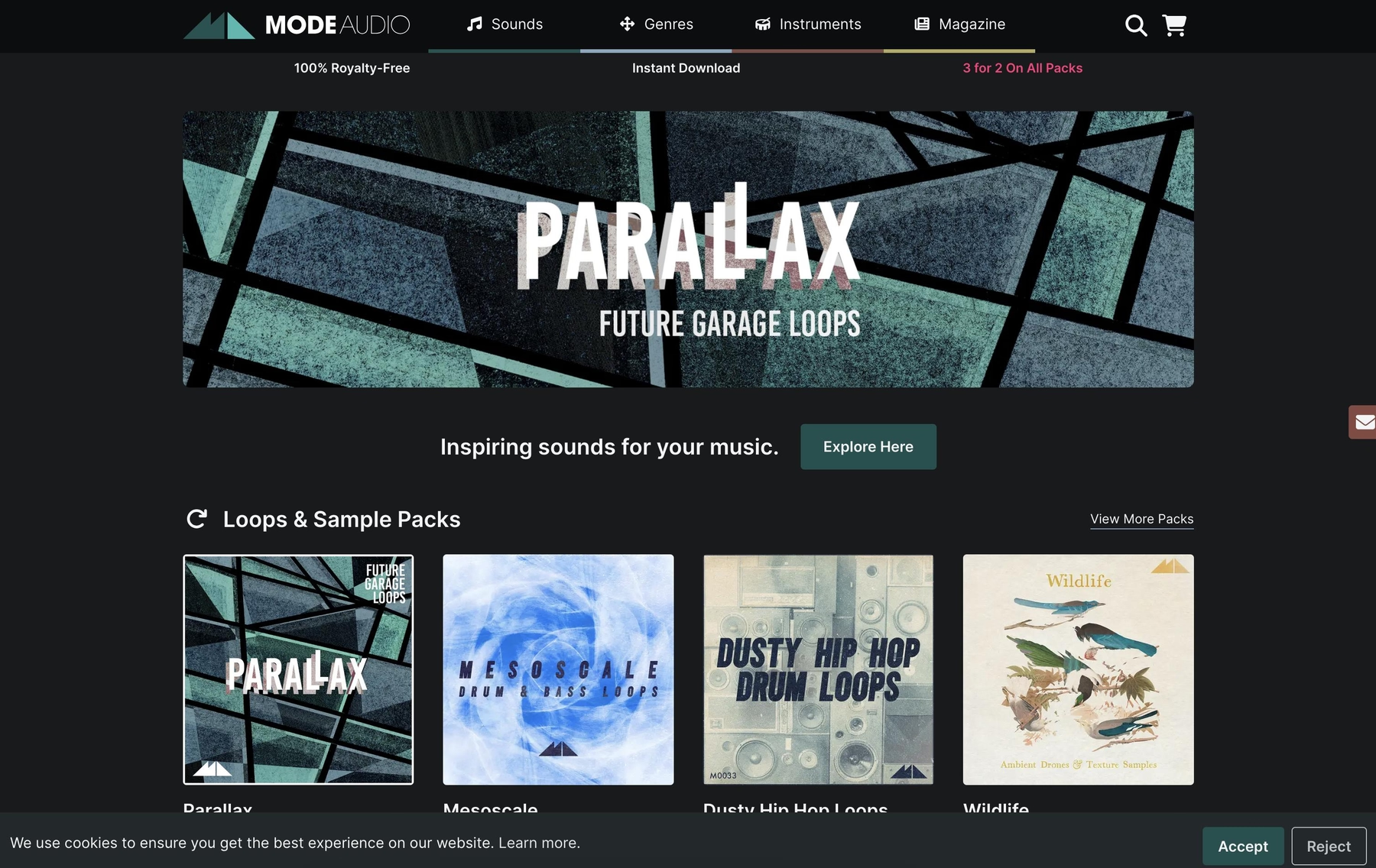
ModeAudio provides a range of ableton sample packs that work with Ableton Live by providing standard audio files and dedicated Ableton Live Packs. Their library includes a variety of sounds, from loops to one-shots.
ModeAudio Features
Getting ModeAudio’s sounds into your session is a manual process. After downloading, you add the folder to Live's browser and drag the files into your project. For tempo and key matching, you’ll rely on Ableton Live’s native Warp feature. Some packs do come with pre-built Ableton Live Packs, which can speed things up.
- Packs include WAV and AIFF files, plus some Ableton Live Packs containing Drum Racks.
- Requires adding folders to Live's browser for access.
- All tempo and key syncing is handled by Ableton's native Warp functionality.
ModeAudio Price
ModeAudio sells its packs individually, so you buy them one at a time. Prices vary from pack to pack, and all of their sounds are listed as royalty-free for use in your own music.
How to Pick the Right Samples and Loops for Ableton Live
Picking the right sounds for Ableton Live comes down to more than just genre; it’s about how they fit your workflow.
- Workflow Integration: How do the sounds get into your project? Dragging WAV files from a folder works, but a dedicated plugin that lives inside your session keeps you in the zone. Look for tools that sync tempo and key automatically, letting you audition sounds in context without breaking your flow.
- Curation Over Quantity: A massive, unorganized folder of sounds is a momentum killer. A well-curated library, organized by function or feel, gets you to the right sound faster. You want inspiration, not a digital garage sale you have to sift through.
- Sound-Shaping Tools: How much control do you have out of the box? Raw audio is flexible, but having built-in macros, effects, and performance controls lets you quickly make a sample your own without loading a dozen extra plugins.
- Cost and Content Model: Consider whether you prefer buying individual packs or a subscription. One-off packs are great for specific needs, but a subscription model often provides a constantly growing library, ensuring you always have fresh material to work with.
How to Add Samples to Ableton Live
Adding samples to Ableton Live is straightforward and typically done in one of two ways:
- Use a Plugin: This is the most seamless route. For example, after installing Arcade, you just find it in Live’s browser and drag it onto a MIDI track. The plugin opens inside your project, automatically syncing to your tempo and key, letting you audition sounds in context. You can even drag the raw audio from the plugin directly onto a track for further chopping.
- Drag and Drop Audio: The classic method. Add your sample folder to the “Places” section in Live’s browser. From there, pull any WAV or AIFF file onto an audio track. Ableton’s built-in Warp feature instantly handles the time-stretching to lock the sample to your project’s grid.
Test-Drive Output in Ableton Live and Hear the Difference
While any of these platforms will get you quality sounds for Ableton Live, we think the choice is clear for producers who value a seamless workflow. We designed Output's tools to feel like a native part of your session, keeping you focused on the music.
See what our tools can do for your tracks. Try Output today.
With Output One, you get the full suite—Arcade, engines, FX, and Co-Producer—integrated in Ableton Live. Spend less time searching and more time recording with key- and tempo-aware picks.
Try Output One for free
Get Output announcements, tips, inspiration, and more sent to your inbox.