The 6 Best Garageband Samples and Loops in 2026
Level up your GarageBand tracks. Our guide to the 6 best sample and loop collections of 2026 cuts through the noise so you can just make music.

Get Co-Producer and Arcade with unlimited access to premium, royalty-free samples and instruments. Plus, unlock Portal, Thermal, and Movement.
Try it freeLet’s be real: finding garageband loops that don’t sound dated is a full-time job. The web is a minefield of questionable sample packs and half-baked libraries, making it tough to find sounds you’ll actually use.
While Apple’s free DAW comes with a decent sound library, its real power is unlocked through Audio Unit Extensions, which let you integrate third-party instruments and effects. This opens the door to a world of professional-grade garageband samples.
We’re cutting through the clutter to give you six sample and loop platforms that earn their keep. In this list, we’ll break down top-tier tools from companies like Output, Wave Alchemy, Soundiron, and Cymatics that will fit right into your workflow.
1) Output
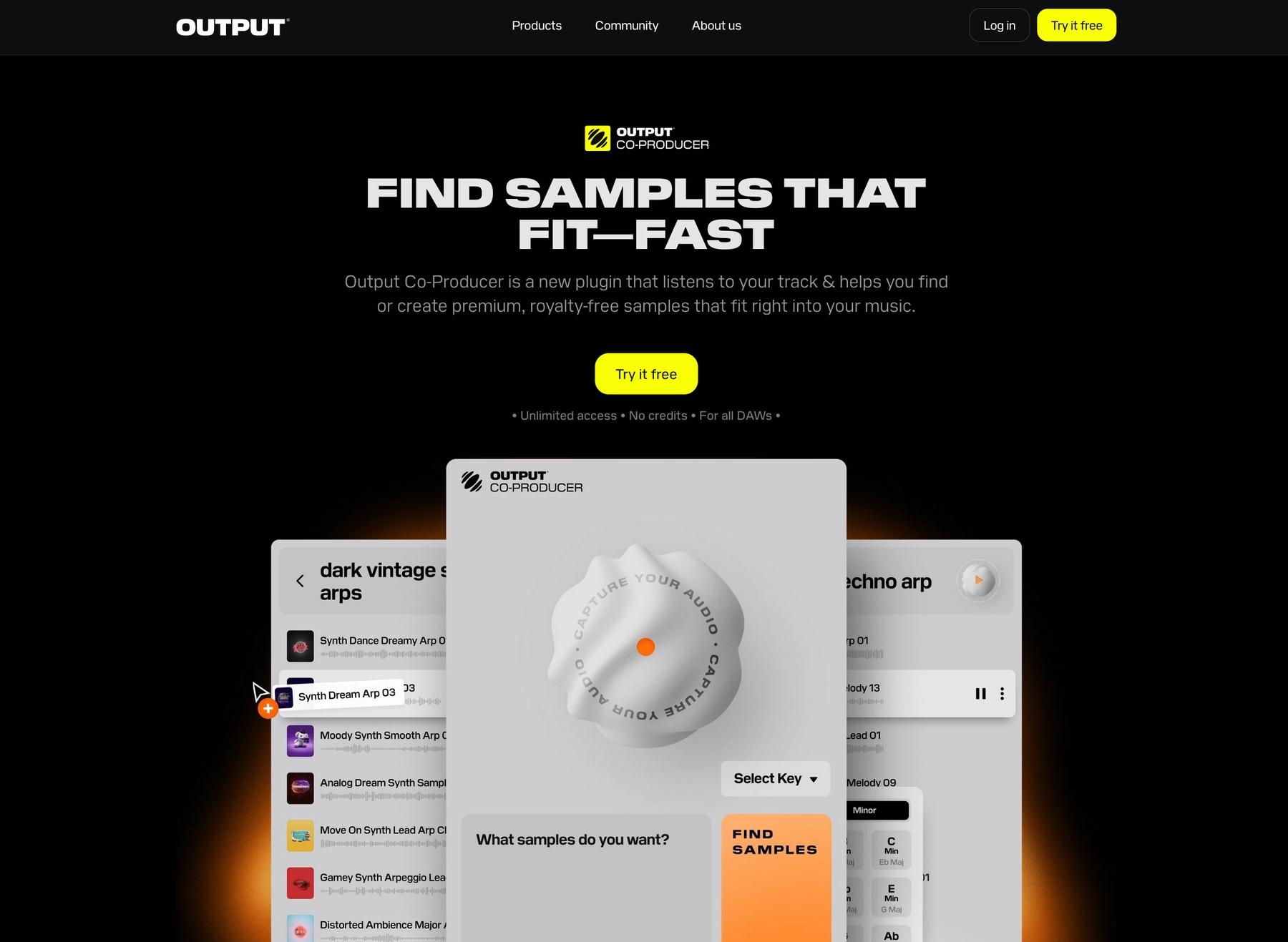
We’re Output, and we build the instruments that help you break out of GarageBand’s stock library. Our tools are designed to give you a bottomless well of professional sounds that integrate seamlessly, letting you focus on the track itself.
Output Features
Our tools are built to work directly inside GarageBand, so you can spend less time managing files and more time making music. Take Arcade, for example. It’s a sample playback plugin that loads as an Audio Unit right inside your session, giving you access to a massive library of royalty-free sounds without ever leaving your project.
Instead of digging through folders, you get a constantly updated collection of playable kits that automatically lock to your project’s key and tempo. You can tweak sounds on the fly with built-in effects and macro sliders or even drag your own samples into the engine.
- A constantly growing library of royalty-free sounds.
- Automatic key and tempo sync with your project.
- Tweak and transform samples with built-in effects.
- Drag and drop your own samples into the engine.
To speed up your workflow even more, we developed Co-Producer. It’s an AI-powered plugin that listens to your track and suggests fitting samples from our library. You can use natural language to find what you need—like “gritty bassline” or “dreamy vocal chops”—and drag the results straight into your GarageBand timeline.
- AI-powered suggestions based on your track’s context.
- Find sounds using natural language prompts.
- Drag and drop samples directly into your session.
- Seamless integration with Arcade for further sound shaping.
Output Price
We keep our pricing straightforward so you can get back to making music. You can get Arcade for $12.99 per month, and you can try it free for 7 days. Our AI-powered Co-Producer is available for $9.99 a month.
But the smartest move is our Output One subscription. For $14.99 a month, it bundles Arcade and Co-Producer with all our flagship FX plugins—Portal, Thermal, and Movement. It’s the whole ecosystem for just a couple bucks more than Arcade by itself. If subscriptions aren't your thing, we also offer perpetual licenses for our instruments and effects.
You can explore all our products and pricing to find what works for you.
2) Wave Alchemy

Wave Alchemy provides sample libraries and packs in WAV format, which you can drag and drop directly into your GarageBand projects.
Wave Alchemy Features
Wave Alchemy’s approach is straightforward: you get WAV files that work with any DAW that supports them, including GarageBand. Once you import the audio files, GarageBand can adjust their tempo and pitch to match your project settings. Keep in mind that some of their products' more advanced functions might rely on third-party plugins that aren't compatible with GarageBand.
- Download and unzip the sample pack.
- Open a GarageBand project.
- Drag the WAV files into your session.
Wave Alchemy Price
Wave Alchemy sells its sample packs individually, and all samples are royalty-free for commercial use. Prices vary from pack to pack, so you’ll need to visit their site for specific details.
3) Soundiron

Soundiron offers sample libraries in formats like WAV and SFZ. You can use these files directly in GarageBand or through a compatible Audio Unit player.
Soundiron Features
Soundiron’s libraries are delivered as standalone files. WAV samples can be dragged directly into your GarageBand project, which handles time-stretching and pitch-shifting. For SFZ files, you’ll need a compatible player like Sforzando, which can run as an Audio Unit plugin. Be aware that some advanced library features depend on the full version of Kontakt, which GarageBand does not support.
- Download and unzip the library.
- Drag WAV files directly into your GarageBand timeline.
- For SFZ files, load them into a compatible AU player like Sforzando.
Soundiron Price
Soundiron sells its sample packs individually, with prices ranging from $2 to $299. Their libraries are typically royalty-free for both commercial and non-commercial projects.
4) Cymatics
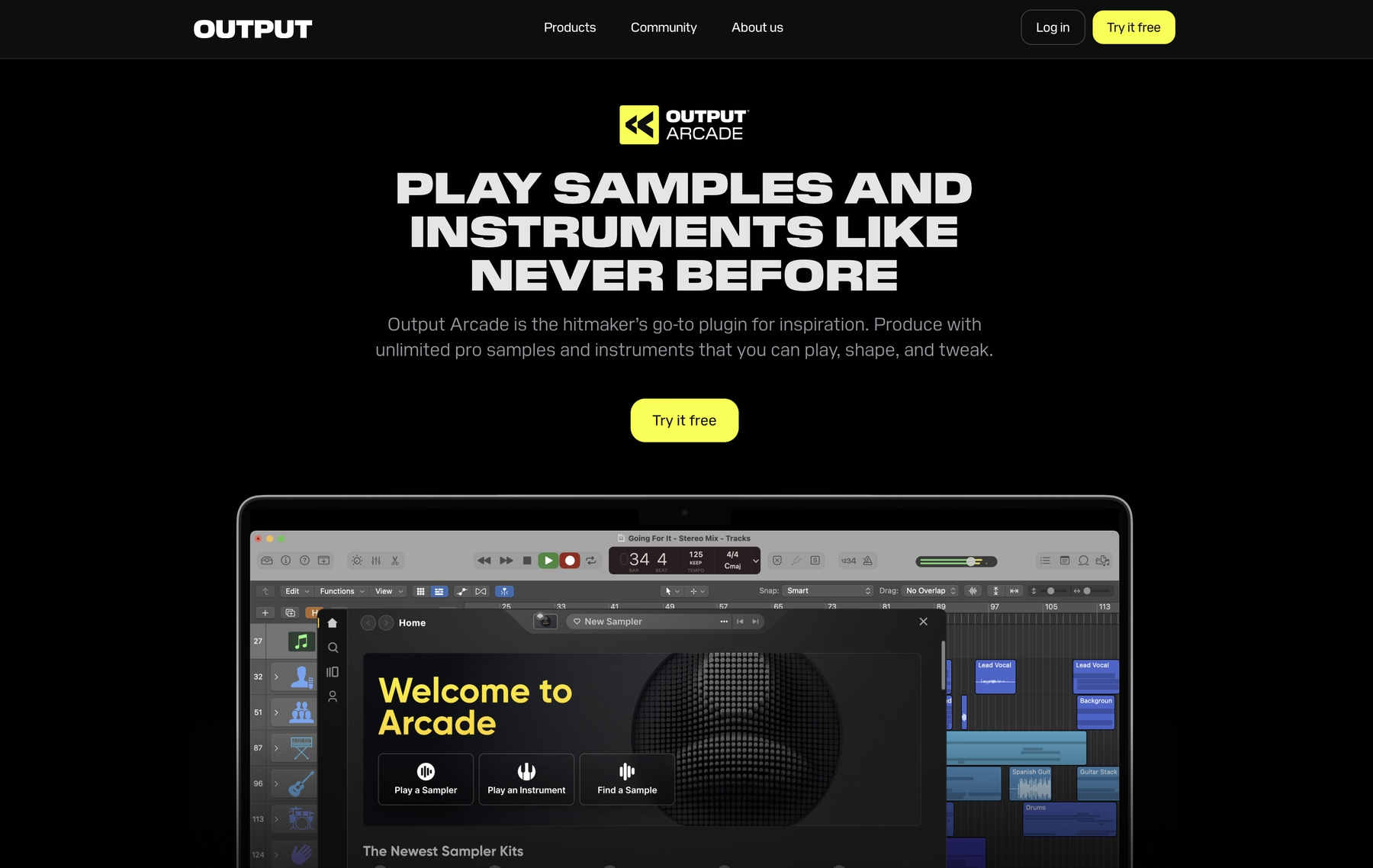
Cymatics provides sample packs in formats like WAV and AIFF, which are compatible with GarageBand. You can drag and drop these audio files directly into your project timeline.
Cymatics Features
Because Cymatics delivers its packs as standard audio files, they integrate directly into GarageBand without needing a separate plugin. GarageBand’s built-in functions can handle time-stretching and pitch-shifting to match the samples to your project’s tempo and key. For optimal compatibility, ensure the samples are at a 44.1 kHz sample rate and 16-bit depth.
- Download and unzip the sample pack.
- Drag the WAV or AIFF files into your GarageBand timeline.
Cymatics Price
Cymatics offers a mix of free and paid sample packs, and prices vary depending on the pack. While most samples are royalty-free, it’s smart to review the specific licensing terms for each pack before using them in your work.
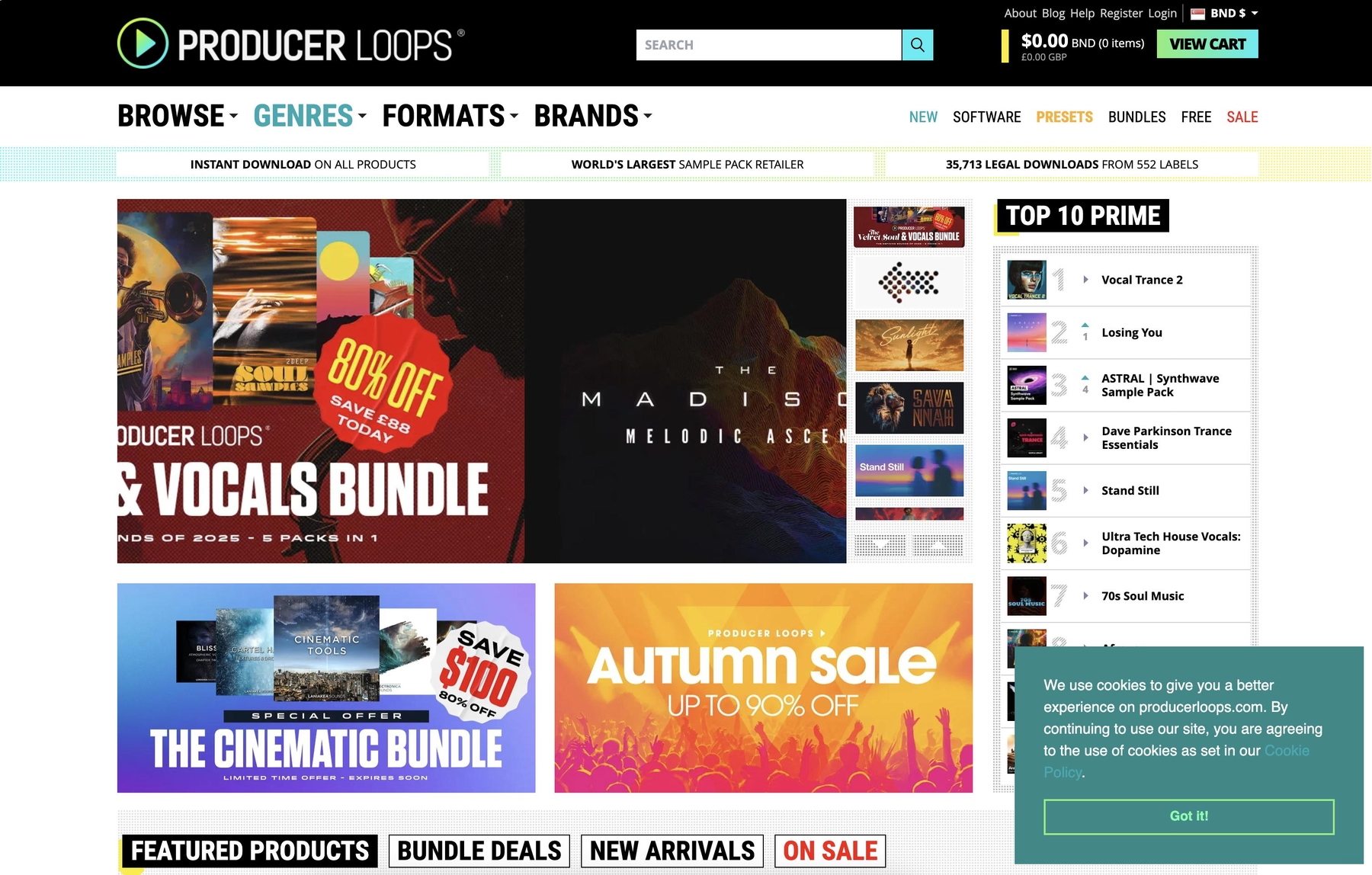
5) Producer Loops
Producer Loops provides sample packs in formats like AIFF and WAV. These files work with GarageBand by dragging and dropping them directly into your project.
Producer Loops Features
Because Producer Loops delivers its packs as standard audio files, they integrate directly into GarageBand. Once you import the files, they won’t automatically match your project’s tempo or key, so you’ll need to make those adjustments manually. For loops to follow tempo changes, you have to convert them to Apple Loops.
- Download and unzip the sample pack.
- Open your GarageBand project.
- Drag the AIFF or WAV files into the timeline.
Producer Loops Price
Sample packs from Producer Loops are sold individually, with prices varying by pack. Most are royalty-free for commercial use, but you should review the specific terms for each pack before using it.
6) Unison Audio
Unison Audio offers sample packs in WAV format, which you can use in GarageBand by dragging the files directly into your project.
Unison Audio Features
Unison Audio's packs contain standard WAV files, so they integrate directly into GarageBand without a dedicated plugin. Once imported, the audio files are converted to a 44.1 kHz sample rate and 16-bit depth if they don't already match. Keep in mind that these imported loops for GarageBand won't automatically follow tempo changes you make in your project.
- Download and unzip the sample pack.
- Open your GarageBand project.
- Drag the WAV files into your timeline.
Unison Audio Price
Unison Audio has both free and paid sample packs, with prices varying for each pack. All of their samples are 100% royalty-free, so you can use them in commercial projects without extra fees.
How to Pick the Right Samples and Loops for Garageband
Choosing the right sounds for GarageBand boils down to a few key factors that separate useful tools from digital dust collectors.
- Workflow Integration: How does it fit your process? Dragging and dropping WAVs is a classic time-waster of manual stretching and pitching. A dedicated plugin that runs as an Audio Unit inside GarageBand, like our own Arcade, handles all key and tempo syncing automatically. You get to make music, not manage files.
- Library Curation: Is the library static or growing? One-off sample packs are a snapshot in time. A service with a constantly updated library gives you fresh material, so you’re not stuck using the same sounds on every track. Look for quality and quantity that evolves with you.
- Format Compatibility: What’s the format? GarageBand handles WAV and AIFF files, but its power is unlocked with Audio Unit (AU) plugins. This lets you use third-party instruments directly in your session. Always check if a library requires a player like Kontakt, which GarageBand doesn’t support.
- Pricing Model: What’s the cost versus value? Buying packs individually adds up fast. A subscription can offer better value by giving you access to a huge library for a flat fee. Decide if you prefer owning static packs or accessing a living sound collection.
How to Add Samples to Garageband
Getting new sounds into GarageBand is straightforward, especially when you use an Audio Unit plugin that does the heavy lifting for you.
Say you’re using our plugin, Arcade. Instead of messing with individual audio files, you just load it as an instrument and get instant access to our entire library. Here’s how it works:
- Create a new Software Instrument track. In the track's Plug-ins section, find “Arcade” under AU Instruments > Output and select it.
- Once the plugin opens, you can browse and play sounds directly within its interface.
- Drag samples from Arcade right into your GarageBand timeline. Everything automatically syncs to your project’s key and tempo, so you can skip the manual adjustments.
Test-Drive Output in Garageband and Hear the Difference
Honestly, any of these tools will beat digging through questionable sample packs. But if you’re after a workflow that feels like a true extension of GarageBand—where sounds sync automatically and inspiration is just a click away—we built our ecosystem for exactly that.
Ready to stop fighting your DAW and start making music? Try Output today.
With Output One, you get the full suite—Arcade, engines, FX, and Co-Producer—integrated in Garageband. Spend less time searching and more time recording with key- and tempo-aware picks.
Try Output One for free
Get Output announcements, tips, inspiration, and more sent to your inbox.