Making Type Beats in 2026: A Producer's Guide to Standing Out
Lane selection, drum programming, melody writing, mixing for YouTube playback, and the workflow tools that keep you posting type beats in 2026 without burning out—this is the full production-to-upload breakdown for beats artists actually want to buy.

Get Co-Producer and Arcade with unlimited access to premium, royalty-free samples and instruments. Plus, unlock Portal, Thermal, and Movement.
Try it freeMaking Type Beats in 2026: A Producer's Guide to Standing Out
Type beats move fast, and standing out means nailing the sound, the arrangement, and the workflow that lets you post consistently without burning out. This covers lane selection, drum programming, melody writing, sample flipping, mixing for YouTube playback, and the tools that keep you in flow while you build beats artists actually want to buy.
What a type beat means in 2026
A type beat is an instrumental built to match the sonic signature of a specific artist, mood, or subgenre. Buyers expect more than a loop with a rapper's name in the title. They want arrangement-ready instrumentals with clear verse and hook sections, polished mixes, and sound palettes that reflect what's charting now.
Adding the year to your title signals fresh drum kits, current melodic textures, and production techniques that match today's releases. Anything that sounds like last year's template gets scrolled past.
Pick a lane for your type beat
Before you open a session, decide which artist lane you're targeting. That choice shapes your tempo range, drum kit character, melodic palette, and mix approach.
Build a short reference playlist of five to ten tracks that define the lane. Internalize the conventions before you start producing.
Melodic and atmospheric rap
This lane covers Drake-adjacent styles and pad-heavy instrumentals. Tempos sit between 130 and 145 BPM. Reverb-drenched pads, sparse drum patterns, and open space for sung hooks define the sound.
- Drum approach: Keep patterns minimal so the vocal has room.
- Melodic focus: Ambient pads and vocal chops carry the vibe.
- Mix priority: Wide stereo field with restrained low end.
Hard trap and trap hip hop
Aggressive energy is the goal. Punchy kicks, distorted 808s, fast hi-hat rolls, and dark chord stabs create the intensity buyers expect. Trap sample packs built around these elements save hours of sound selection.
- Low end: Tight sidechain relationships between kick and 808.
- Hi-hats: Rapid rolls with velocity swells.
- Mood: Minor keys and dissonant stabs.
Drill and regional bounce
UK drill, Chicago drill, and Brooklyn drill each have distinct characteristics. Sliding 808 patterns, specific snare and rim choices, and swing variations define the regional feel. Source drill drum loops that match your target region's groove.
- 808 behavior: Slides and glides are essential.
- Snare choice: Rim shots and tight snares dominate.
- Swing: Each region has different groove offsets.
R&B and vocal-forward beats
R&B type beats prioritize space for a vocalist. Open mids, lush chords, and restrained low end let the singer sit comfortably.
- Frequency focus: Keep the mid-range clear for vocals.
- Harmonic palette: Rhodes, warm pads, and chord extensions.
- Groove: Subtle swing and ghost notes.
Afrobeat and global grooves
Afrobeats, Amapiano, and dancehall-adjacent lanes put groove first. Live-sounding percussion, guitar or log drum textures, and polyrhythmic shaker patterns create the foundation.
- Drums: Should feel human, not quantized to the grid.
- Melodic elements: Guitar stabs and log drums.
- Percussion: Shakers, claves, and layered rhythms.
Build drums that feel current
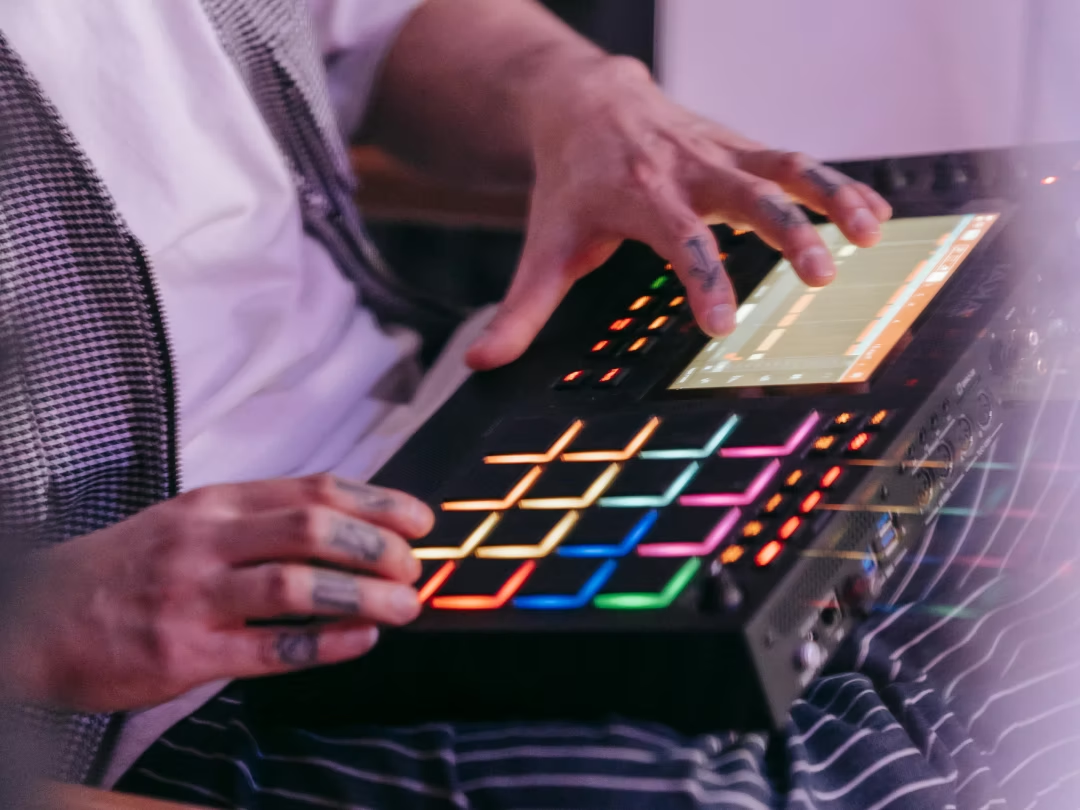
Drums define whether a type beat sounds dated or fresh. Every element contributes to the overall pocket.
Kick and 808 relationship
Tune your 808 to the track's root note. Manage the overlap between kick transient and 808 body using sidechain compression or volume shaping. A tight low end translates better on laptop speakers and earbuds.
Snare and clap placement
Layer snare with clap or rim to add texture. Adjust velocity for groove rather than keeping every hit at full volume. Choose samples that cut through without clashing with the vocal range.
Hi-hat language and rolls
Program hi-hat rolls with velocity variation to humanize the pattern. Triplet or sixteenth patterns should match the lane. A melodic rap beat uses sparse, open hats while drill demands rapid rolls.
Percussion swing and ghost notes
Add shakers, snaps, or subtle percussion hits to fill space. Ghost notes on the snare add groove without cluttering the mix. Offset percussion slightly from the grid to avoid a stiff feel.
Write melodies that invite a vocal
Melodies should support an artist, not compete. Leave frequency space in the mid-range where vocals sit.
Chord choices that leave room
Open voicings keep the harmonic bed out of the vocal range. Avoid dense mid-range chords that crowd the singer. Inversions and spread voicings create width without frequency conflict.
Counter-melodies that avoid loop fatigue
Introduce a secondary melodic element in the hook or bridge to maintain interest. Keep it simple. A counter-melody that fights the main loop exhausts the listener.
Sound selection that signals the lane
Instrument choice tells the listener what lane the beat belongs to before the drums hit. A flute melody signals melodic trap. A guitar loop signals R&B. A dark synth pluck signals drill.
Flip samples without sounding generic
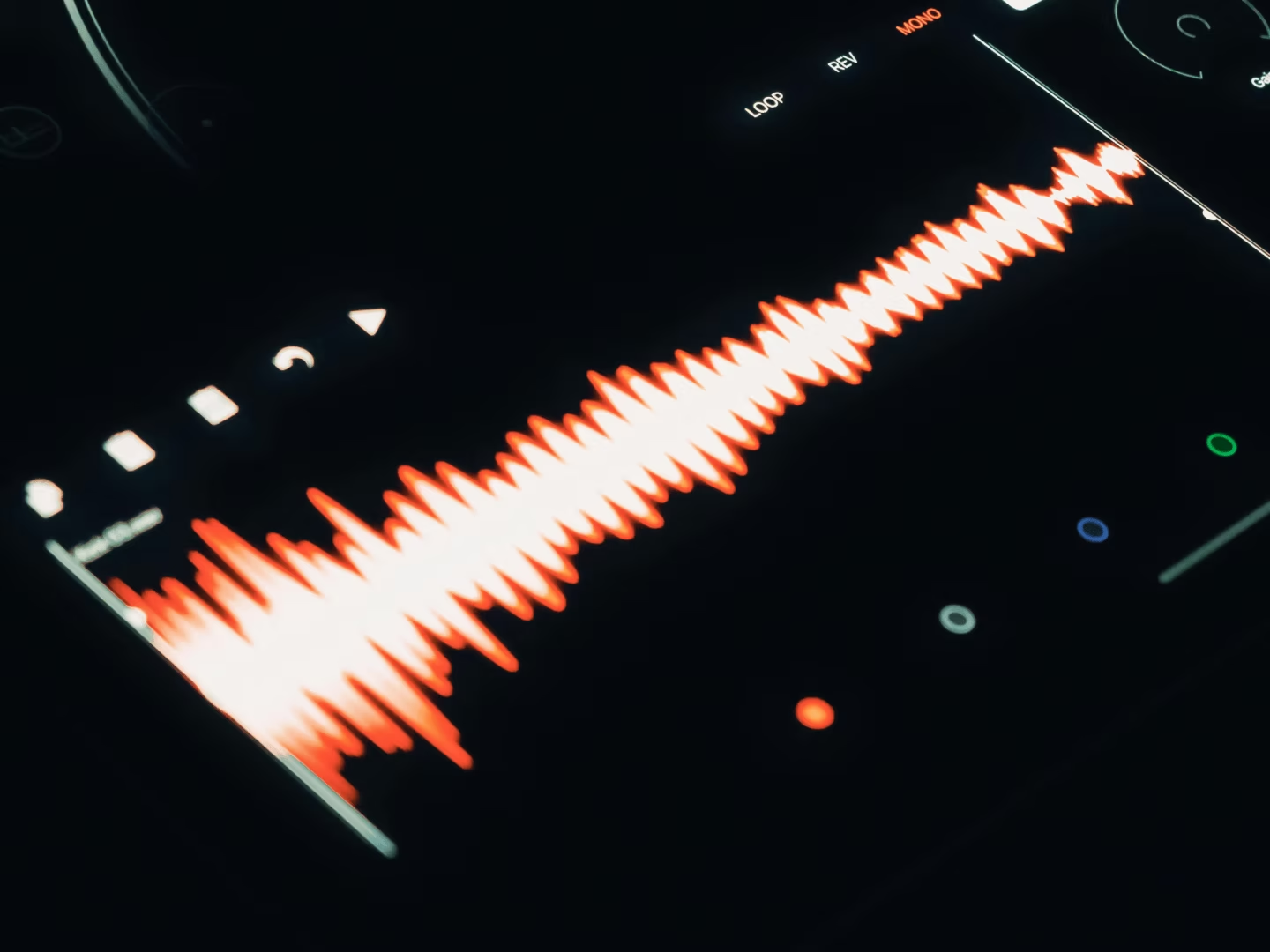
Sample-based type beats stand out or blend in depending on how you chop and process. Sourcing choices and manipulation techniques separate your beat from hundreds of others.
Source choices beyond preset loops
Dig for less obvious material. Vinyl, obscure records, or premium royalty-free libraries offer sounds that haven't been overused. Soul samples from quality libraries give you that dusty, textured vibe without the clearance headaches.
Co-Producer surfaces samples that match your session's key and tempo without endless browsing. Load it on your master track, let it analyze your session, and drag matching samples directly into your arrangement.
- Session analysis: Listens to your track and recommends fitting samples.
- Drag-and-drop: Pull samples into your DAW without leaving the session.
- Re-imagine: Creates one-of-a-kind variations of any sample.
Pro tip: When searching in Co-Producer, use descriptive phrases like "atmospheric ambient pulses" or "classic funk bass" rather than single words. The structure "Descriptor + Genre + Instrument" yields more targeted results.
Chop techniques that create new groove
Slice samples into one-shots and rearrange the chops. Use transient markers to create rhythms the original never had. MPC-style chopping turns a melodic phrase into something unrecognizable.
Pitch and time moves that change the story
Pitch samples up or down to shift the mood. Time-stretch for texture. Layer pitched versions at different octaves for harmonic depth.
Arrange a type beat like a record
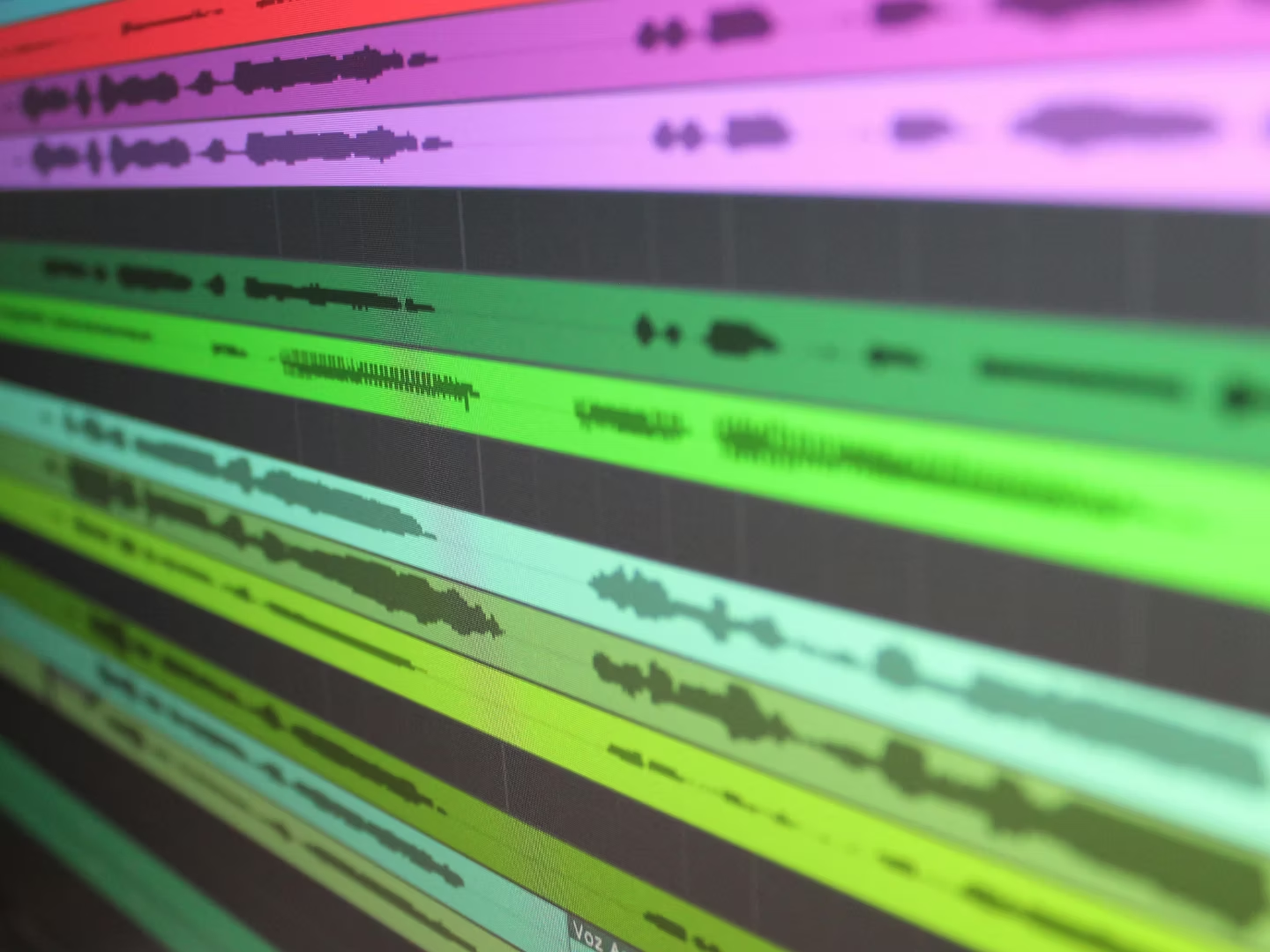
A well-arranged beat sells faster because artists can hear where their verse and hook go.
Structure that leaves room for an artist
Use a simple template: intro, verse, hook, verse, hook, bridge, outro. If artists can't figure out where to start rapping within ten seconds, they move on. These are the beats to rap to that get placements.
Transitions that feel intentional
Risers, reverse hits, drum fills, and filter sweeps move between sections without jarring cuts. A one-bar filter sweep into the hook signals the change without stopping momentum.
Dropouts and switches that earn attention
Mute elements for impact. A half-time switch in the second verse keeps the beat evolving. Introduce new layers in the second half to reward listeners who stay past the first hook.
Mix type beats for YouTube and beat stores
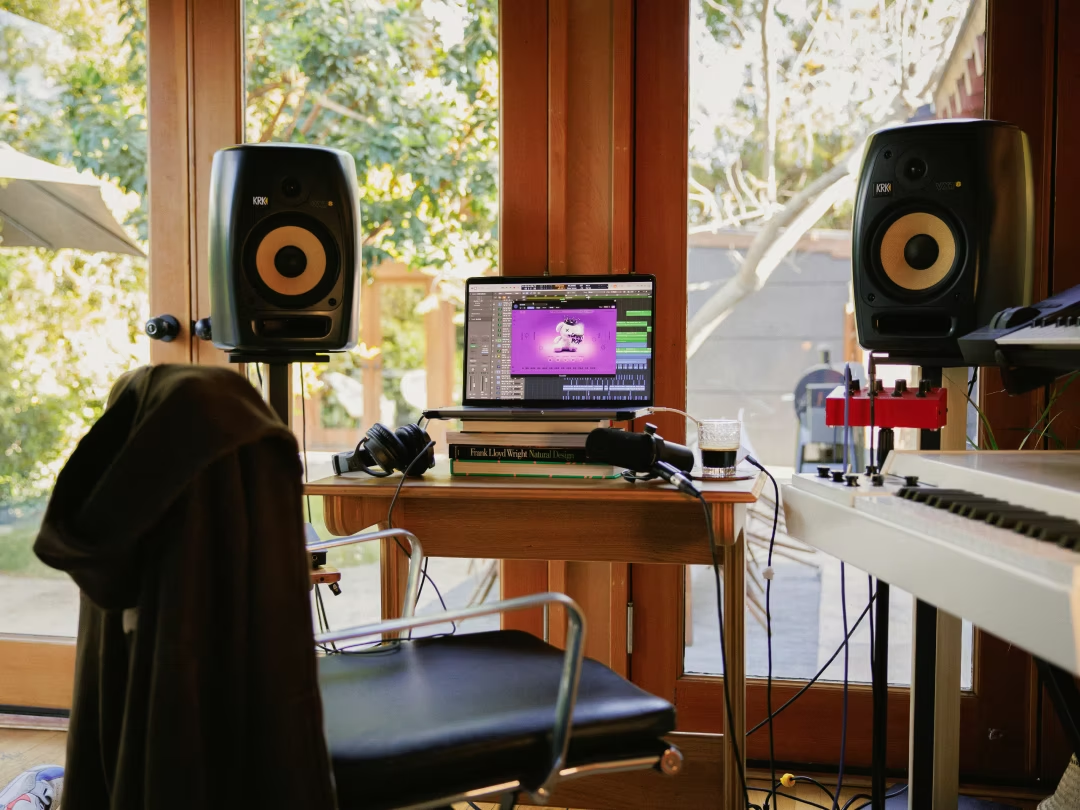
Type beats live on YouTube and BeatStars, where playback happens on laptop speakers or earbuds.
Low end that translates
High-pass non-bass elements to keep the low end clean. Check the mix on small speakers. Use a sub-bass reference track to ensure the 808 hits on any system.
Headroom for limiting
Leave headroom before the limiter so the master doesn't clip or pump unnaturally. Aim for peaks around -3 dB before limiting.
Stereo width in mono
Check the mix in mono to catch phase cancellation. Wide stereo effects are useless if they disappear on a phone speaker.
Add ear candy without over-producing
Ear candy keeps listeners engaged, but too much competes with the artist.
Texture moves with Portal
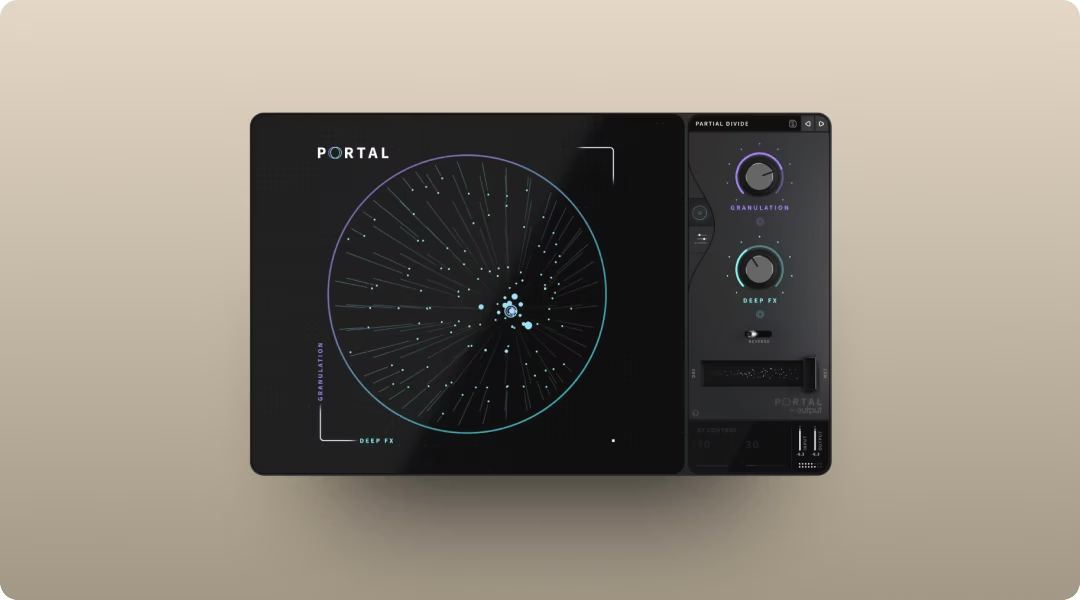
Portal's granular engine turns a simple pad or vocal chop into an evolving texture. The XY control lets you manipulate grain density and pitch in real time.
- Granular processing: Breaks audio into grains for new textures.
- Scale-locked pitch: Quantizes grain pitch shifts to your chosen scale, interval, or chord—so random modulation stays musical and never clashes with your track's harmony.
- Tempo-synced delay: Grain timing follows your BPM.
Saturation moves with Thermal
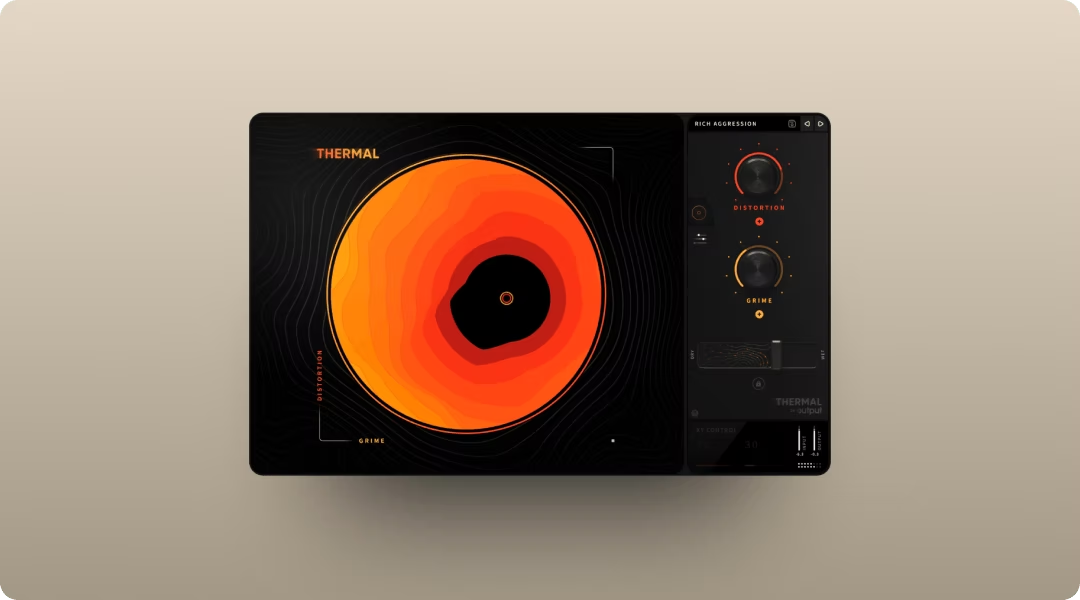
Thermal adds warmth or aggression to drums and 808s with multi-stage distortion. Mid-side processing adds width to the saturation without muddying the center.
- Multi-stage distortion: Stack multiple distortion types.
- XY control: Dial in exact amounts of heat.
- Mid-side processing: Saturate the stereo sides independently from the center, adding width to your 808s or drums without muddying the kick or vocal channel that sits in mono.
Rhythm moves with Movement
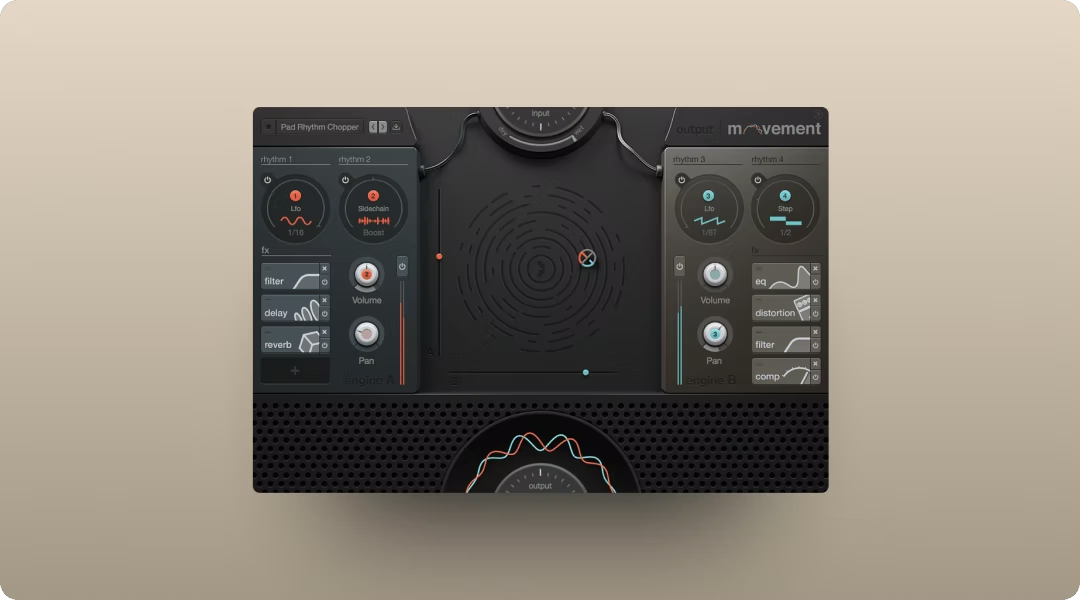
Movement adds rhythmic modulation to pads or synths, creating pumping or gating effects that sync to your tempo.
- Step sequencer: Create patterns that evolve over time.
- Sidechain modulation: Create pumping effects on pads or synths that duck in time with your kick—similar to sidechain compression but applicable to any parameter like filter cutoff or volume.
- Flux mode: Organic, evolving motion.
All three FX plugins are available together in Output One alongside Co-Producer and Arcade.
Find samples that fit without leaving the session
Staying in flow matters when making type beats at volume.
Sample discovery in Co-Producer

Load Co-Producer on your master track and let it analyze your session. It surfaces samples that match your track's key and tempo. Drag them directly into your arrangement with no credits or rationing.
Play and flip parts in Arcade

Arcade turns samples into playable instruments. Load it on a software instrument track, then chop, pitch, and perform samples using the Kit Generator.
- Playable sampler: Perform loops and one-shots from your keyboard. Arcade automatically pitch-shifts samples to match your session key, so loops from different sources blend harmonically without manual transposition.
- Kit Generator:Turn your own audio into playable kits.
- Modifiers: Reshape loops in real time.
Build a full stack with Output One
Output One bundles Co-Producer, Arcade, Portal, Thermal, and Movement in one subscription. It's the most cost-effective way to access the full ecosystem.
Title, tags, and thumbnails for type beats
YouTube SEO is half the battle. A great beat with a bad title gets buried.
Title formulas producers click
Use structures like "[Artist] Type Beat 2026 | 'Title' | [Mood/Subgenre]." Put the artist name first since that's what buyers search.
Keywords that match autocomplete
Research YouTube autocomplete suggestions before finalizing titles. Type the artist name plus "type beat" and see what phrases appear.
Upload habits that train the algorithm
Consistent upload schedules and playlist organization keep viewers on your channel. The algorithm rewards watch time and session retention.
Leases, exclusives, and royalties for type beats
Clear terms prevent disputes.
Lease terms that avoid confusion
Standard tiers include MP3, WAV, trackout, and unlimited. Be explicit about streaming limits and distribution caps. Understanding key points in recording contracts helps you structure terms that protect your work.
Stems and trackouts that close sales
Export stems cleanly so artists can work with the beat. Label files clearly: "Kick," "808," "Melody."
Royalty-free samples and release safety
Using royalty-free samples from Co-Producer or Arcade means artists can release without clearance issues. Co-Producer's Re-imagine feature generates variations that are 100% copyright-free and unique to each user—an extra layer of protection for commercial releases. Mention this in your descriptions.
Type beat checklist before you post
Mix and bounce checks
- No clipping: Peaks stay below 0 dB.
- Mono check: Beat sounds full when summed.
- Filename: Include BPM and key.
Metadata and upload checks
- Title: Matches autocomplete research.
- Tags: Artist name, mood, subgenre, "type beat 2026."
- Thumbnail: Clear text, high contrast.
Beat store asset checks
- Files: MP3, WAV, and trackouts uploaded.
- License tiers: Pricing clearly listed.
- Preview: Highlights the hook without giving away the full beat.
Output One bundles Output Co-Producer, Output Arcade, Output Portal, Output Thermal, and Output Movement so you can write, flip, and finish more distinctive type beats in less time—plus all FX expansions. Try the full stack together in one subscription and make your sound harder to ignore.
Try it free