The 6 Best Mixcraft Samples and Loops in 2026
Stop digging for Mixcraft samples. We found the best loops and kits for 2026 so you can spend less time searching and more time making music.

Get Co-Producer and Arcade with unlimited access to premium, royalty-free samples and instruments. Plus, unlock Portal, Thermal, and Movement.
Try it freeTired of sifting through endless folders for the right sound? Finding quality Mixcraft loops shouldn't feel like a full-time job.
Acoustica's Mixcraft is a capable DAW that plays well with VSTs, but its stock library only gets you so far.
To make tracks that stand out, you need a palette that goes beyond the basics. We're talking about high-grade Mixcraft samples that give your music an edge.
So, we've cut through the noise. Here are six sources for loops and one-shots—from our own Arcade to Spitfire, Goldbaby, and Cymatics—that will actually earn their keep in your sessions.
1) Output
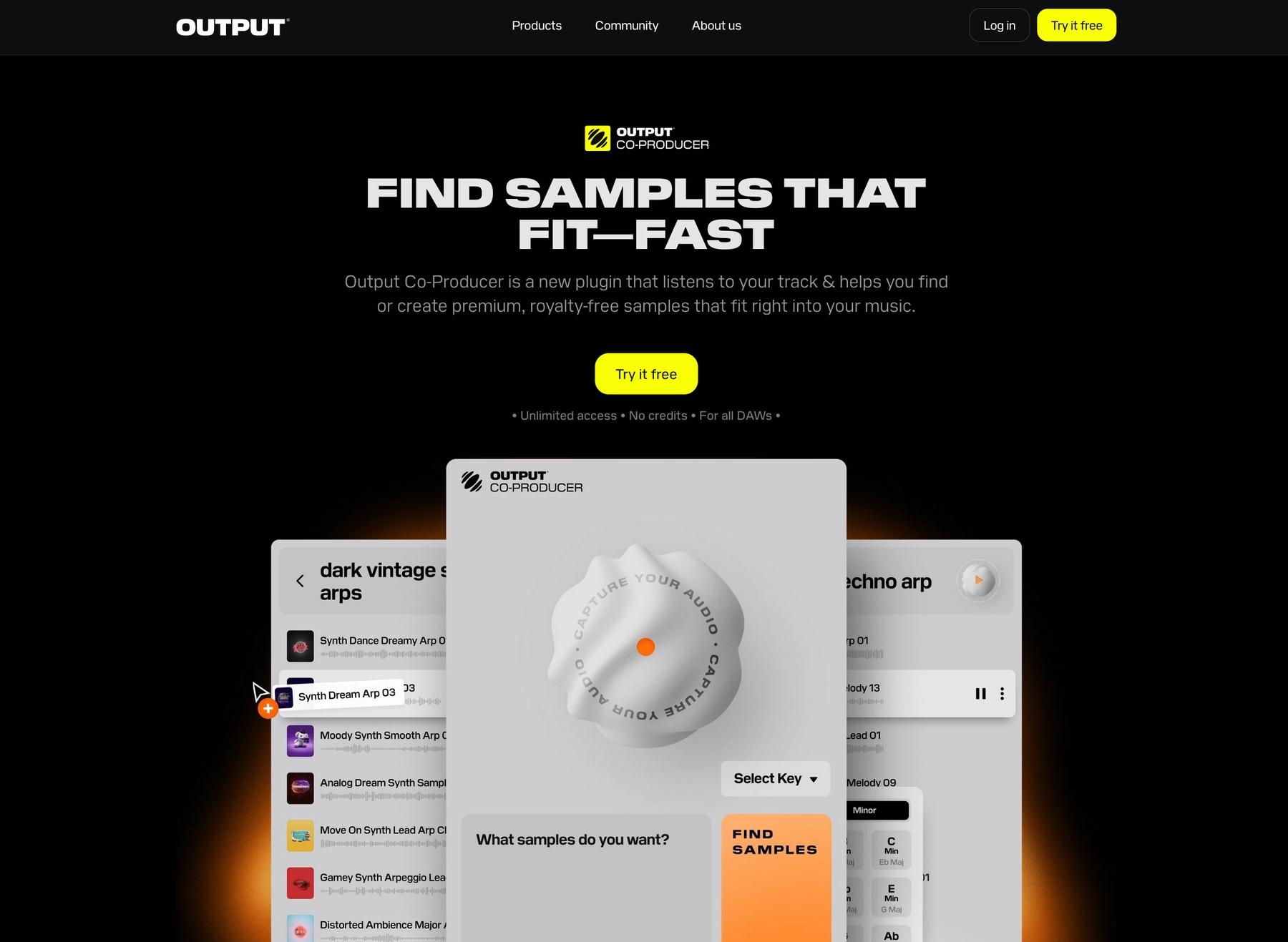
We're Output, and we build instruments and effects designed to get out of your way. For Mixcraft users, our Arcade sample engine drops a constantly growing library of sounds right into your workflow, so you can stop searching and start creating.
Output Features
Our instruments and effects are designed to integrate directly into Mixcraft, keeping your focus on making music, not managing files. Take our sample engine, Arcade, for instance. It’s a plugin that loads right into your DAW, giving you a massive, constantly expanding library of royalty-free sounds.
Everything automatically locks to your project's key and tempo, so you can audition loops and kits in context. When you find something that works, just drag the audio or MIDI straight into your Mixcraft session.
- A library that grows daily with new Lines, Kits, and Samples.
- Drag-and-drop audio or MIDI directly into your project.
- All sounds automatically sync to your session’s key and tempo.
- Shape sounds with 15 performance pads and built-in macro controls.
We also build tools to help you find the right sound faster. Our AI-powered plugin, Co-Producer, listens to your track in Mixcraft and suggests fitting sounds from the Output ecosystem. You can even use plain English to describe the vibe you're after.
- Analyzes your audio to suggest compatible samples.
- Finds sounds using natural language prompts.
- Integrates with Arcade for further sound manipulation.
- Drag suggestions directly into your Mixcraft timeline.
Output Price
We believe getting powerful tools shouldn't break the bank. You can subscribe to Arcade for $12.99 per month, and Co-Producer is available for $9.99 per month.
For the best value, our Output One subscription bundles everything together. For $14.99 a month, you get Arcade, Co-Producer, and all our FX plugins—including Portal, Thermal, and Movement. It’s the whole ecosystem for just a couple of dollars more than Arcade on its own.
To see the full lineup and find the right fit for your studio, explore all of our products and pricing.
2) Goldbaby
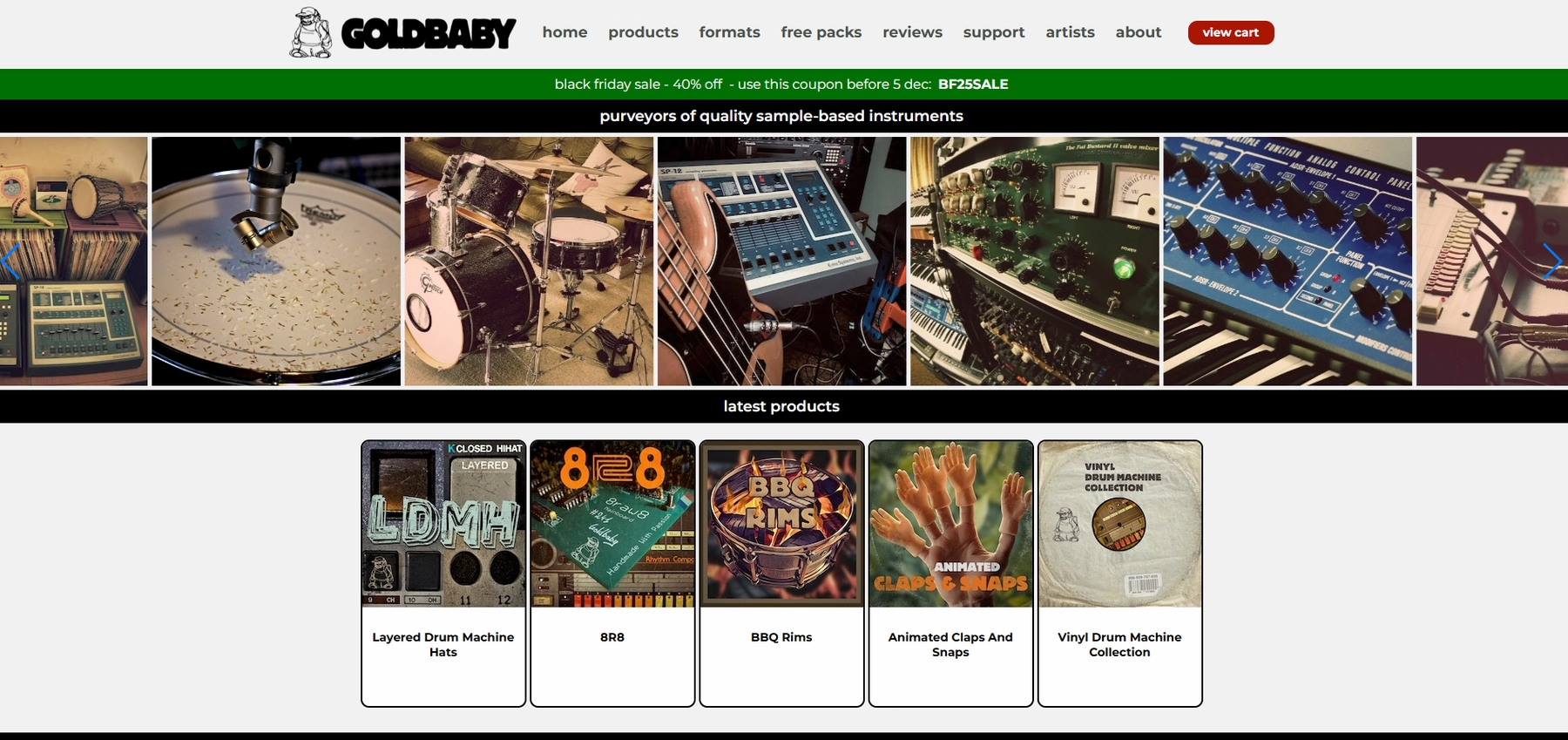
Goldbaby is a boutique sample maker known for sounds from vintage drum machines and synths. The packs come as standard WAV files, which you can manually import into your Mixcraft projects.
Goldbaby Features
Because Goldbaby provides standard audio files, you’ll manage them yourself by importing the WAVs into Mixcraft’s sound library. Once imported, you can drag them into your session and use Mixcraft’s own tools to adjust tempo and key. Keep in mind that some packs may include files for other platforms, like Kontakt or REX, which Mixcraft doesn't support out of the box.
Goldbaby Price
Goldbaby sells its sample packs individually, and the price varies depending on the pack. You can see the full catalog and pricing on their site.
3) Spitfire
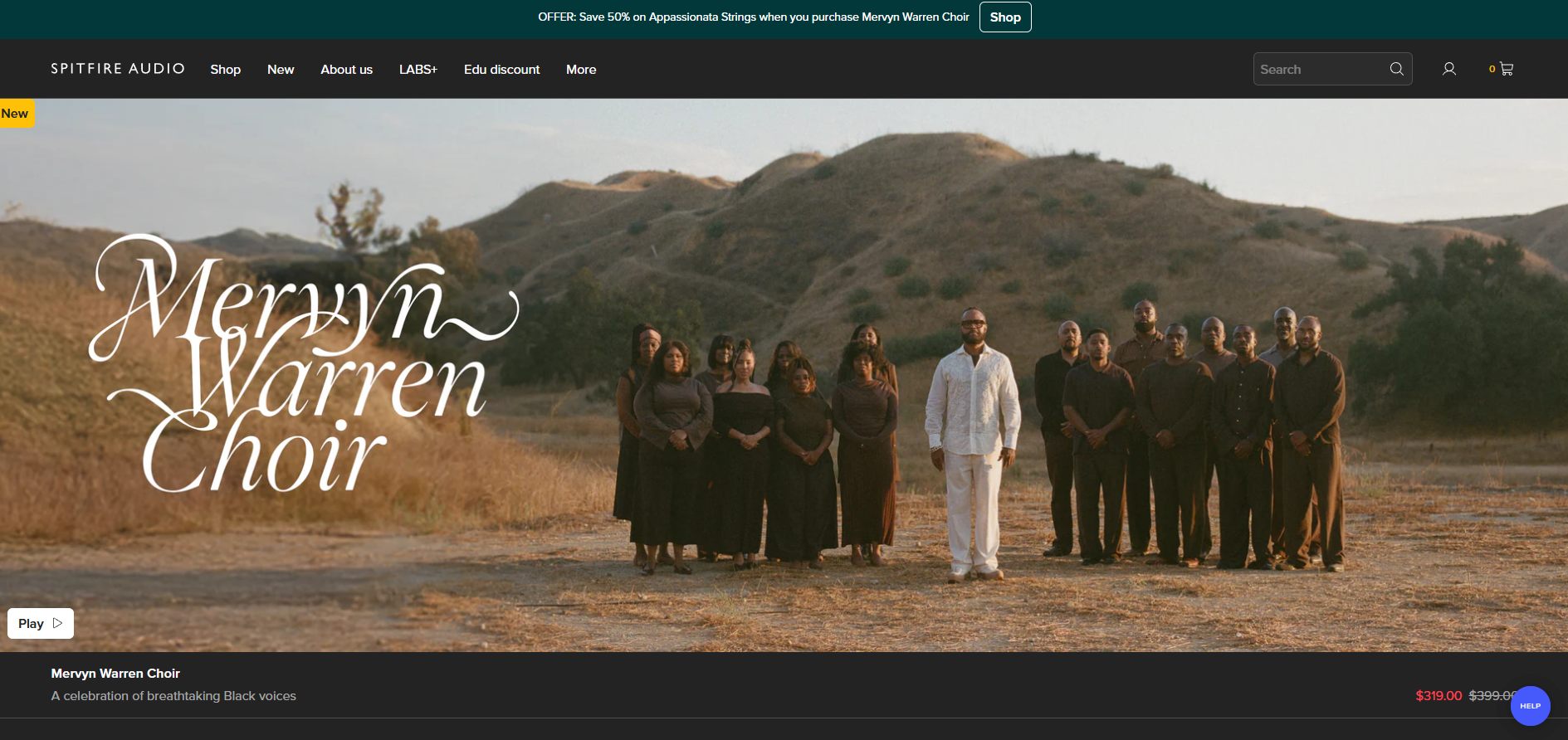
Known for its orchestral and cinematic sample libraries, Spitfire Audio's instruments can run inside Mixcraft. Their libraries operate within a separate VST plugin, like Kontakt Player, which you load as a virtual instrument in your session.
Spitfire Features
Spitfire's libraries don't load directly into Mixcraft; they run inside a dedicated player plugin. You'll need to install the player, such as Kontakt, and then load it as a VST instrument in your project. From there, you can access the Spitfire sounds.
- Install the required player (e.g., Kontakt Player) for the Spitfire library.
- Add the player as a virtual instrument in Mixcraft.
- Load the Spitfire library inside the player.
Spitfire Price
Spitfire sells its libraries individually, so the cost depends on what you choose. Be aware that some libraries require the full version of Kontakt, which is a separate purchase. You can find details on their website.
4) Cymatics
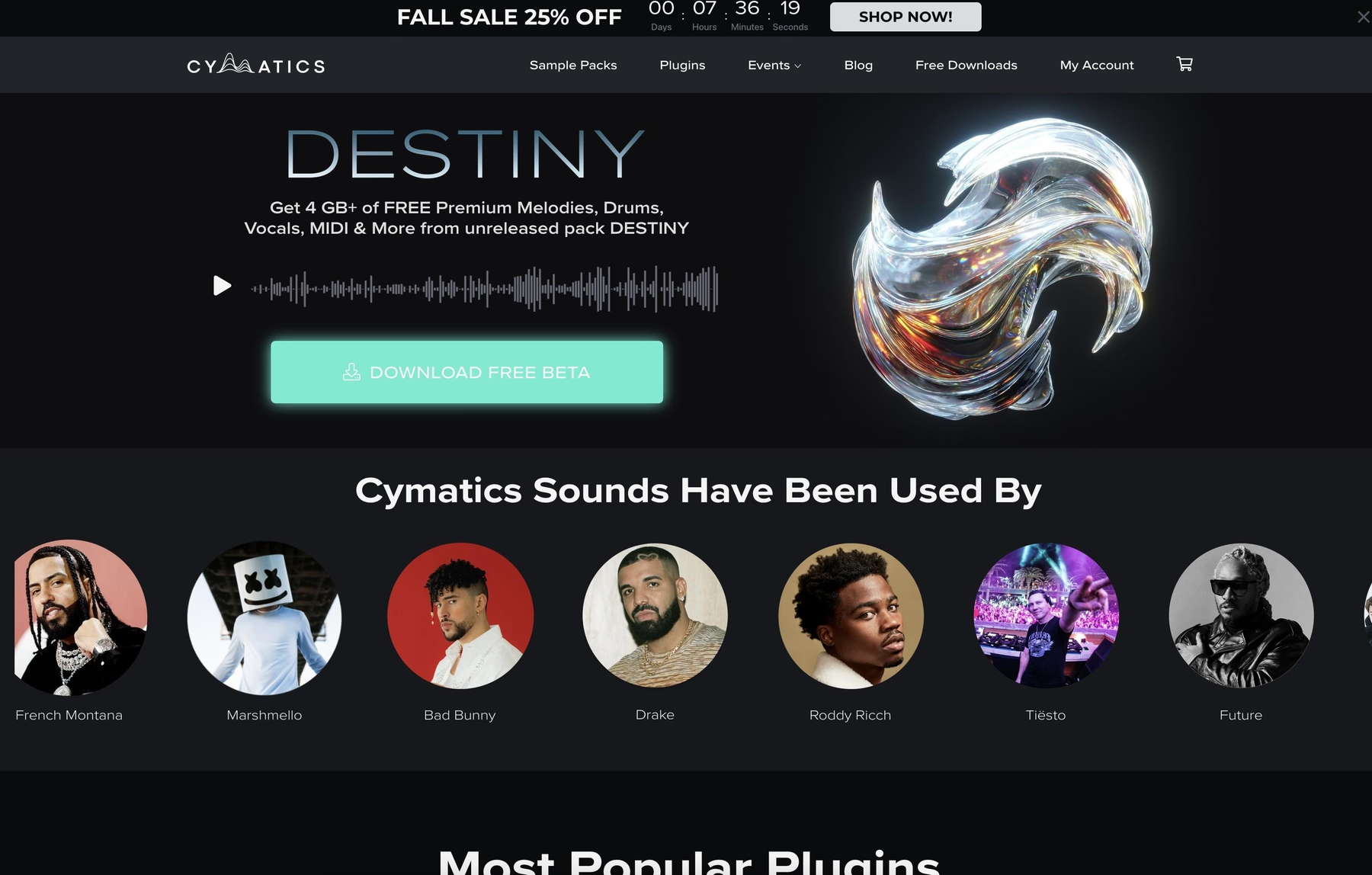
Cymatics offers royalty-free sample packs geared toward genres like hip-hop and EDM. Because their packs use standard WAV and MIDI formats, they work with Mixcraft via simple drag-and-drop.
Cymatics Features
Cymatics packs don't require a separate plugin. The workflow is straightforward: download the files, unzip the folder, and drag the samples directly into your Mixcraft project. Mixcraft’s built-in tools can then be used to adjust the tempo and key to fit your track.
Cymatics Price
Cymatics provides a mix of free and paid sample packs. Their premium packs generally cost between $30 and $50 each.
5) Producer Loops
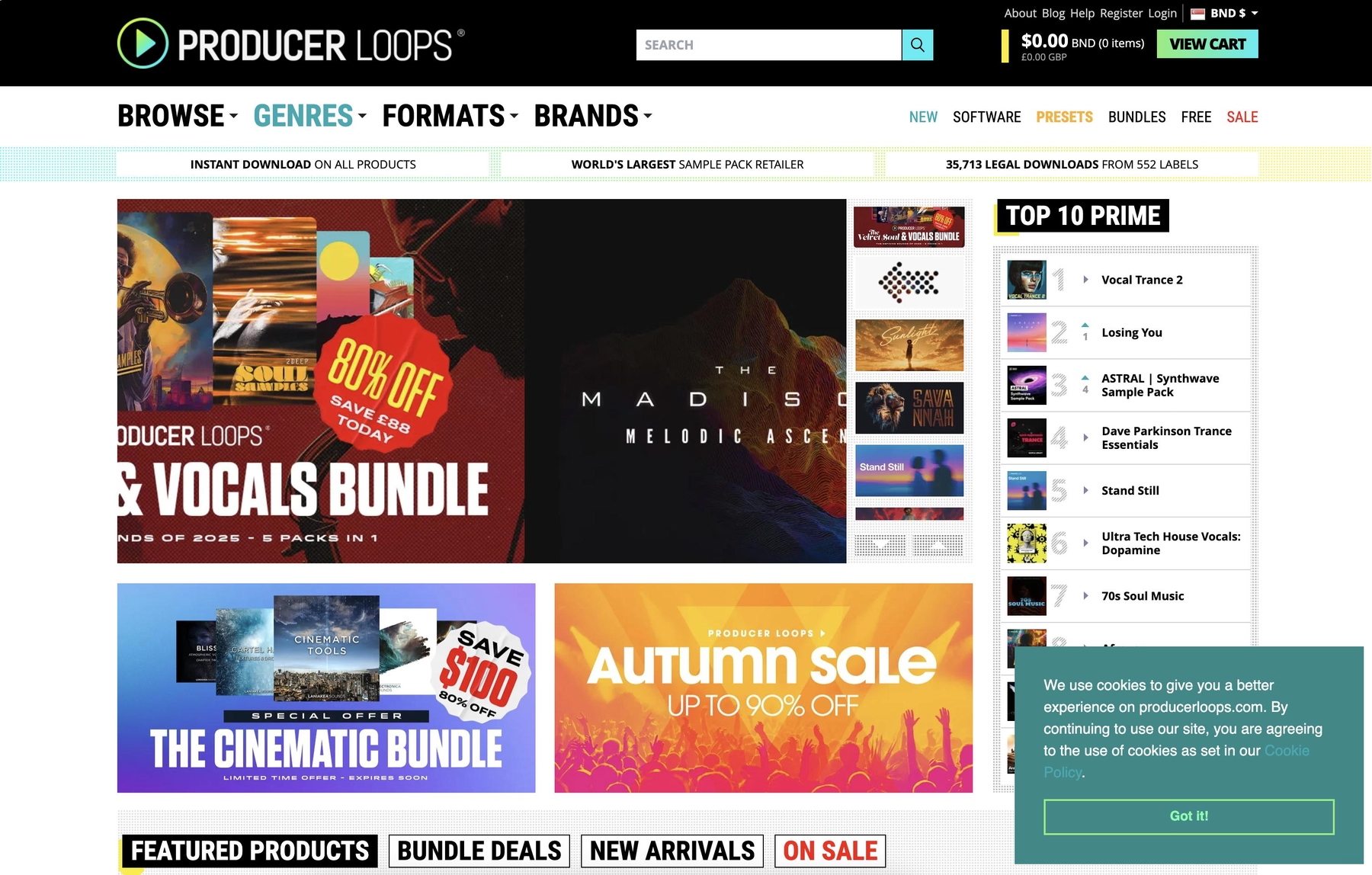
Producer Loops is a large online marketplace for sample packs from various labels. Since they offer standard formats like WAV and AIFF, the files can be imported directly into Mixcraft.
Producer Loops Features
Producer Loops packs come as standard audio files, so you can drag and drop them right into a Mixcraft project. Mixcraft can detect and adjust the tempo and key of the audio files to match your session. Just be aware that some packs might include formats like REX or Apple Loops, which aren't natively supported.
Producer Loops Price
Producer Loops sells sample packs individually. Prices vary by pack, and they sometimes offer bundle deals or discounts. You can find the full catalog and pricing on their website.
6) Unison Audio
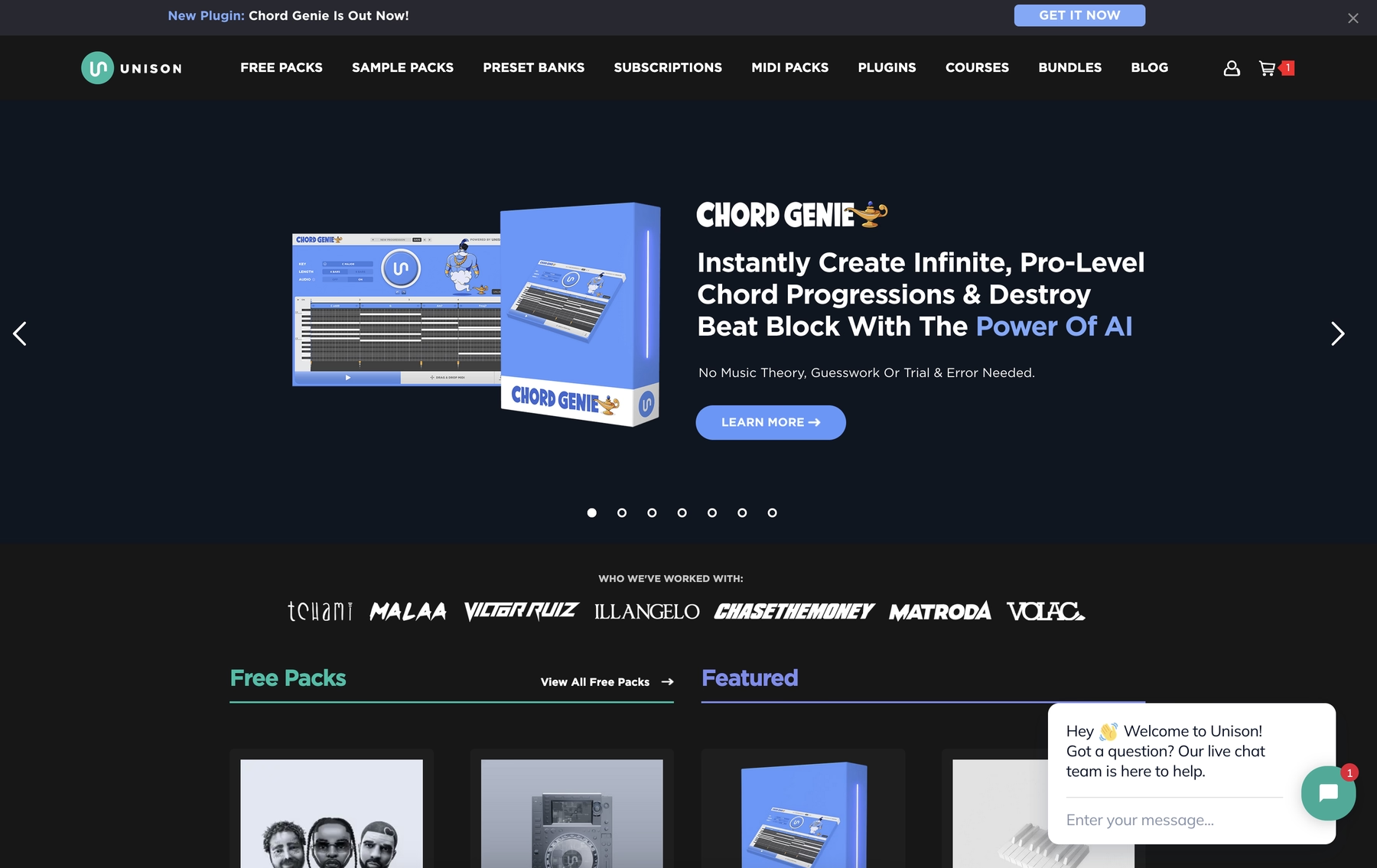
Unison Audio provides sample packs in standard audio formats like WAV. These files can be imported and used within your Mixcraft projects.
Unison Audio Features
Because Unison Audio uses standard audio files, no separate plugin is required. You can add the samples to your Mixcraft library and then drag them into a session. Mixcraft’s own tools can then be used to adjust tempo and key to fit your track.
Unison Audio Price
Unison Audio offers a selection of free and paid sample packs. The premium packs are sold individually, and you can find the full catalog on their website.
How to Pick the Right Samples and Loops for Mixcraft
Choosing the right sounds for Mixcraft comes down to more than just genre; it’s about how you want to work.
- Workflow Integration: Do you want to manually import WAV files and use Mixcraft’s tools for tempo and key, or do you prefer a plugin that handles it all? An integrated sample engine like Arcade keeps everything in sync automatically, letting you audition sounds in real-time without leaving your project.
- Sound Discovery: Sifting through folders is a classic vibe-killer. Look for a platform with a solid browser or, even better, one that uses AI to suggest sounds based on your track. It’s the difference between searching for a needle in a haystack and having the needle brought to you.
- Compatibility and Hidden Costs: Check the fine print. Mixcraft supports VST plugins, but some libraries require another purchase, like the full version of Kontakt. Others might include file formats like REX or Apple Loops that Mixcraft doesn’t natively support, leaving you with files you can’t use.
- Pricing Model: Buying individual packs adds up, and your library stays static until your next purchase. A subscription can give you access to a library that grows daily, so you always have fresh material without constantly shopping for new packs.
How to Add Samples to Mixcraft
Getting new sounds into Mixcraft is straightforward, whether you're using a plugin or just dragging in audio files.
For a plugin-based library like our own Arcade, the process keeps you in the flow:
- Install the plugin. Mixcraft supports VST3, so it should find it automatically. If not, you can manage it via the File menu’s Plug-In Manager.
- Load the plugin as a virtual instrument on a track. This opens its interface within your project, ready to go.
- Audition sounds in time and key with your song. When you find the one, drag the audio or MIDI from the plugin straight into your Mixcraft timeline.
If you're just using WAV files from a sample pack, it's even simpler. Just drag the files from your computer directly onto an audio track in your session. Mixcraft will handle the rest.
Test-Drive Output in Mixcraft and Hear the Difference
Any of the sound sources on this list will give your Mixcraft library a serious boost. But if you're looking for a setup that gets out of your way and keeps you locked in, we built our ecosystem for exactly that.
Ready to spend less time searching and more time producing? Try Output today.
With Output One, you get the full suite—Arcade, engines, FX, and Co-Producer—integrated in Mixcraft. Spend less time searching and more time recording with key- and tempo-aware picks.
Try Output One for free
Get Output announcements, tips, inspiration, and more sent to your inbox.