The 6 Best Soniccouture Samples and Loops in 2026
Soniccouture has some serious heat. We pick the 6 best samples and loops for 2026 so you spend less time searching and more time making.

Get Co-Producer and Arcade with unlimited access to premium, royalty-free samples and instruments. Plus, unlock Portal, Thermal, and Movement.
Try it freeIf you’re building tracks with Soniccouture instruments, you already appreciate detailed sound design. But finding third-party Soniccouture samples and loops that meet that same high standard can be a slog.
Since Soniccouture’s instruments run inside Native Instruments’ Kontakt, your sound-sourcing options are wide open. Any library built for the Kontakt ecosystem can slot right into your workflow, sitting alongside your favorite tools.
The challenge isn’t finding more sounds; it’s finding sounds that are worth your time and hard drive space. Not every sonic sound pack is created equal.
We’ve cut through the noise to find six sample and loop sources that actually earn their keep. Here are our top picks from companies like Output, Goldbaby, Spitfire, and Cymatics that will fit right into your sessions.
1) Output
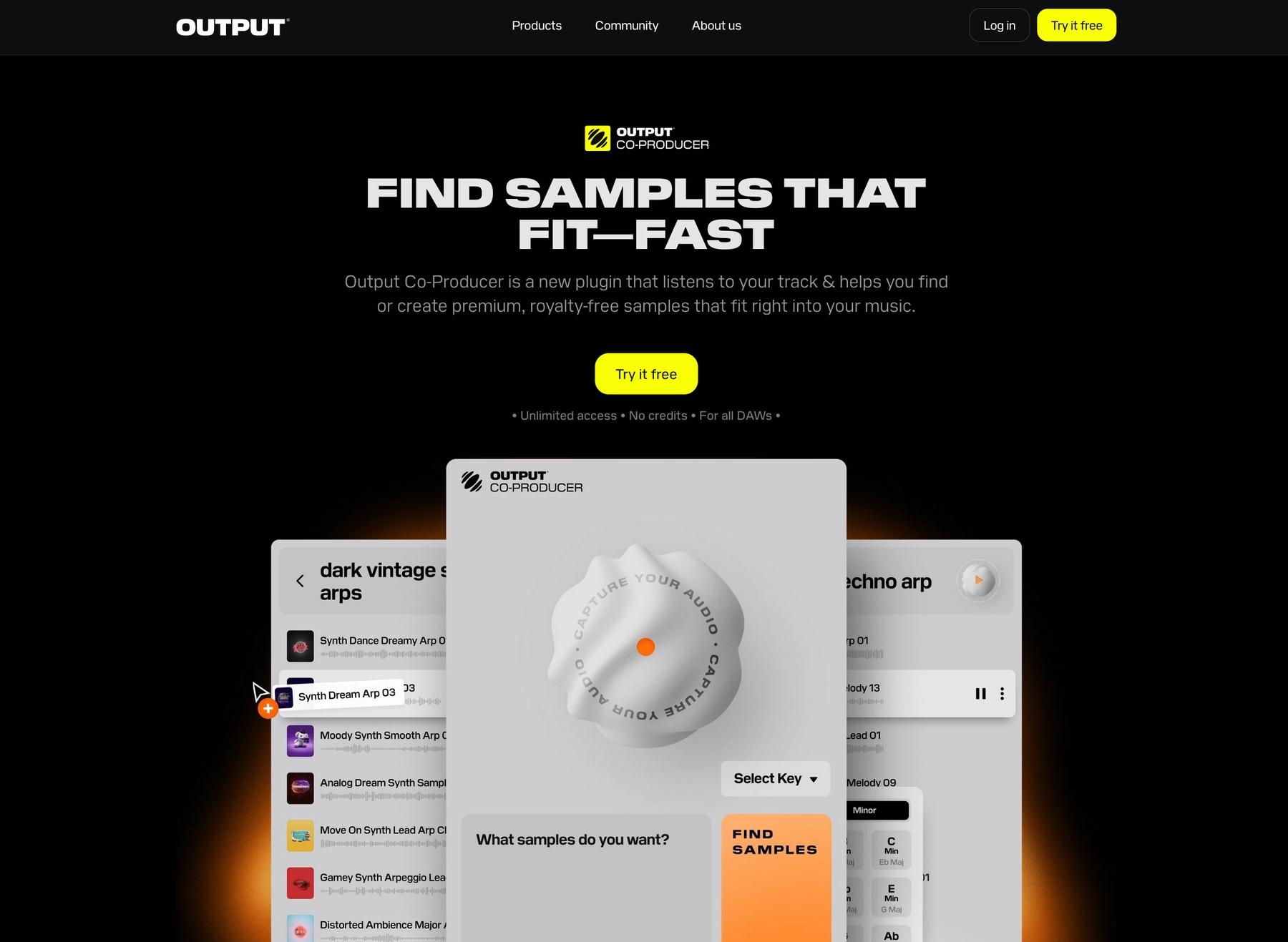
Since you appreciate the detail in Soniccouture, you'll get what we do at Output. We build instruments and a constantly-growing sample library that slot right into your Kontakt workflow, all driven by the same obsession for sound you already have.
Output Features
Our samples and loops are designed to work in any DAW, so they’ll drop right into your projects alongside your Soniccouture instruments.
Take Arcade, for example. It’s a sample playback plugin that gives you a constantly growing library of royalty-free sounds. It runs right inside your DAW, so you can audition and play new loops and one-shots without ever leaving your session. Find a sound, drag it into your project as an audio file, and you're good to go. It syncs to your project’s key and tempo, making it a fast way to build out ideas around your core Soniccouture parts.
- A massive, always-updated library of royalty-free sounds.
- Drag-and-drop audio directly into your DAW session.
- Automatically syncs to your project’s tempo and key.
- Load your own samples for a unified workflow.
To speed things up even more, we built Co-Producer. It’s an AI-powered tool that listens to your track—including your Soniccouture parts—and suggests matching sounds from our library.
- Analyzes your audio to find complementary sounds.
- Use natural language to describe the sound you need.
- Integrates with Arcade for deeper sound shaping.
- Drag suggestions straight into your project.
Output Price
We keep our pricing straightforward so you can focus on making music. You can get into Arcade for $12.99 a month, and Co-Producer is just $9.99 a month. But honestly, the best way to get everything is with our Output One subscription. For $14.99 a month, you get both Arcade and Co-Producer, plus our entire suite of FX plugins—Portal, Thermal, and Movement. It’s the whole ecosystem for just a couple of bucks more than Arcade by itself.
If subscriptions aren't your thing, our FX plugins and Kontakt instruments are also available as one-time purchases. Explore all of our products and pricing to see the full picture.
2) Goldbaby
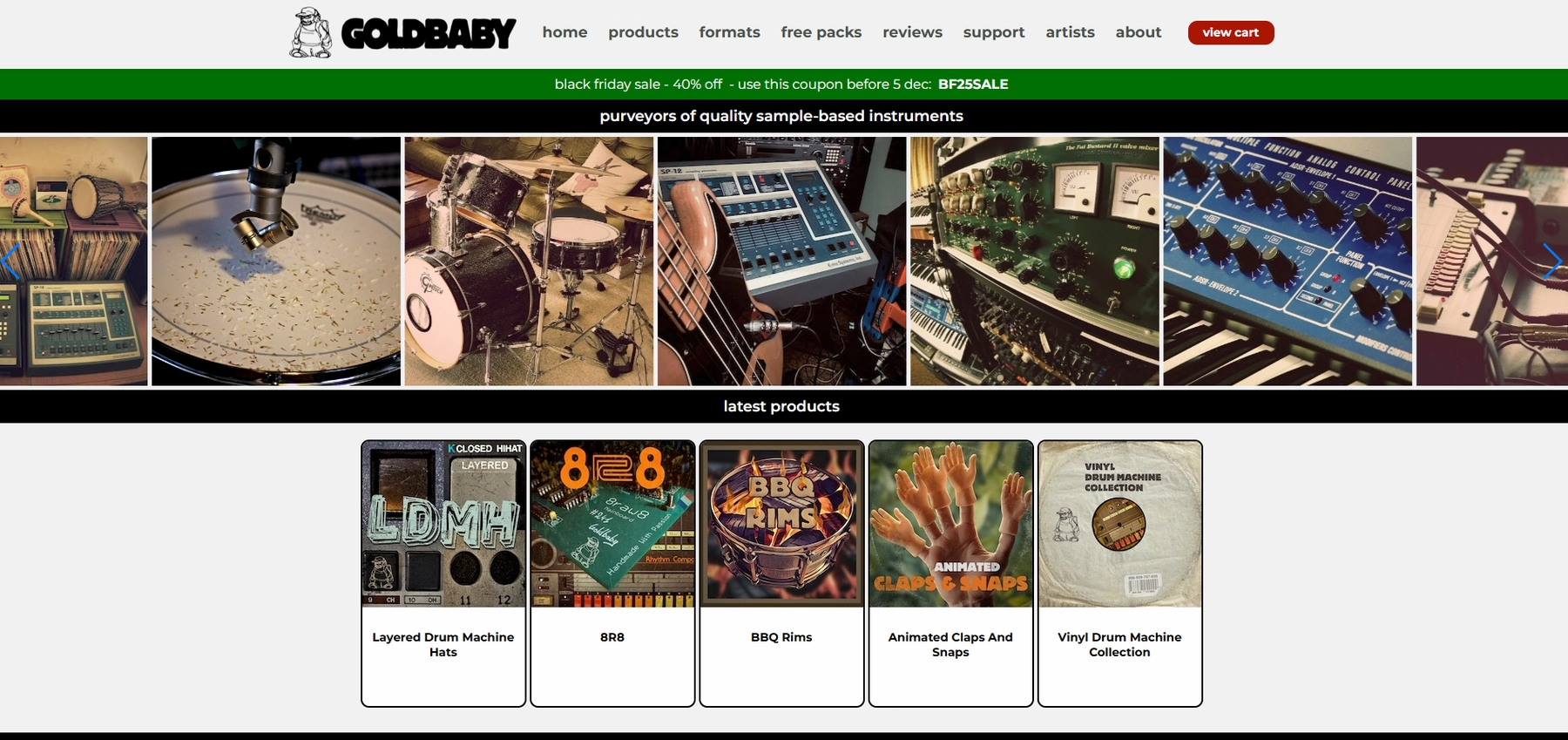
Goldbaby provides sample packs and loops as 24-bit WAV files that work in any DAW, including the one hosting your Soniccouture instruments. The workflow relies on using the raw audio files directly in your project, as there is no dedicated plugin.
Goldbaby Features
Goldbaby’s approach is straightforward: you get WAV files to use in your DAW. Since there's no direct integration, you’ll drag the samples directly into your project’s timeline or a sampler. All tempo and key adjustments are handled within your DAW, just like any other audio file.
- Samples are provided as 24-bit WAV files.
- Works with any DAW that supports standard audio files.
- Tempo and key must be adjusted manually in your DAW.
Goldbaby Price
Goldbaby offers a mix of paid sample packs and free downloads. You can find their full catalog and pricing details on their website.
3) Spitfire
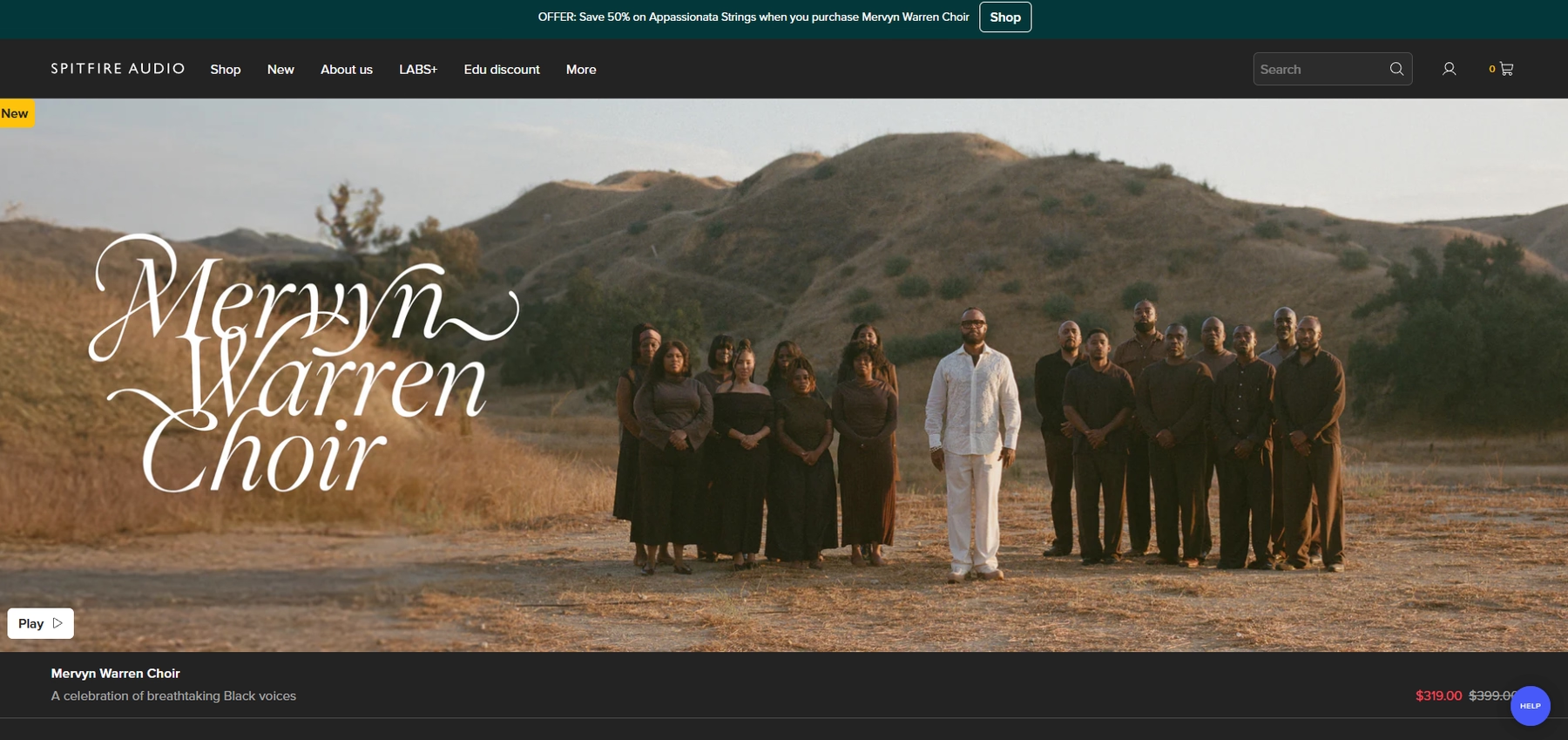
Spitfire Audio provides playable sample libraries that run in their own dedicated player engines. These can be used in the same DAW session as your Soniccouture instruments, but they function as separate instruments rather than drag-and-drop audio loops.
Spitfire Features
Because Spitfire libraries are note-triggered instruments, they don't operate like typical sample packs. Instead of dragging audio files, you load them into a player engine—either Kontakt or Spitfire’s own plugin—which then runs on a separate track in your project.
- Install the Spitfire Audio app to download your libraries.
- Load the required player (Spitfire Player or Kontakt) in your DAW.
- Use Spitfire libraries and Soniccouture instruments together within the same project.
Spitfire Price
Spitfire Audio’s pricing varies. They offer a range of free libraries through their LABS series, as well as individually priced libraries and bundles for purchase.
4) Cymatics
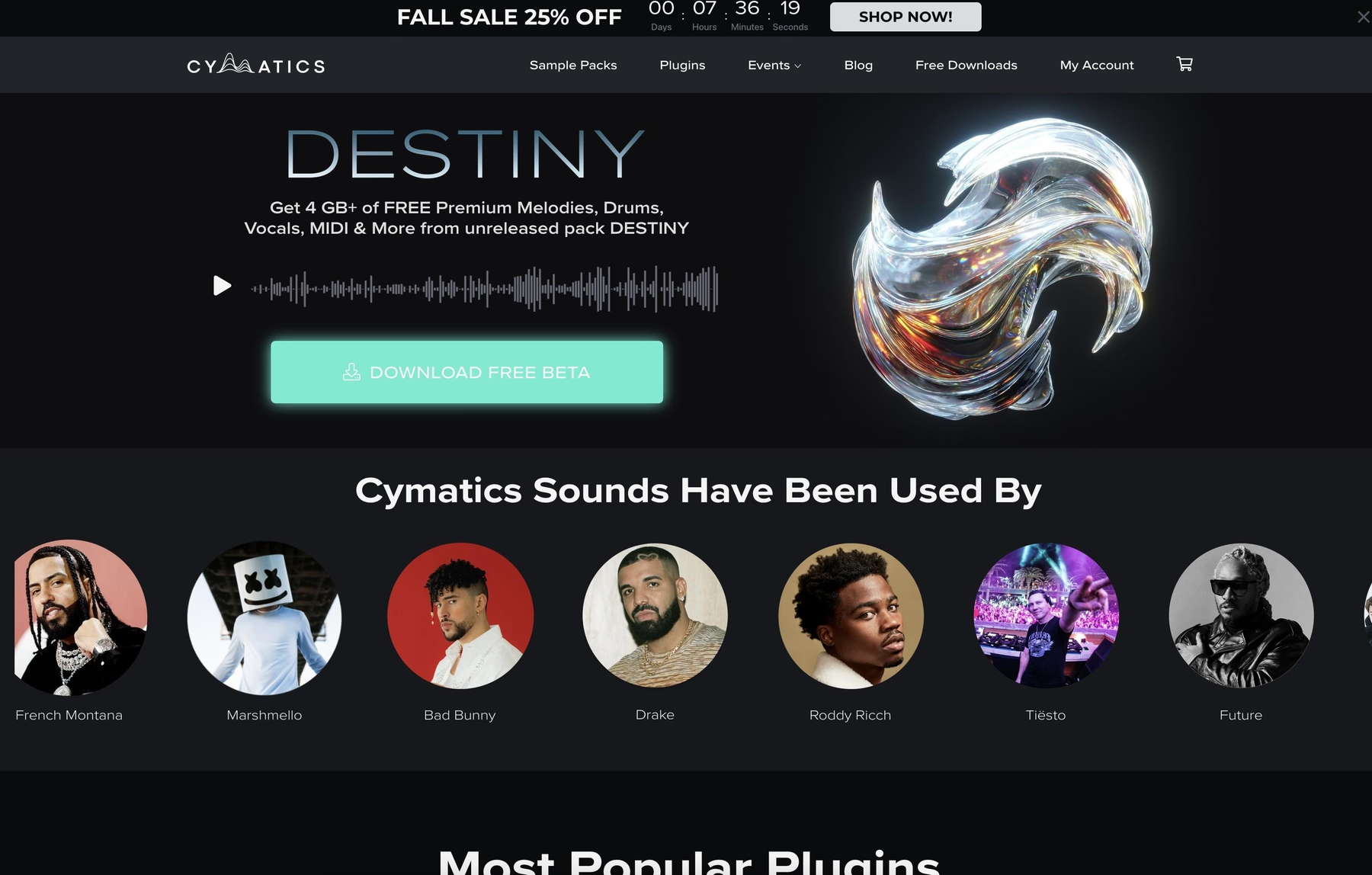
Cymatics provides royalty-free sample and loop packs as WAV files. These audio files can be imported into any DAW, allowing them to work alongside your Soniccouture instruments in a project.
Cymatics Features
The workflow with Cymatics is based on using raw audio files. You download the packs and drag the WAV files into your DAW, with no dedicated plugin required. All tempo and key adjustments are handled by your DAW’s time-stretching or pitch-shifting features.
- Download sample and loop packs from the Cymatics site.
- Drag and drop WAV files directly into your DAW.
- Tempo and key syncing rely entirely on your DAW’s audio manipulation tools.
Cymatics Price
Cymatics offers a mix of free packs and paid bundles. Their products are typically sold as individual packs or as part of larger themed collections. You can find specific pricing on their website.
5) Producer Loops
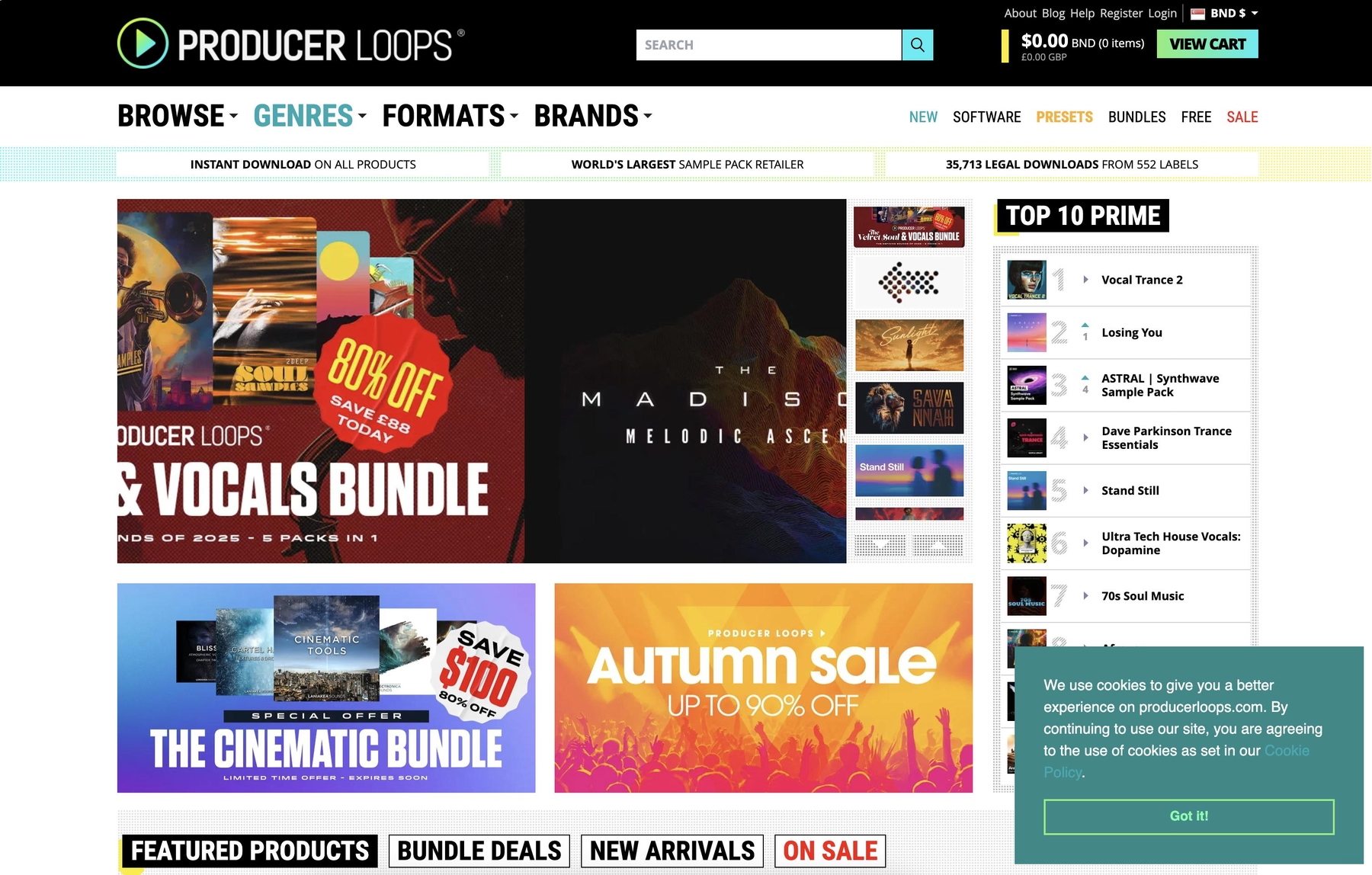
Producer Loops is a marketplace for royalty-free loop and sample packs. The files come in standard audio formats like WAV and AIFF, so you can drop them into any DAW session alongside your Soniccouture instruments.
Producer Loops Features
The workflow is based on using raw audio files. You download a pack and drag the loops or samples directly into your DAW project. From there, your DAW’s own tools handle all the time-stretching and pitch-shifting to make things fit with your other tracks.
- Download a pack from the Producer Loops website.
- Drag the audio files into your DAW project.
- Use your DAW's tools for tempo and key adjustments.
Producer Loops Price
Packs are sold individually on the Producer Loops website. The company also offers bundle discounts and runs frequent sales, so pricing can vary depending on the product and current promotions.
6) Unison Audio
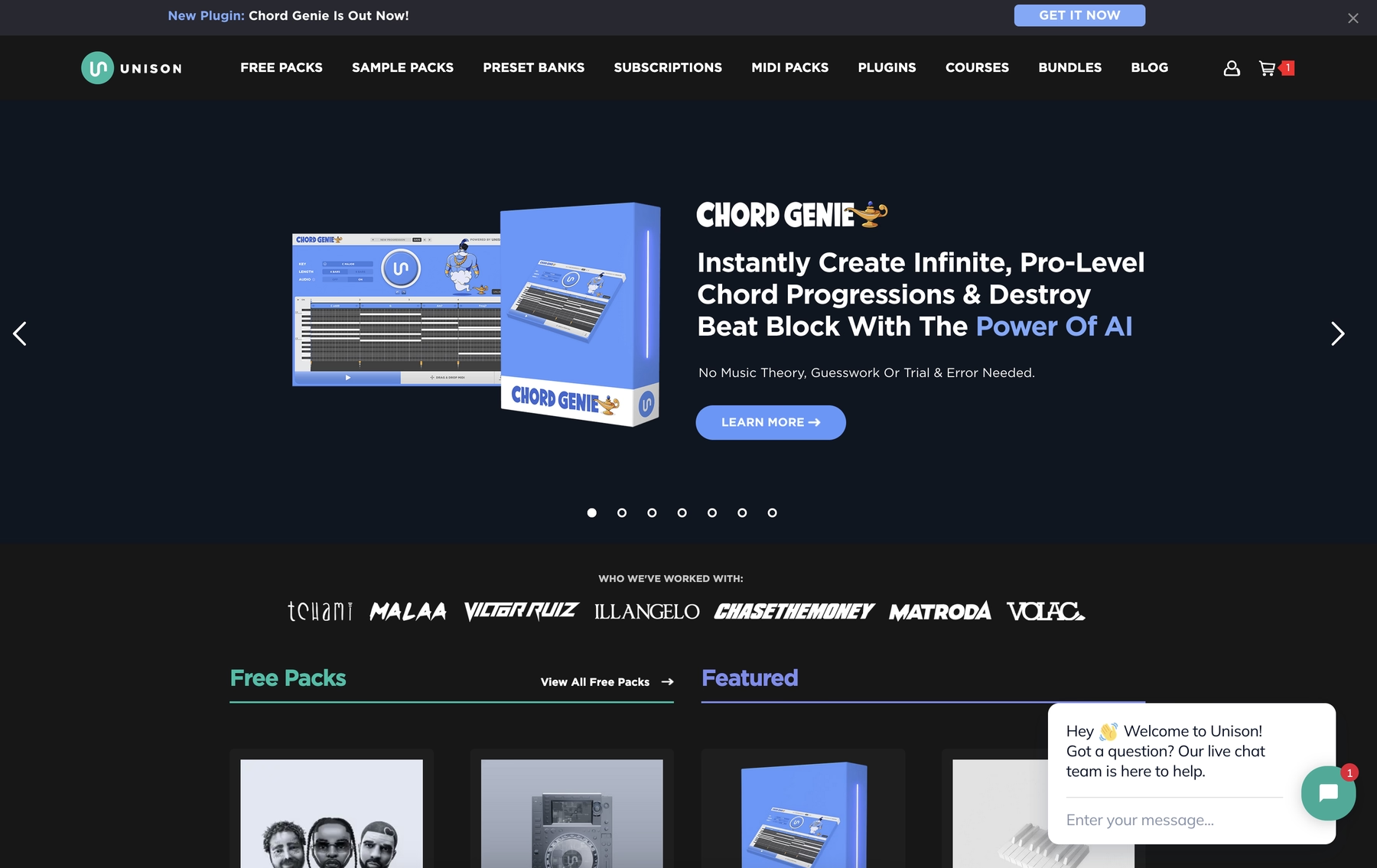
Unison Audio provides royalty-free sample and loop packs, mostly in WAV format. These audio files can be dropped into any DAW, so they’ll work in projects that also use your Soniccouture instruments.
Unison Audio Features
The workflow with Unison Audio is based on using raw audio files. You download the packs and drag the WAVs into your DAW, where your software’s built-in tools handle all time-stretching and pitch-shifting. There’s no dedicated plugin, so everything happens right on your timeline or in a sampler.
- Download packs from the Unison Audio website.
- Drag and drop WAV files into your DAW.
- Tempo and key syncing is handled by your DAW.
- Some MIDI packs require a compatible instrument.
Unison Audio Price
Unison Audio sells its products as individual packs or in bundles. They run frequent promotions, so you’ll need to check their website for current pricing.
How to Pick the Right Samples and Loops for Soniccouture
Finding sounds that complement Soniccouture’s detailed instruments comes down to a few key factors.
- Workflow Integration: How do you want to get sounds into your session? Some platforms require you to load a separate instrument for every sound, while others are simple drag-and-drop. A faster workflow means less friction between your idea and the final track.
- Speed of Discovery: Digging through folders of WAV files is a surefire way to kill a vibe. We built Arcade to solve this, with a library that you can browse and audition right inside your project, already synced to key and tempo. It keeps you in the flow.
- Sound Curation: You’re used to Soniccouture’s level of detail, so don’t settle for less. A well-curated library is better than a massive, messy one. Quality over sheer quantity prevents you from drowning in options.
- Tweakability: A static loop has its place, but the ability to perform and manipulate a sample is what turns a good sound into a great one. Look for tools that give you hands-on controls to shape the sound and make it fit your track perfectly.
How to Add Samples to Soniccouture
Adding new sounds to your project alongside Soniccouture instruments is straightforward, since they both live inside your DAW. Here’s how it works. Say you’re using a tool like our Arcade plugin:
- Load Arcade onto a new track in your DAW, right next to the track running your Soniccouture instrument.
- Browse Arcade’s library to find a loop or sample. It automatically syncs to your project’s key and tempo, so what you hear is what you get.
- Once you find something you like, just drag the audio directly from Arcade’s interface and drop it onto a new audio track in your session. That's it.
Test-Drive Output in Soniccouture and Hear the Difference
Any of the tools on this list will get you new sounds for your tracks, and they all have their strengths. But if you’re looking for a workflow that matches the depth and detail of Soniccouture, we built Output’s ecosystem just for that.
See for yourself—try Output today.
With Output One, you get the full suite—Arcade, engines, FX, and Co-Producer—integrated in Soniccouture. Spend less time searching and more time recording with key- and tempo-aware picks.
Try Output One for free
Get Output announcements, tips, inspiration, and more sent to your inbox.
.avif)