The 6 Best Reason Samples and Loops in 2026
Stop digging for samples. We found the top 6 Reason packs and loops for 2026 so you can get back to making music. Your next sound is in here.

Get Co-Producer and Arcade with unlimited access to premium, royalty-free samples and instruments. Plus, unlock Portal, Thermal, and Movement.
Try it freeFinding the right sounds for Reason can feel like a full-time job. Between native Refills, Rack Extensions, and the universe of VSTs, the options for reason loops and samples are nearly endless.
Reason’s rack-based setup is a sound designer's playground, letting you wire up instruments and effects with total freedom. It handles its own sound packs and third-party VSTs, so your sonic palette is as wide as you want it to be.
But quantity doesn't always mean quality, and your workflow deserves tools that keep you in the zone, not scrolling through mediocre presets.
We've done the legwork. Here are six sample and loop sources—from us at Output to F9 Audio, Goldbaby, and Spitfire—that will actually earn a spot in your rack.
1) Output
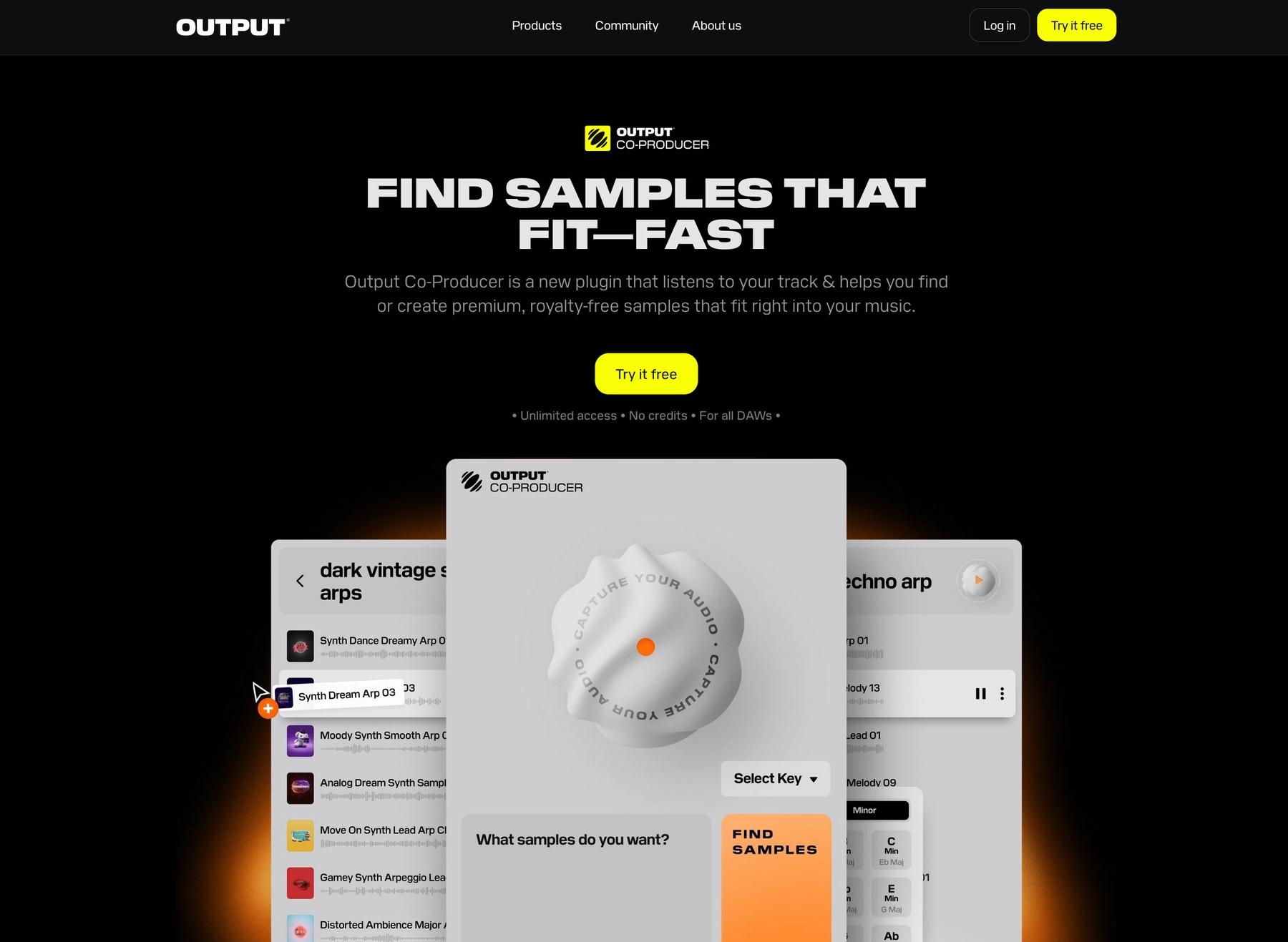
We're Output, and our VSTs are built to slot right into your Reason rack. From the constantly-growing library in Arcade to the AI-powered discovery in Co-Producer, our tools expand your sound palette without killing your momentum.
Output Features
Our sample-based tools work right inside Reason, either as VST3 plugins or as drag-and-drop audio files. Take our sample engine, Arcade, for instance. It’s a VST3 plugin that loads directly into your Reason rack, giving you access to a massive, constantly updated library of royalty-free sounds. Everything syncs to your project's tempo and key, so you can audition loops and kits in real-time without ever leaving your session.
- Direct VST3 integration for the Reason rack.
- Sounds automatically sync to your project’s key and tempo.
- Drag and drop your own samples into the engine.
- Royalty-free library with new sounds added daily.
Beyond just finding sounds, we also built tools to help you discover them. Our AI-powered plugin, Co-Producer, analyzes your track and suggests complementary sounds from our library. It runs as a VST in your rack, listens to your audio, and lets you drag its suggestions right into your sequencer.
- AI-powered sample suggestions.
- Analyzes your track's key and tempo.
- Drag-and-drop workflow into Reason's sequencer.
- Natural language search for sounds.
Output Price
We keep our pricing straightforward so you can focus on making music. The best way to get everything is with our Output One subscription. For $14.99 a month, it bundles Arcade, Co-Producer, and all our FX plugins like Portal and Thermal—the whole ecosystem in one package.
If you prefer to go à la carte, Arcade is available for $12.99 a month, and Co-Producer is $9.99 a month. You do the math; the bundle just makes sense if you plan on using more than one of our tools. Explore all of our products and pricing options to see what fits your workflow.
2) F9 Audio
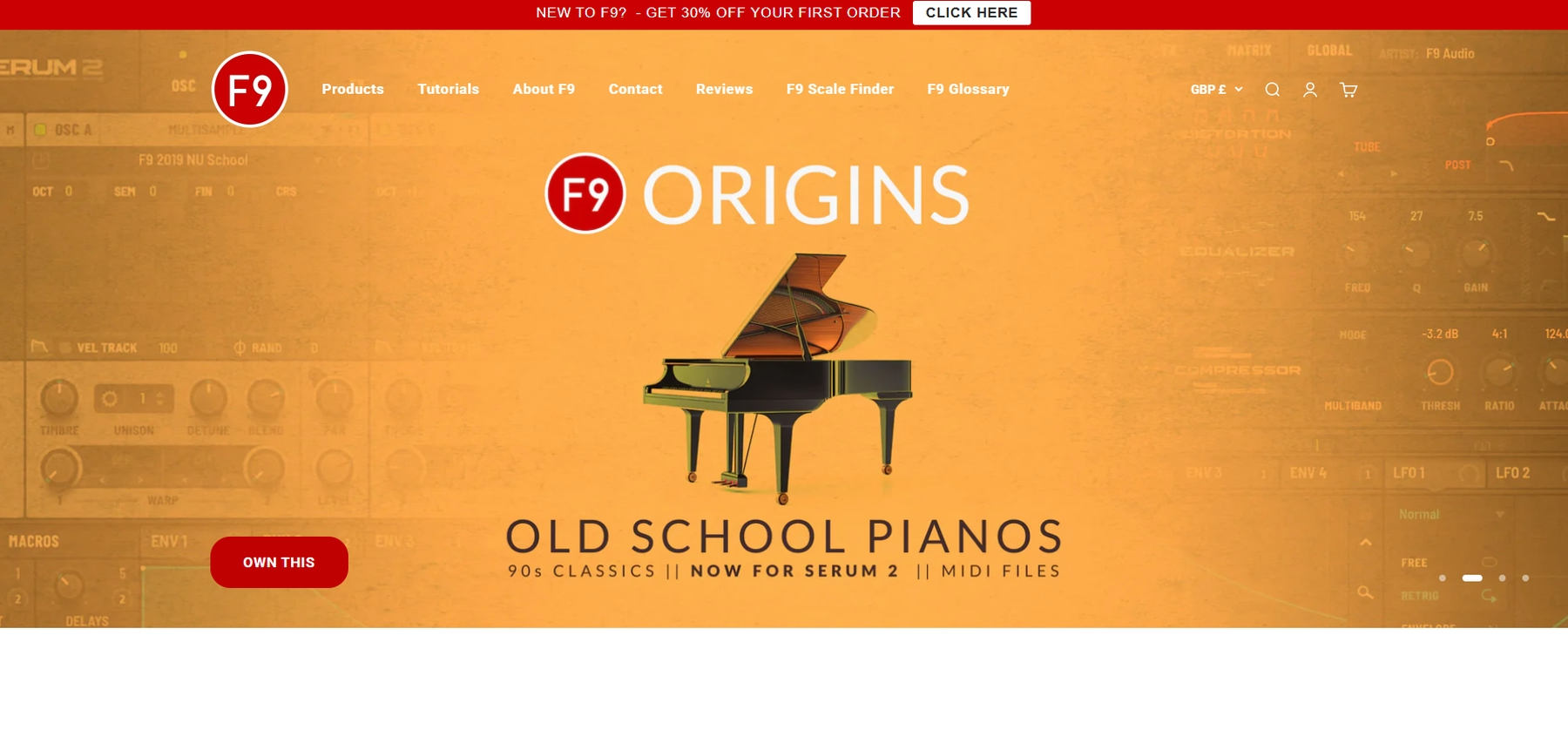
F9 Audio provides sample packs in WAV and REX formats that are compatible with Reason. The files can be loaded directly into native devices like the NN-XT Advanced Sampler or the Dr. Octo Rex Loop Player.
F9 Audio Features
The workflow involves dragging and dropping audio files from F9's packs into your Reason project. While REX files automatically sync to your project’s tempo inside the Dr. Octo Rex player, WAV files require manual time-stretching and pitch adjustments.
- WAV and REX files integrate with Reason's sequencer and samplers.
- REX files sync tempo in Dr. Octo Rex.
- WAV files require manual tempo and key adjustments.
- Be aware that some packs include Kontakt instruments, which are not directly compatible with Reason.
F9 Audio Price
F9 Audio sells its sample packs individually, so the cost depends on the specific pack. For example, the F9 Electric Funk Instruments & Multisamples pack is priced at £26.50.
3) Goldbaby
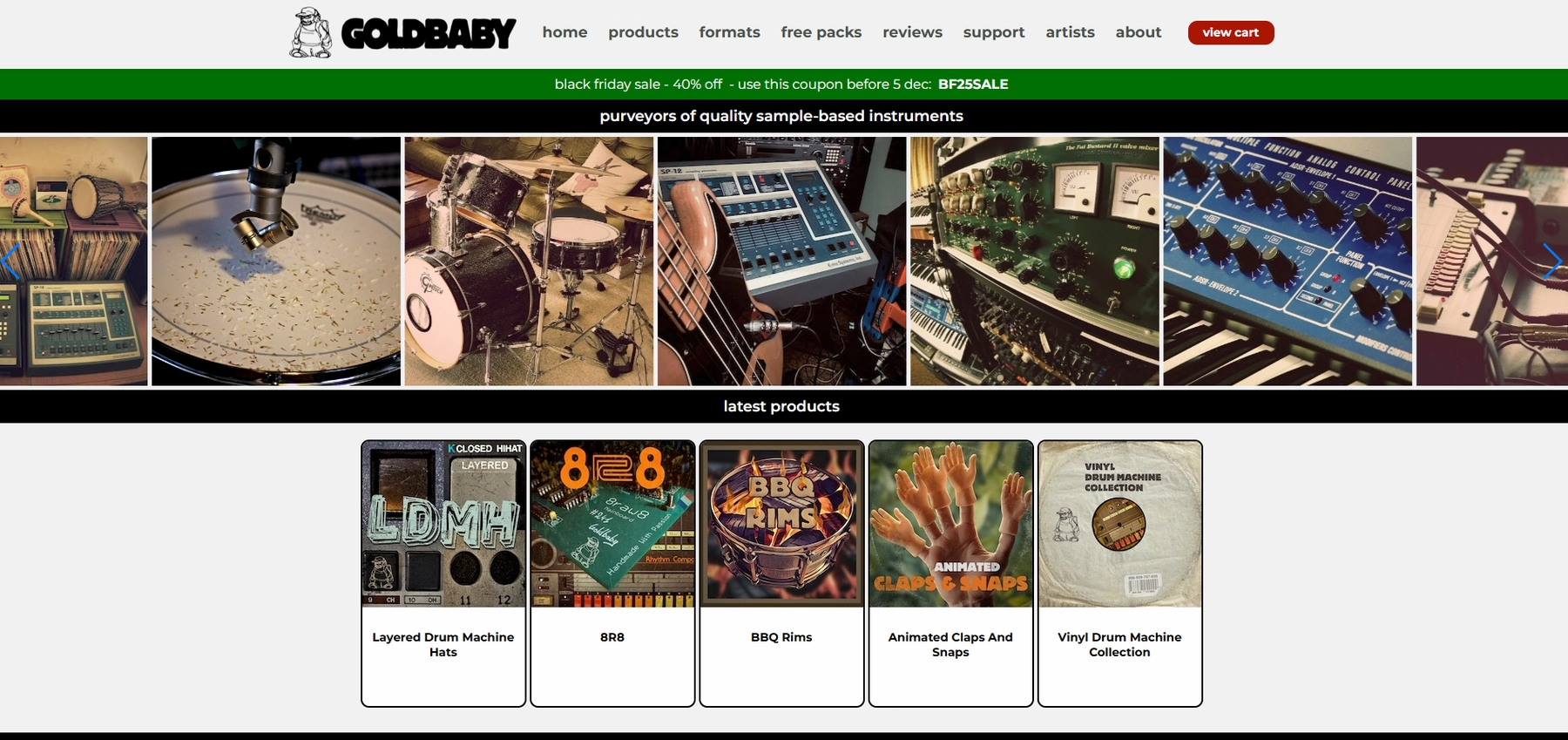
Goldbaby is a well-known source for drum machine samples, offering packs in formats that work with Reason, including WAV files and dedicated Reason Refills.
Goldbaby Features
Goldbaby's packs integrate with Reason through standard file formats. You can load WAV files into samplers like the NN-XT, or use REX files in the Dr. Octo Rex player for tempo syncing. Some packs are also offered as native Reason Refills for a more direct workflow.
- WAV, REX, and Reason Refill formats available.
- REX files sync tempo in the Dr. Octo Rex player.
- Some packs may require specific versions of Reason or additional Rack Extensions.
Goldbaby Price
Goldbaby sells its sample packs individually. The cost varies depending on which pack you choose, so you'll need to check the website for specific pricing.
4) Spitfire
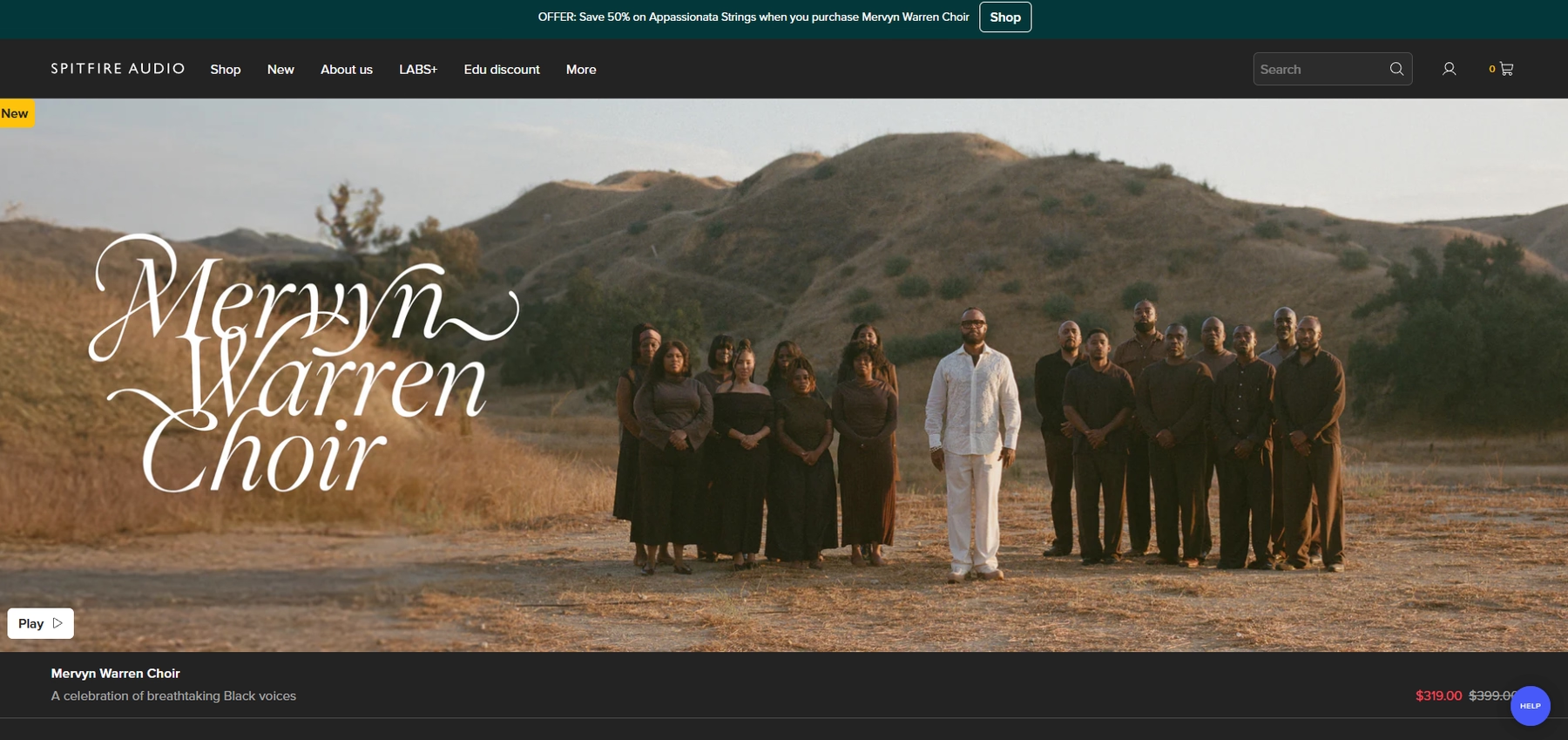
Spitfire Audio is known for its detailed orchestral and cinematic sample libraries. These instruments are compatible with Reason by loading them as VST plugins into the rack, either through Spitfire's own player or Native Instruments' Kontakt.
Spitfire Features
To use Spitfire libraries in Reason, you first install the Spitfire Audio App to download your products. From there, you load the library as a VST plugin on an instrument track. It's important to note that many of their libraries require the Kontakt player, which functions as an additional VST host within your Reason project.
- Integrates with Reason as a VST plugin.
- Many libraries depend on Native Instruments' Kontakt player.
- Once audio is rendered, it can be manipulated with Reason's native time-stretching and pitch-shifting tools.
Spitfire Price
Pricing for Spitfire Audio's products varies because each library is sold individually, though some are available through a subscription. For specific costs, you'll need to visit their website.
5) Cymatics
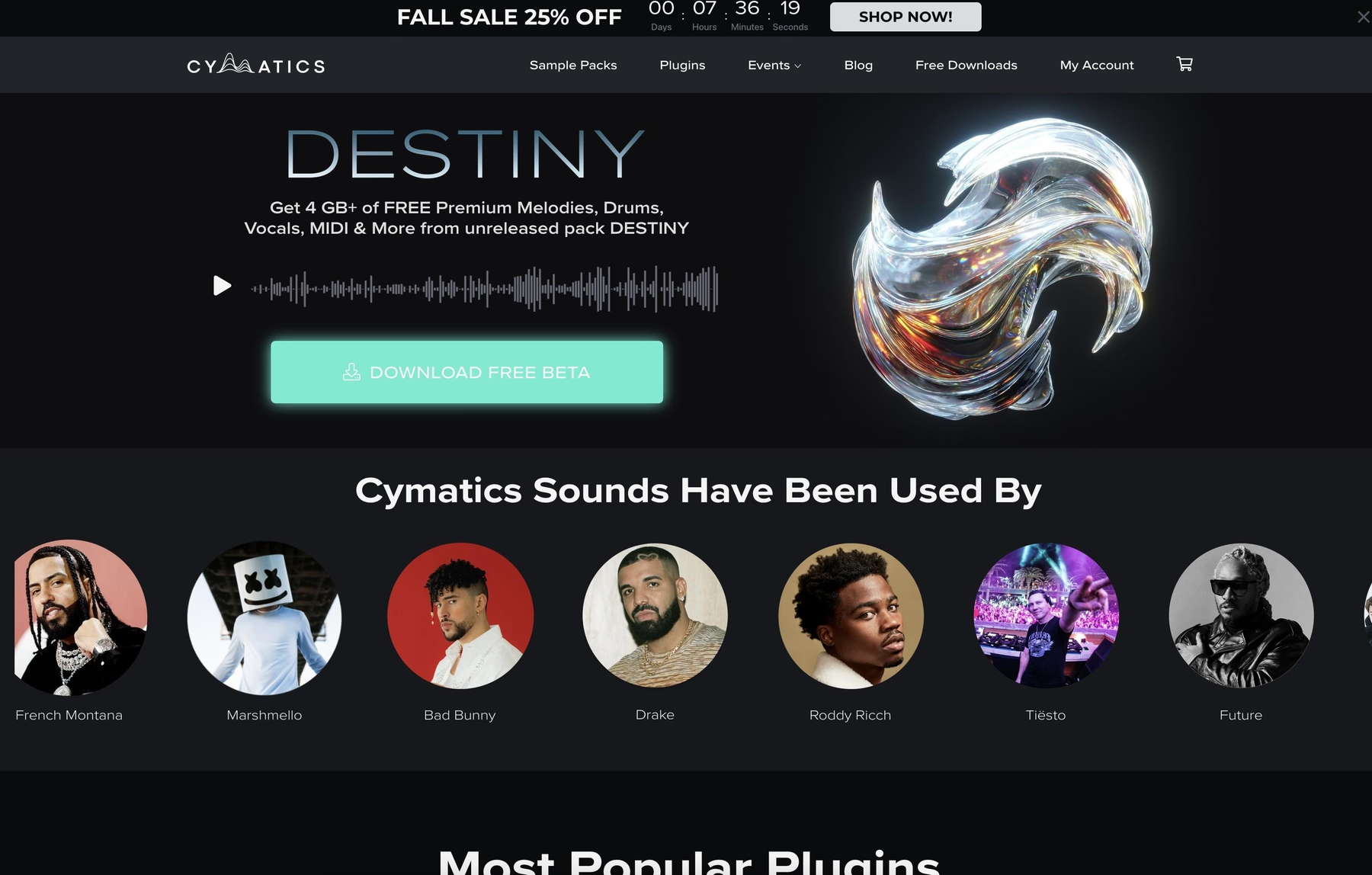
Cymatics offers sample packs containing WAV and MIDI files. These standard formats are compatible with Reason, allowing you to drag and drop sounds directly into your project.
Cymatics Features
Cymatics packs integrate into Reason through a straightforward drag-and-drop process. Once you locate the files in Reason’s browser, you can pull them into your session and use the DAW’s built-in tools for any time-stretching or pitch-shifting.
- Packs contain WAV and MIDI files.
- Samples are royalty-free for commercial use.
- No proprietary player is required for use in Reason.
Cymatics Price
Cymatics provides a mix of free and paid sample packs. The premium packs are sold individually and generally cost between $30 and $50.
6) Producer Loops
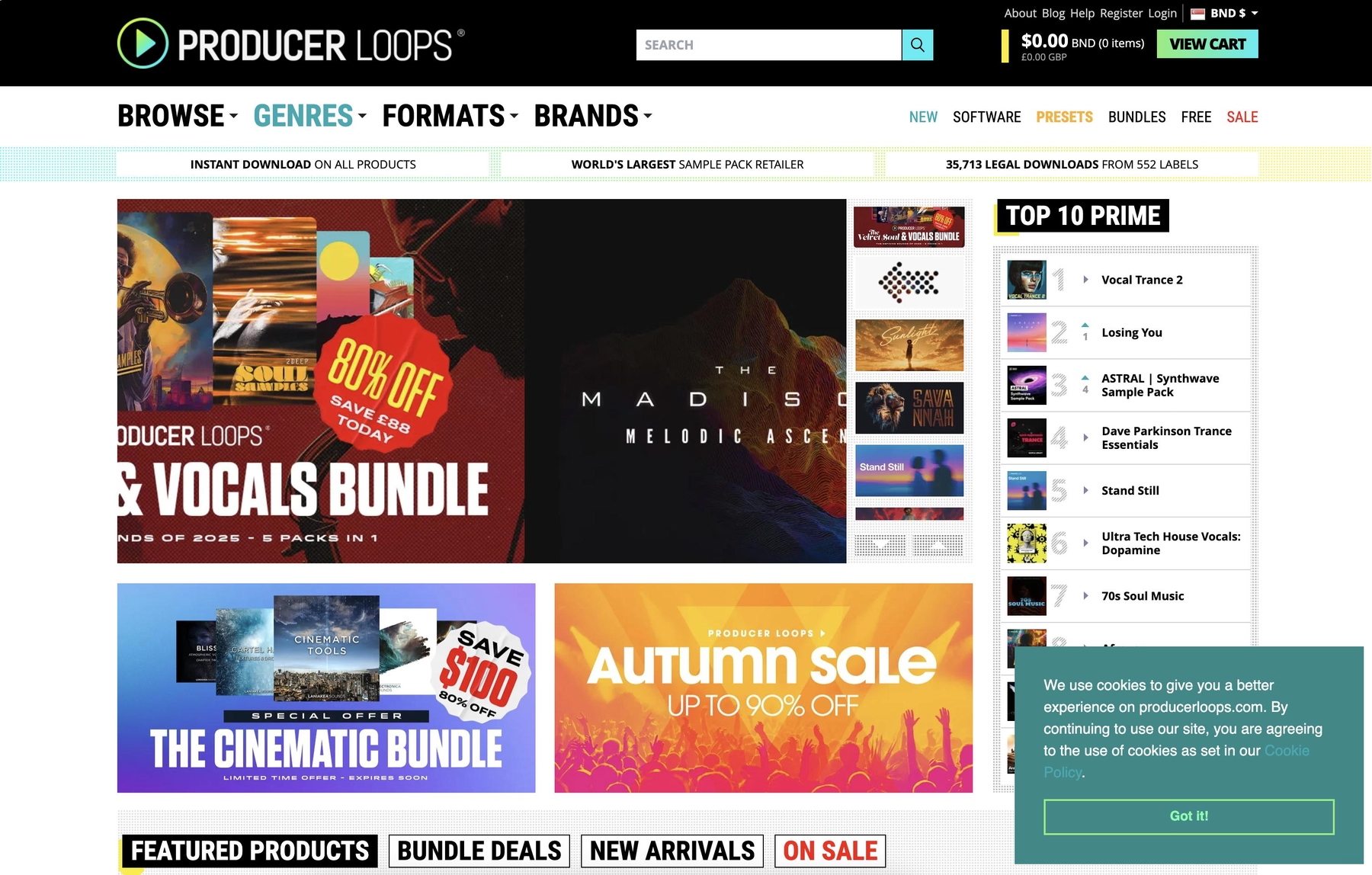
Producer Loops is a large marketplace for sample packs from a wide range of creators. They offer packs in formats compatible with Reason, including WAV, REX, and native Reason ReFills.
Producer Loops Features
Integration with Reason is a drag-and-drop affair. You can pull WAV files directly into the sequencer or load them into samplers like the NN-XT. For more flexible tempo control, REX files can be loaded into the Dr. Octo Rex Loop Player for easy slicing and manipulation.
- Packs are available in WAV, REX, and Reason ReFill formats.
- REX files allow for tempo adjustments and slice manipulation within Reason.
- All loops are royalty-free for use in commercial projects.
Producer Loops Price
Sample packs on Producer Loops are sold individually. Prices vary based on the content and complexity of each pack, so you’ll need to check their site for specific costs.
How to Pick the Right Samples and Loops for Reason
Choosing the right sounds for Reason goes beyond just the genre; it’s about how they fit into your rack-based workflow.
- Plugin vs. Raw Files: Consider the format. Do you prefer a VST that lives in your rack like a native device, or are you okay with dragging and dropping raw WAV and REX files? A plugin-based approach keeps your session tidy and your tools in one place.
- Automatic Syncing: Check if the sounds automatically match your project's key and tempo. While REX files handle tempo well in Dr. Octo Rex, many sample packs leave you to manually stretch and repitch WAVs. A tool that does this for you saves a ton of time.
- Sound Discovery: How will you find sounds? Digging through folders is a classic workflow, but it’s not always the fastest. Some platforms offer smarter ways to find what you need, like searching with natural language or getting suggestions based on your track.
- Compatibility & Dependencies: Watch out for extra requirements. Many libraries require third-party players like Kontakt to run, which adds another layer to your setup. Always check if a pack needs extra software or if it runs as a self-contained VST.
How to Add Samples to Reason
Getting new sounds into Reason is straightforward, whether you're working with raw audio files or a plugin. Say you're using a VST like our own Arcade; here’s how it works:
- Install the Plugin. After installing the VST3, just launch Reason. It automatically scans for new plugins, so Arcade will appear in your browser under Instruments.
- Load it in the Rack. Drag Arcade from the browser onto a new instrument track. It will load into the rack just like a native device, ready to be patched and played.
- Drag Audio to the Sequencer. Find a sound you like in Arcade and drag its waveform icon directly onto an audio track in Reason’s sequencer. The audio is instantly rendered and ready for you to slice, arrange, and process with your favorite Reason effects.
Test-Drive Output in Reason and Hear the Difference
Any of the tools on this list will get you great sounds for your Reason rack. But if you want a workflow that feels truly integrated—with VSTs that just work and a library that never stops growing—our ecosystem was built to slot right into your session.
Stop digging through folders and start making your next track. Try Output today.
With Output One, you get the full suite—Arcade, engines, FX, and Co-Producer—integrated in Reason. Spend less time searching and more time recording with key- and tempo-aware picks.
Try Output One for free
Get Output announcements, tips, inspiration, and more sent to your inbox.