The 6 Best Cubase Samples and Loops in 2026
Looking for the best Cubase samples and loops? Skip the endless searching. Here are our 6 top picks for 2026 to fire up your workflow.

Get Co-Producer and Arcade with unlimited access to premium, royalty-free samples and instruments. Plus, unlock Portal, Thermal, and Movement.
Try it freeFinding the right Cubase loops and samples can feel like digging for gold without a map.
Steinberg's DAW is a powerhouse, built from the ground up for VST integration and featuring a slick Sampler Track for on-the-fly sound design.
But even the best tools need top-tier fuel, and the sheer volume of available Cubase sample packs can be overwhelming.
Here are six sample platforms that actually earn their keep in Cubase, including our own Arcade alongside picks from Spitfire, Noiiz, and Native Instruments Expansions.
1) Output
We're Output, and we design our instruments and effects to feel like a natural extension of Cubase. Our tools give you an endless stream of playable sounds that drop right into your session, no fuss.
Output Features
Our sample ecosystem is designed to integrate directly with Cubase, so you spend less time managing files and more time making music. Take Arcade, for example. It’s not just a folder of sounds; it’s a playable instrument that lives right inside your DAW. Load it as a VST in Cubase, and you get instant access to a massive, constantly updated library of loops and samples. Every sound is designed to be manipulated on the fly, with macro controls and effects built right in.
- A constantly growing library of royalty-free sounds.
- Automatic key and tempo sync with your Cubase project.
- Playable Kits that map sounds across your MIDI keyboard.
- Drag and drop your own samples into the engine for custom Kits.
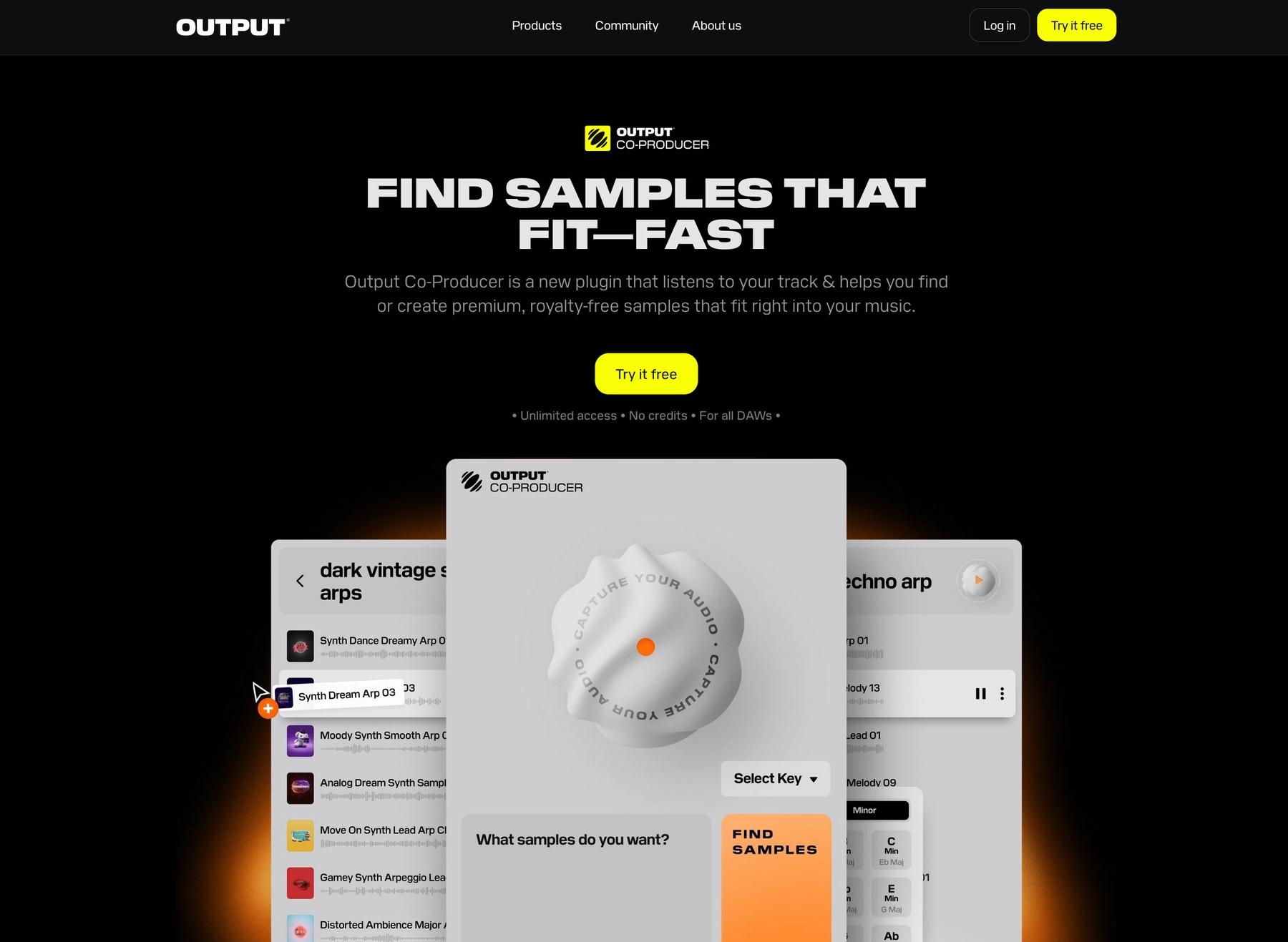
To speed up your workflow even more, we built Co-Producer. This AI-powered tool analyzes the audio in your Cubase session and suggests perfectly matched sounds from our library, letting you find the right vibe in seconds.
- Analyzes your Cubase tracks to find complementary sounds.
- Finds samples using natural language—just type what you hear in your head.
- Drag and drop suggestions straight onto your Cubase timeline.
- Works hand-in-hand with Arcade for deeper sound design.
Output Price
We keep our pricing straightforward so you can get right to work. You can subscribe to Arcade on its own for $12.99 per month, giving you full access to our entire library of sounds and instruments.
But the best value is our Output One subscription. For just $14.99 a month, you get Arcade, Co-Producer, and our complete suite of FX plugins—including Portal, Thermal, and Movement. It’s the whole ecosystem, designed to work together seamlessly in Cubase.
You can explore all of Output's product and pricing to find what works for you.
2) Spitfire
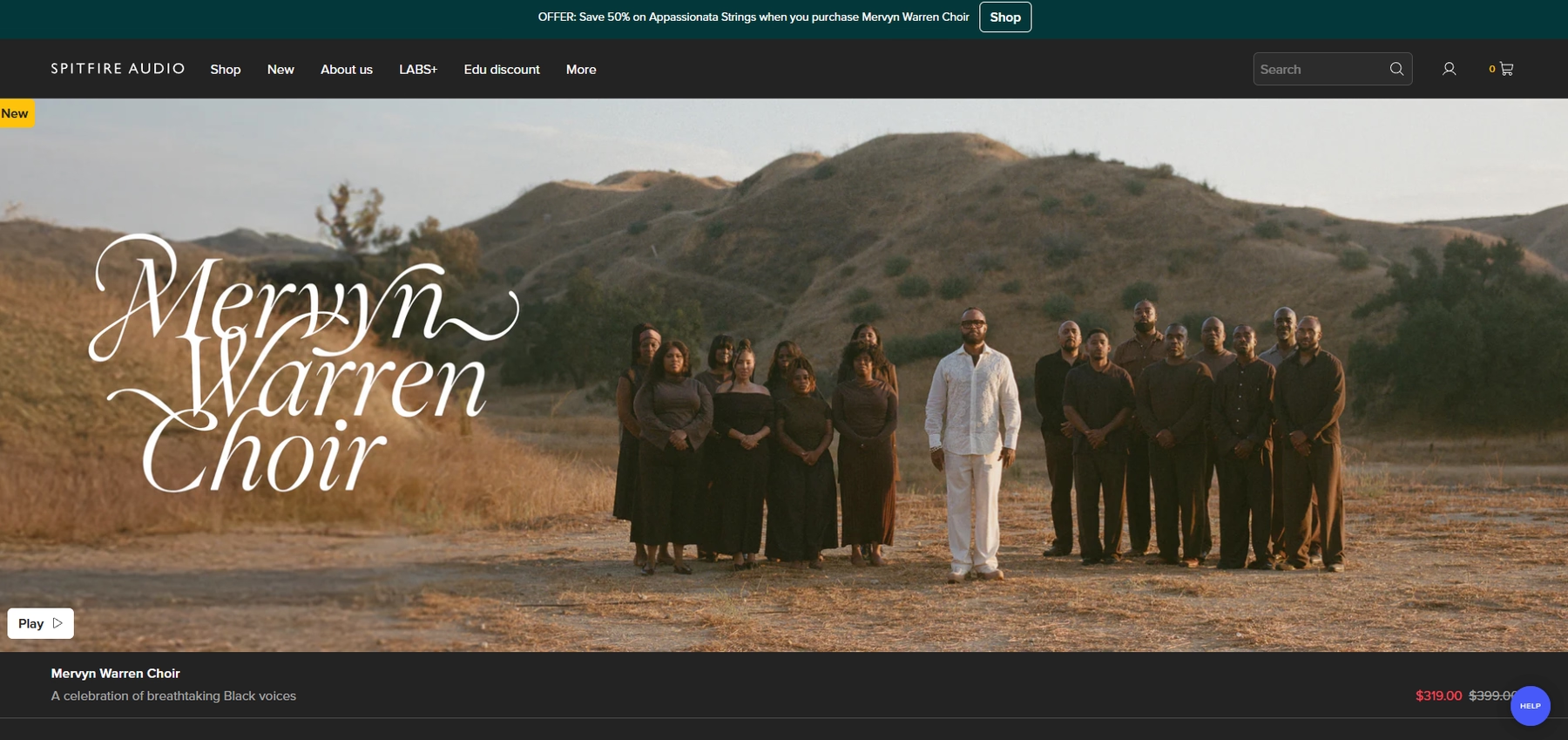
Spitfire Audio provides sample libraries focused on orchestral and cinematic sounds that are compatible with Cubase. Their instruments run as VST plugins, allowing them to be loaded directly into your DAW session.
Spitfire Features
Many Spitfire libraries operate within their own dedicated player or Native Instruments' Kontakt, both of which function as VST3, AU, or AAX plugins inside Cubase. Once a library is installed via the Spitfire Audio App, you can load it onto an instrument track. Cubase’s native tools can then handle time-stretching and key detection for the samples.
- Libraries are installed and managed through the Spitfire Audio App.
- Each library loads as its own instrument plugin within Cubase.
- Be aware that larger libraries demand substantial system resources to avoid performance issues.
Spitfire Price
Spitfire prices its products individually, so your total investment depends on which libraries you select. For example, the Albion ONE collection is priced at £239.00 during a sales event, but costs differ across their catalog.
3) Noiiz (Samplephonics)
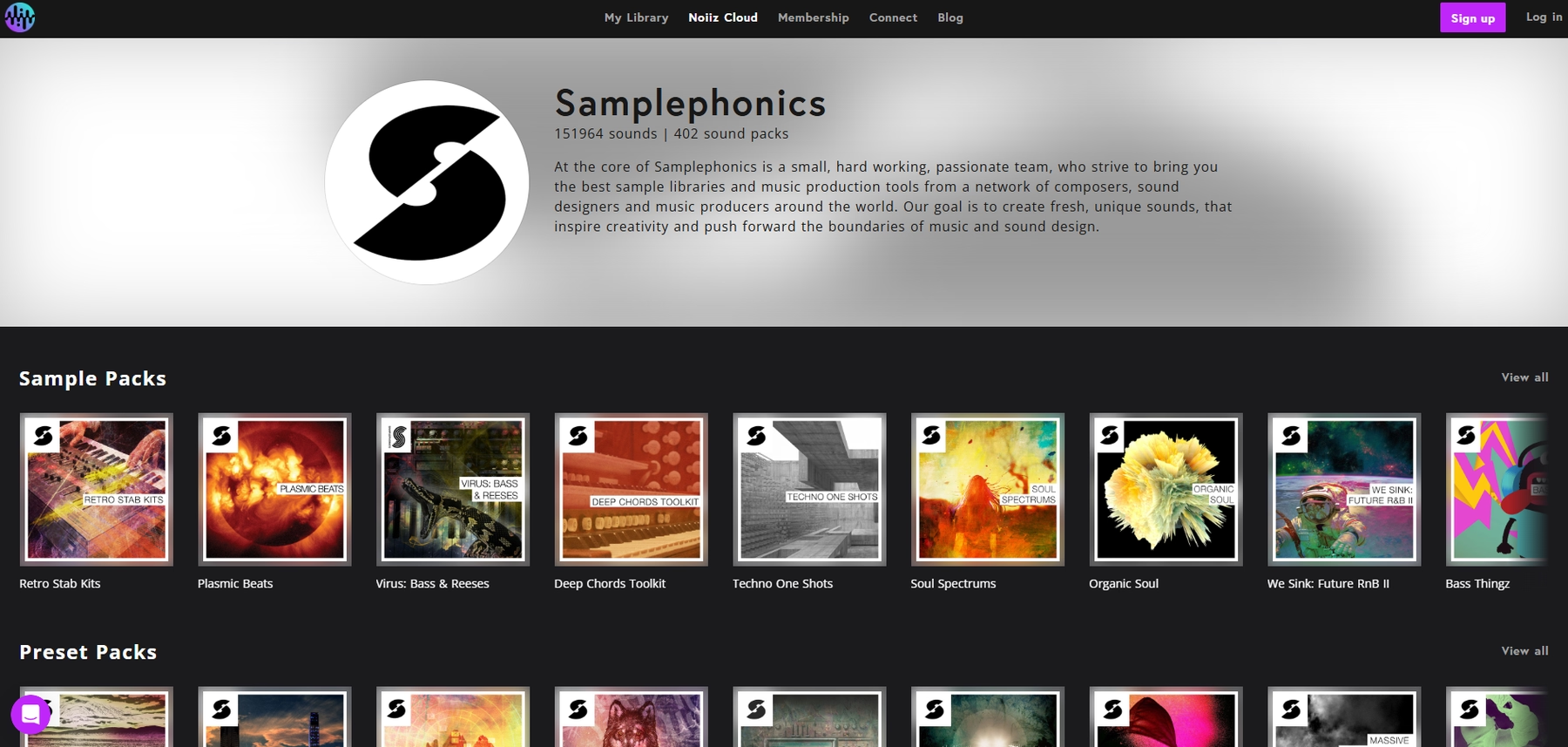
Noiiz, which includes the Samplephonics catalog, is a subscription-based platform offering sample packs in standard audio formats. Since the files are primarily WAVs, they can be imported directly into a Cubase project without a dedicated plugin.
Noiiz (Samplephonics) Features
Noiiz follows a traditional sample pack workflow. Once you download and extract the files, you can use Cubase’s MediaBay to find and audition sounds before dragging them into your session. Cubase’s native Musical Mode handles time-stretching and pitch-shifting to match your project’s tempo and key.
- Download and extract sample packs from the Noiiz site.
- Use the Cubase MediaBay to locate and preview samples.
- Drag and drop sounds onto the timeline or into a sampler track.
Keep in mind that some of the platform's features, like the dedicated Noiiz Plugin, may have compatibility issues with Cubase.
Noiiz (Samplephonics) Price
Noiiz operates on a subscription model with several tiers. It offers a free plan with a limited number of downloads, as well as paid plans that provide unlimited access to its sound library.
4) Native Instruments Expansions
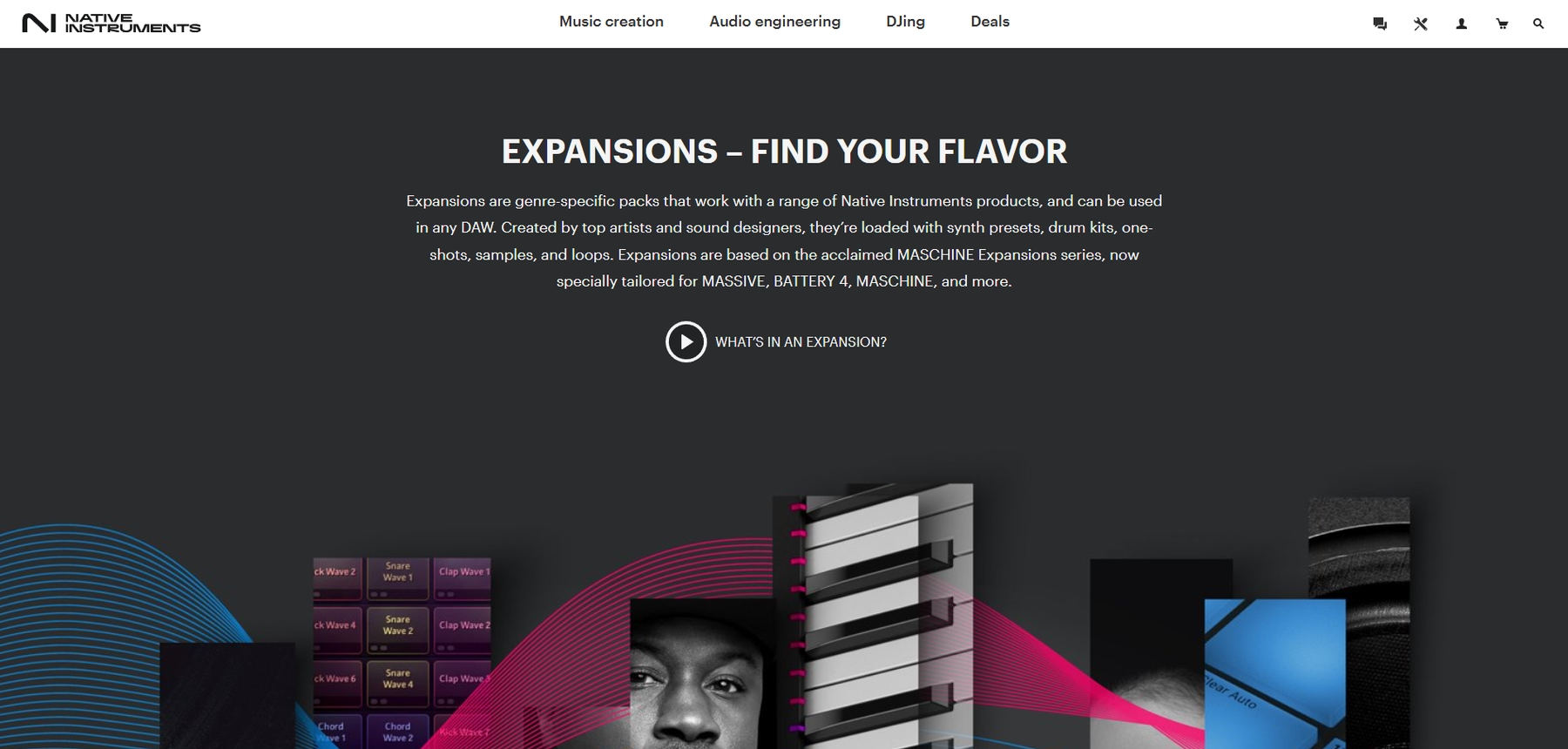
Native Instruments Expansions are genre-specific sample packs that work with Cubase through standard drag-and-drop. Since the content is delivered as WAV files, you can pull them directly into your project timeline.
Native Instruments Expansions Features
Using Expansions in Cubase is a straightforward file-browser affair. After installing a pack through Native Access, you navigate to the 'Samples' folder on your hard drive and drag the audio files into your session. Cubase’s built-in tools will handle time-stretching and pitch-shifting to fit your project.
- Install the Expansion via Native Access.
- Locate the 'Samples' folder on your computer.
- Drag and drop WAV files into a Cubase audio track.
Just be aware that some content, like instrument presets, will only work if you own the corresponding Native Instruments software.
Native Instruments Expansions Price
Native Instruments sells each Expansion individually, so the cost depends on which packs you choose. Prices vary across their catalog.
5) Wave Alchemy
Wave Alchemy provides sample packs in standard audio formats like WAV, AIFF, and REX2. Since they don't rely on a proprietary player, the files can be dropped directly into a Cubase session.
Wave Alchemy Features
Using Wave Alchemy packs in Cubase involves a standard file-management workflow. After downloading a pack, you can use Cubase’s MediaBay to locate and audition sounds before dragging them onto the timeline or into a sampler track. Cubase’s native tools handle time-stretching and pitch-shifting to match your project.
- Download and extract the sample pack to a folder on your drive.
- Use the Cubase MediaBay to browse and audition the audio files.
- Drag your chosen samples into your project.
Be sure the sample rate of the files matches your Cubase project settings to avoid playback issues.
Wave Alchemy Price
Wave Alchemy sells its sample packs individually, and prices vary from one product to the next. Bundles that group multiple packs together are also available for purchase.
6) Soundiron

Soundiron offers a wide range of sample libraries, from orchestral instruments to niche cubase drum samples, many built for Native Instruments' Kontakt player. Since Kontakt runs as a VST plugin, you can load Soundiron's instruments directly into an instrument track in Cubase.
Soundiron Features
The workflow for using Soundiron libraries in Cubase is standard for Kontakt-based instruments. You'll manage installation and then load the library within the Kontakt VST plugin on a Cubase instrument track. From there, Cubase’s native tools can handle MIDI programming and audio routing.
- Install the library and ensure Kontakt is up to date.
- Load Kontakt as a VST instrument in Cubase.
- Browse and load the Soundiron instrument from within the Kontakt player.
Soundiron Price
Soundiron sells its libraries individually, and some require the full version of Kontakt, which is a separate purchase. Prices vary by product, so you'll need to check their website for specific costs.
How to Pick the Right Samples and Loops for Cubase
Picking the right sounds for Cubase boils down to how they fit your workflow, not just how they sound in a demo.
- Workflow Integration: How does the platform plug into Cubase? While dragging WAVs into the timeline works, it’s a file-management headache. Since Cubase is built around VSTs, a tool that runs as an instrument plugin—like our own Arcade—is far more seamless. It keeps you in the zone instead of digging through folders in the MediaBay.
- Sound Manipulation: How easily can you make a sound your own? Cubase’s Sampler Track is great for deep editing, but platforms with built-in effects and macro controls give you immediate, playable control. It’s the difference between surgical sound design and hands-on performance.
- Compatibility: Does it support the VST3 standard? And more importantly, what’s the performance hit? Large, sample-heavy instruments can tax your system, so check the requirements to ensure your sessions run smoothly without constant freezing.
- Content Curation: Is the library a static data dump or a living ecosystem? A service that delivers a constant stream of well-organized, usable sounds is more valuable than a massive hard drive you have to sift through every time you need inspiration.
How to Add Samples to Cubase
Getting new sounds into Cubase is straightforward, but your method will change depending on the source. Here’s a quick breakdown of the main workflows.
- Using a VST Plugin: Say you're using an instrument like our own Arcade. The process is designed to keep you in the zone. Just load the plugin onto an Instrument Track in Cubase. From there, you can play sounds directly with a MIDI controller or drag the audio from Arcade’s interface right onto your timeline. No folder-diving needed.
- Using Audio Files: If you're working with loose WAVs, use Cubase’s built-in MediaBay to find and preview your sounds. Once you find one you like, drag it onto an audio track. For more hands-on control, drop it into the Sampler Track to instantly turn it into a playable instrument you can tweak and perform.
Test-Drive Output in Cubase and Hear the Difference
While any of the platforms on this list can deliver solid sounds for your Cubase projects, we designed Output's tools to feel like they belong there. Our ecosystem plugs directly into your workflow, so you spend less time managing files and more time making tracks.
Try Output today and hear how our tools can streamline your process.
With Output One, you get the full suite—Arcade, engines, FX, and Co-Producer—integrated in Cubase. Spend less time searching and more time recording with key- and tempo-aware picks.
Try Output One for free
Get Output announcements, tips, inspiration, and more sent to your inbox.